Perfect Venue, Zoho Backstage, Cvent Event Diagramming, and Google Forms are among the strongest free event management software options, each solving a different piece of the job: full venue workflow, small conference registration, floor plan diagramming, and basic RSVP forms, respectively.
No single free tool covers everything a Venue Manager needs, so the right pick depends on whether you're replacing your entire process or just filling one gap.
Below, we cover eight tools: some with a free tier forever, some with a generous free trial, and a couple that are simply the cheapest path to a working setup.
This list is for restaurants, hotels, breweries, caterers, and unique venues, plus a few picks for complex events with bigger teams.
TL;DR
- Free event management software ranges from true free-forever plans (Zoho Backstage, Google Forms, Asana's Personal tier) to free trials on paid platforms (Perfect Venue, Cvent Event Diagramming).
- Most free tiers cap attendee counts, team seats, or the number of active events. Read the fine print before you build a workflow around one.
- For hospitality venues juggling private events, a central hub platform (like Perfect Venue) that connects to your point-of-sale and payment processor usually beats logging into several disconnected tools.
What Is Event Management Software?
Event management software gives venue managers and event teams the tools to plan, sell, and run events without a dozen disconnected apps. That means an events calendar, proposal and document tools, payment processing, and some way to keep attendee communication in one thread instead of scattered across email.
The best event management software platforms cover the entire event lifecycle: the first inquiry, the proposal back-and-forth, the deposit, and the event day itself.
Free versions won't always give you every one of those pieces, but they're a solid way to see whether a platform fits your workflow before you pay for anything.

Free Event Management Software at a Glance
8 Free (and Free-Trial) Event Management Software Options
The eight platforms below cover very different jobs, from full venue management to a single-purpose tool like floor plan diagramming. We reviewed each one for what its free tier or trial actually includes, then flagged where it falls short so you're not caught off guard.
1. Perfect Venue
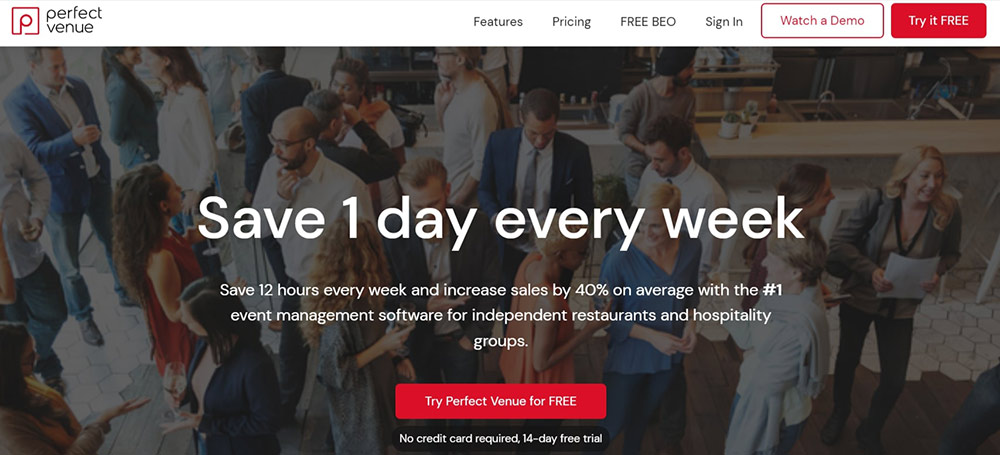
Top of our list is Perfect Venue, an all-in-one platform built for restaurants, wineries, breweries, and other unique venues that host private events. It isn't free forever, but it does offer a free trial with no credit card required, so you can test the real product before paying anything.
With Perfect Venue, you get all the essential features you need, including a CRM, proposals, free BEO templates, and payment processing. Besides those, you can also list your venue on Perfect Venue’s marketplace, where you can get it in front of people interested in hiring event space.
Event managers can automatically generate detailed insights into their event performance in real time. And with a wide range of software integrations, it's easy to fit Perfect Venue into your existing workflow. Connect your Google Calendar, HubSpot, QuickBooks, OpenTable, and Tock, to name a few.
From a user perspective, the interface is modern and easy to use. If you get stuck on anything, there is email support and a help center with tutorials to guide you.
Main Features
- Central events calendar and guest portal
- Digital proposals and auto-generated event documents
- Unlimited users at each location
- Built-in payment processing
- Free trial, no card required
2. Cvent Event Diagramming (formerly Social Tables)
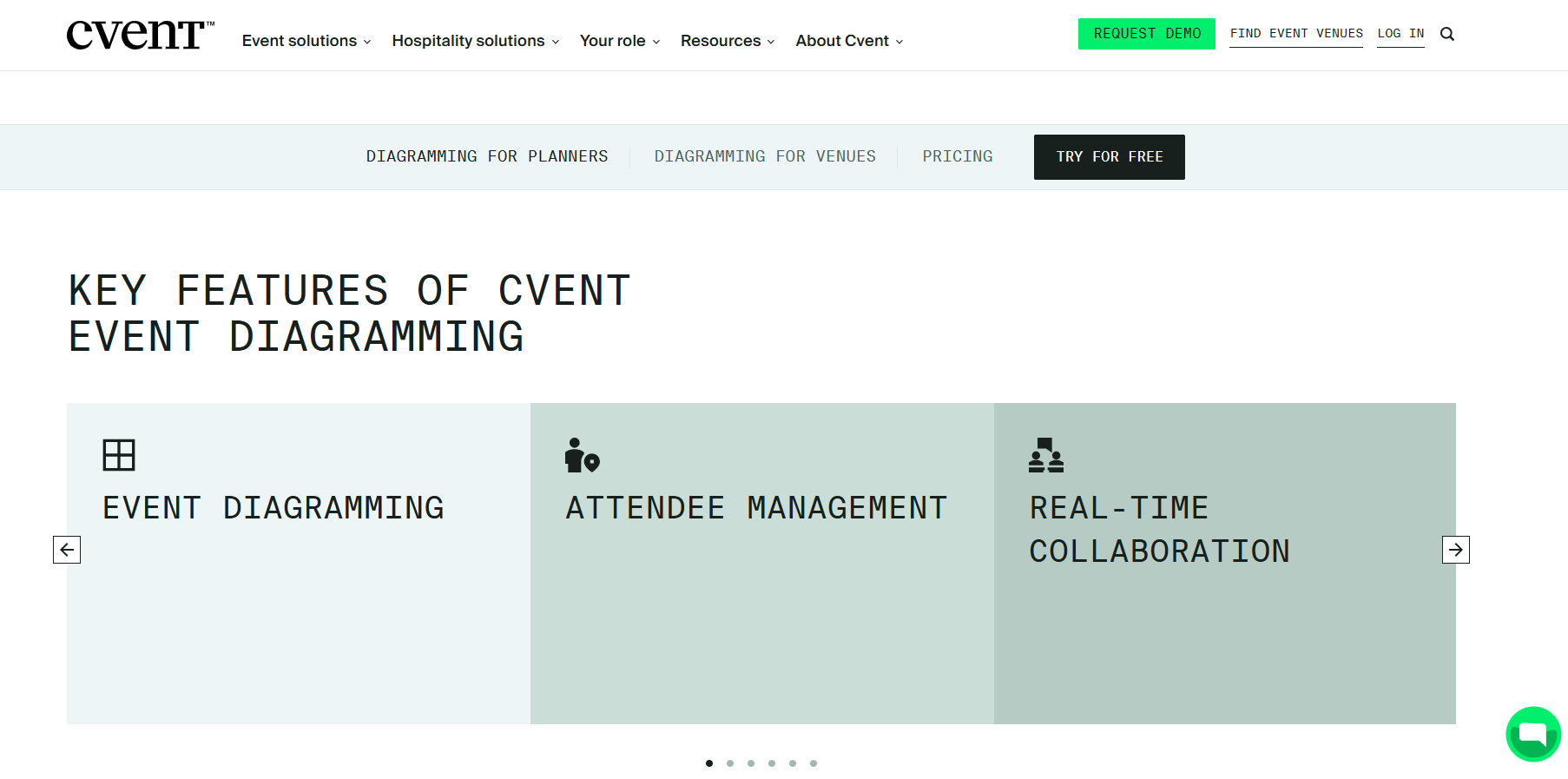
This tool from Cvent focuses on floor plans and seating diagrams for venues and planners working together on the same layout.
Real-time collaboration is the core of it. Invite planners, catering managers, or anyone else who needs eyes on the layout, and updates show up instantly for everyone in the room.
Diagrams themselves come together fast, since prompts walk you through your intended setup instead of starting from a blank canvas. CventIQ™ adds a shortcut for BEOs specifically. Drag your BEO into the tool and it pulls the relevant details out automatically, so nobody's retyping table counts and room specs by hand.
A catalog management feature also keeps a running record of what furniture, AV, and other event objects your venue actually has on hand, which makes collaborating with outside planners more accurate.
The free plan covers one user, three active events, two diagrams per event, and attendee lists up to 150 guests, and it doesn't ask for a credit card to sign up. That's enough to test the tool on a real event before deciding whether a paid tier is worth it. Standard starts at $49 a month for 15 events and core diagramming features, Pro runs $150 a month for 50 events and advanced diagramming, and Premium is $320 a month for unlimited events and attendees.
Main Features
- Real-time collaboration with planners and stakeholders
- Prompt-guided diagram creation
- CventIQ™ auto-fill from an uploaded BEO
- Catalog management for venue inventory
3. Zoho Backstage
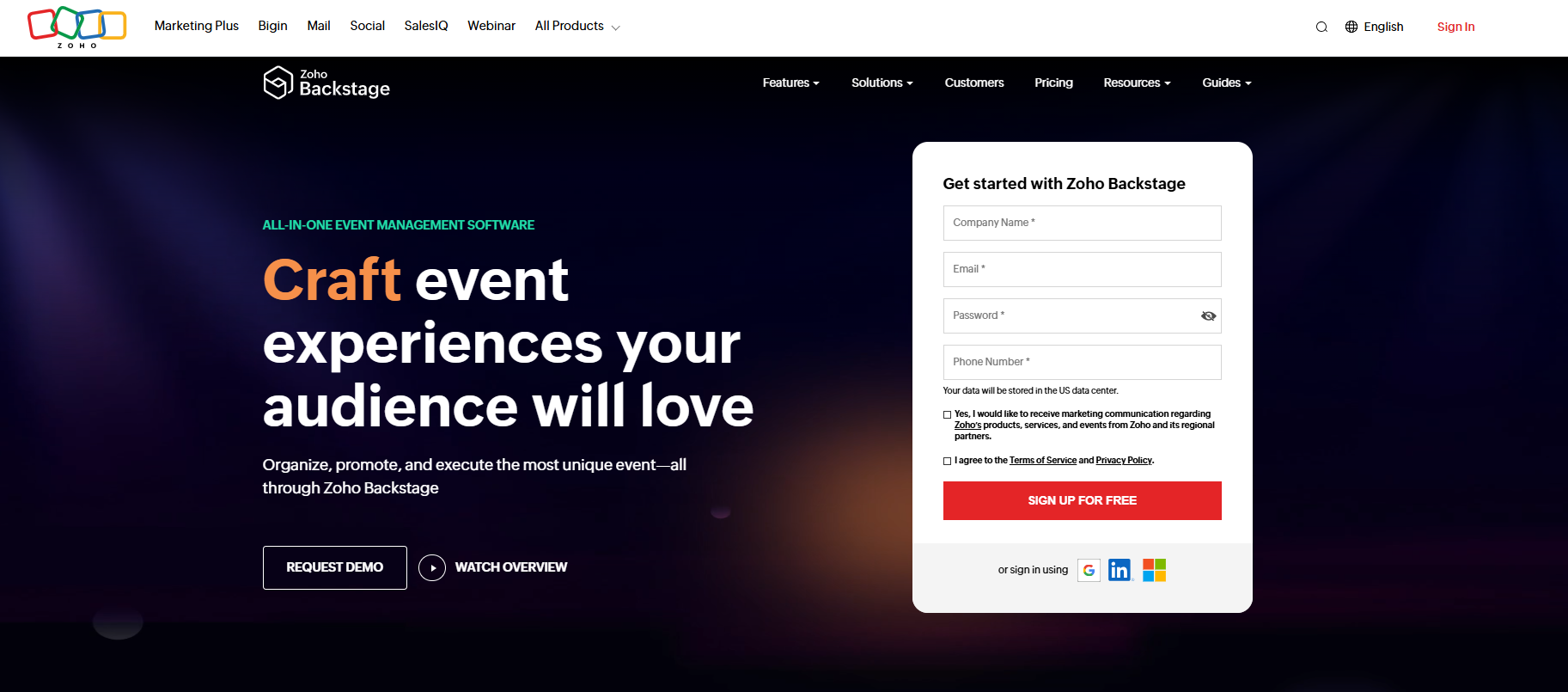
Zoho Backstage builds an event website, handles registration, and adds session and speaker management, making it a solid free option for small conferences and nonprofit events. It also includes a webcasting module for virtual event platforms, so hybrid setups aren't an afterthought.
The free plan runs unlimited events with up to 100 attendees and 300 RSVP invites per event, at no cost. Each event can run up to 3 sessions, capped at 45 minutes per session, with up to 3 speakers.
You also get a drag-and-drop website builder, check-in and badging, basic event analytics, and mobile apps for organizers and attendees.
Once you need more attendees or sessions per event, Essentials starts around $99 a month billed annually (or $299 per single event on the pay-per-event plan).
Where it falls short for venue managers: no central events calendar across multiple events, and no tools for BEOs or proposals. It's built for promoting an event, not running the back-office side of venue management.
Main Features
- Attendee management and mobile registration
- Drag-and-drop event website builder
- Check-in and badging
- Built-in and third-party webcasting
- Basic analytics
4. Odoo
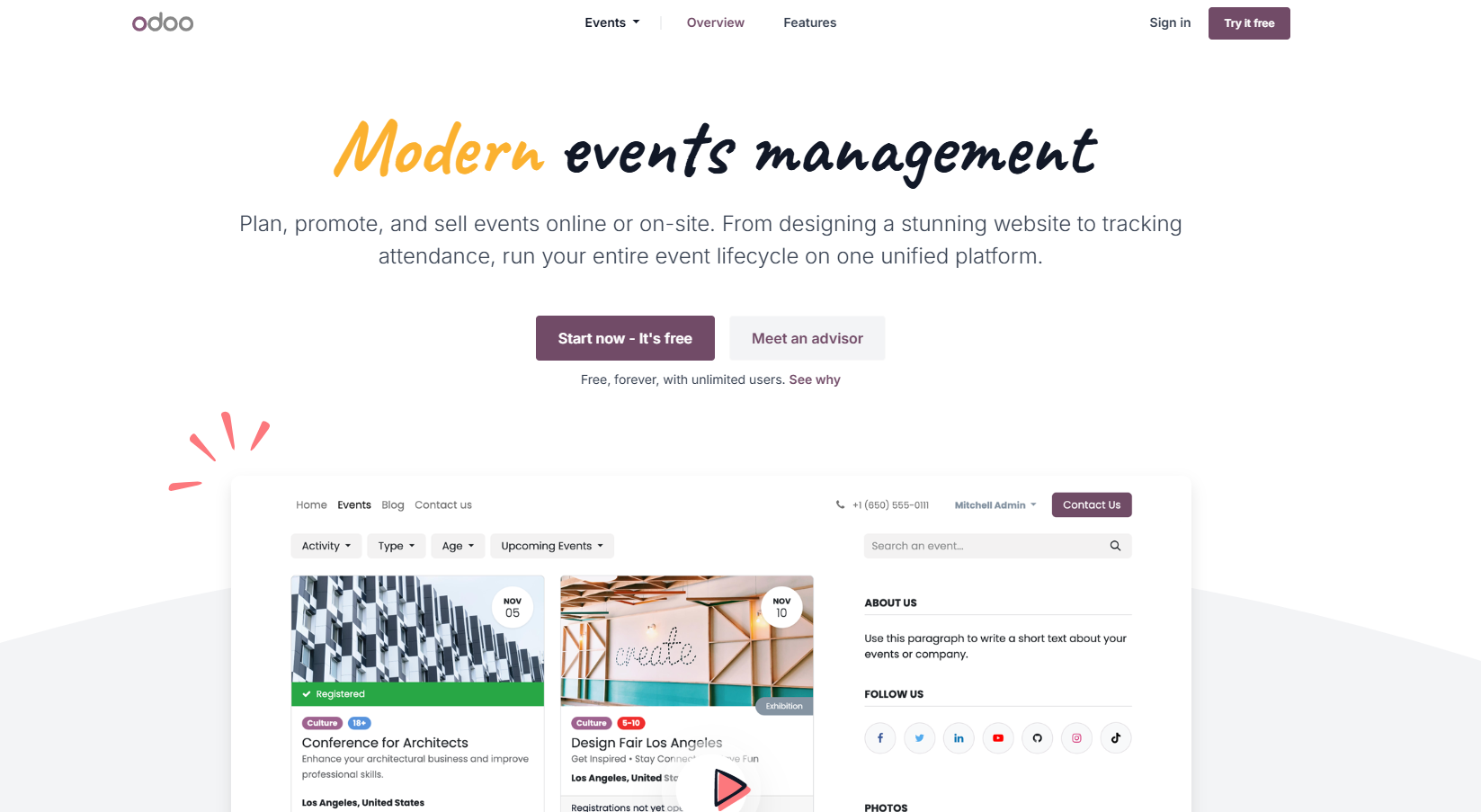
Odoo is open-source business software with dozens of modules, and Events is one of them, built to handle anything from conferences and webinars to festivals and charity events. Odoo's One App Free plan gives you a single app, unlimited users, at no cost, forever, which is a rare structure among free event tools.
The Events app itself covers more ground than most free tools on this list. You can add a speaker proposal form to your event page, run submissions through an approval process, and schedule sessions on a Gantt view, with the agenda publishing automatically to your event website once it's set.
Ticket sales come with real payment processing, tiered pricing for early-bird rates or member perks, and a guest list you manage from the same dashboard. There's also tiered sponsor management (gold, silver, bronze packages), plus Google Analytics and SEO tools built in.
The catch: getting the full version of that feature set (like selling sponsorships online or running SEO through your event page) usually means adding the Website or eCommerce app alongside Events, which pushes you onto a paid plan.
Odoo also takes more technical skill to configure than most platforms here, since you're setting up a piece of an ERP system rather than a dedicated event tool.
Once it's running, you can handle multiple recurring events from one calendar, but it's still missing the custom proposals and event documents venue managers rely on day to day.
Main Features
- Speaker proposal forms and Gantt-view scheduling
- Online ticket sales with tiered pricing
- Sponsor management and sponsorship sales
- Google Analytics and SEO integration
5. Asana
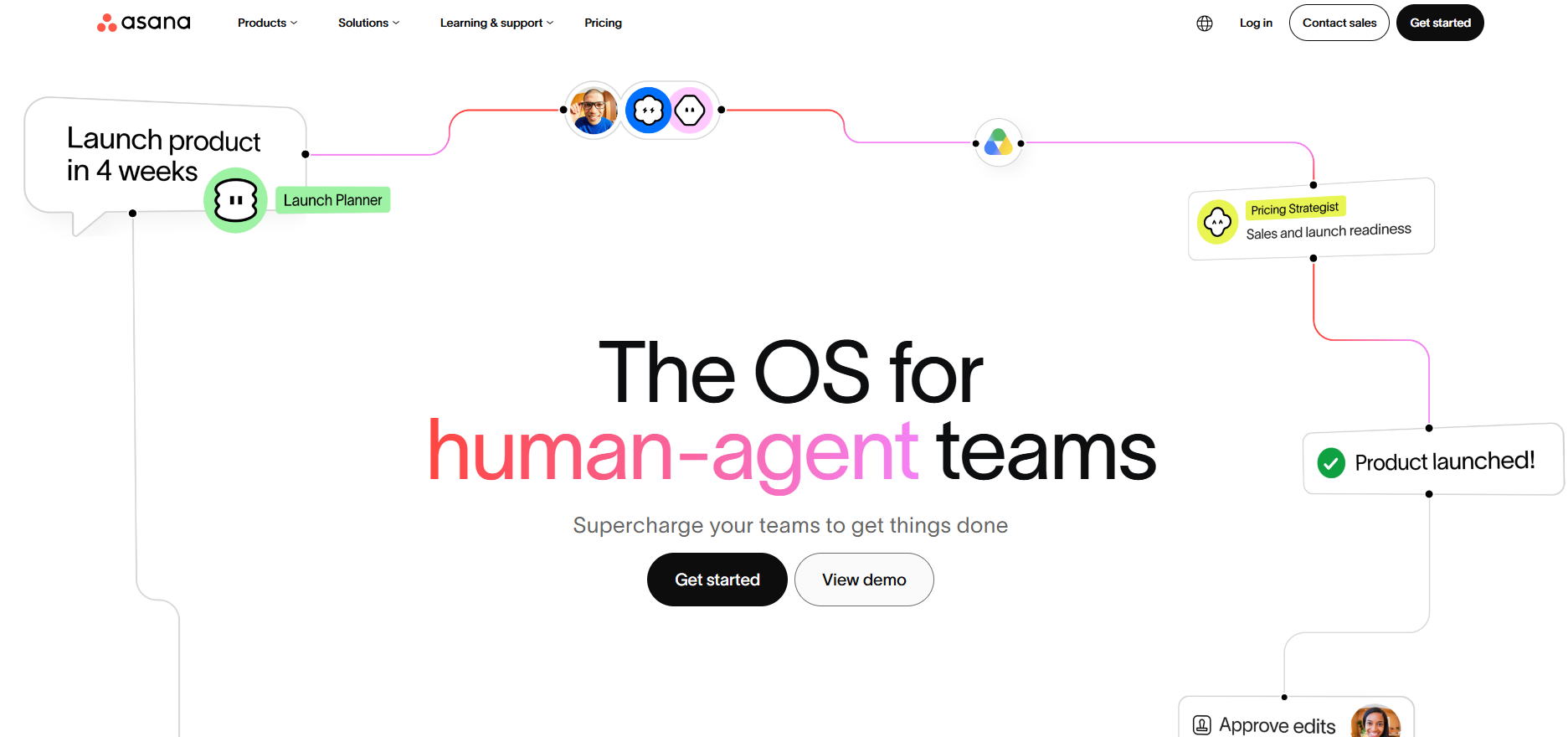
Asana isn't event management software. It's a general project management tool. So it won't give you custom proposals, invoicing, floor plans, or catering features. But its free Personal plan is a good way to keep event teams aligned on tasks and deadlines alongside whatever dedicated event tool you're using.
The free plan covers two users with unlimited tasks and projects across list, board, and calendar views.
Bigger hospitality groups with multiple locations to manage may find Asana handy, as you can set up unlimited tasks for an unlimited number of events. There’s also an activity log, and you can assign tasks and due dates to help track who’s doing what.
A calendar view helps your team keep sight of what’s coming up in the pipeline and have a complete event overview. IOS and Android apps are available, along with integrations with the third-party apps you already use.
Main Features
- Task management with due dates
- List, board, and calendar views
- Mobile apps for iOS and Android
- 200+ integrations
6. MeetingHand
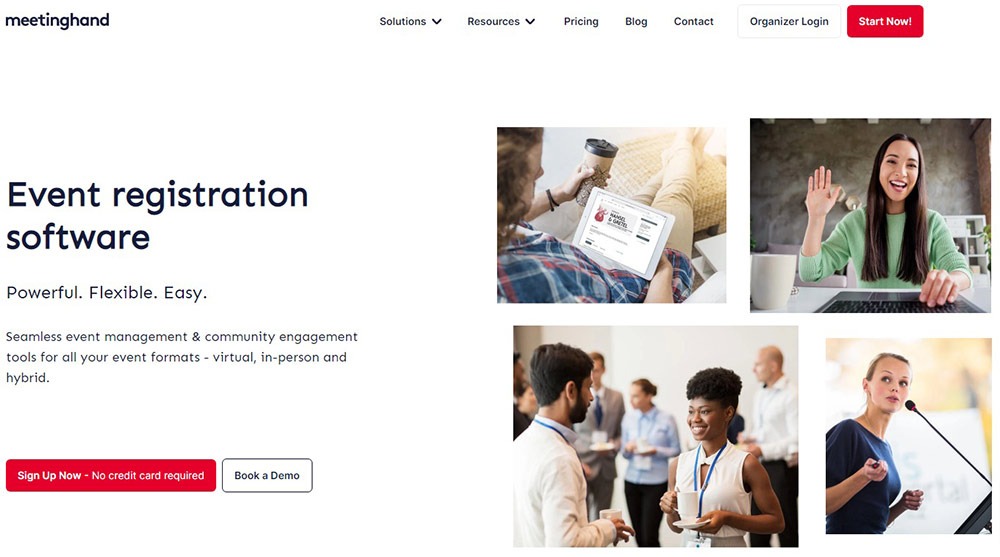
MeetingHand focuses mainly on event registration for virtual and hybrid conferences and academic events. Customizable registration forms handle sign-ups, and a full abstract management workflow covers submission, review, evaluation, and exporting the program or proceedings once it's finalized.
You also get a branded event website, event marketing tools to expand your reach and drive registrations, virtual conference hosting with networking and streaming, and QR code check-in for event day.
It's free up to a point: new accounts get up to 25 registrations or abstracts at no cost, with no credit card required and no cancellation fees. Past that, it switches to pay-as-you-go at $4.90 per registration or abstract, or you can prepay for a discounted block: $990 for up to 250 registrations, or $3,490 for up to 1,000.
That structure works well for a one-off conference but adds up fast for ongoing, recurring events.
Main Features
- Customizable event registration forms
- Abstract submission, review, and export
- Branded event website and marketing tools
- Virtual conferences
- QR code check-in
7. Eventbrite
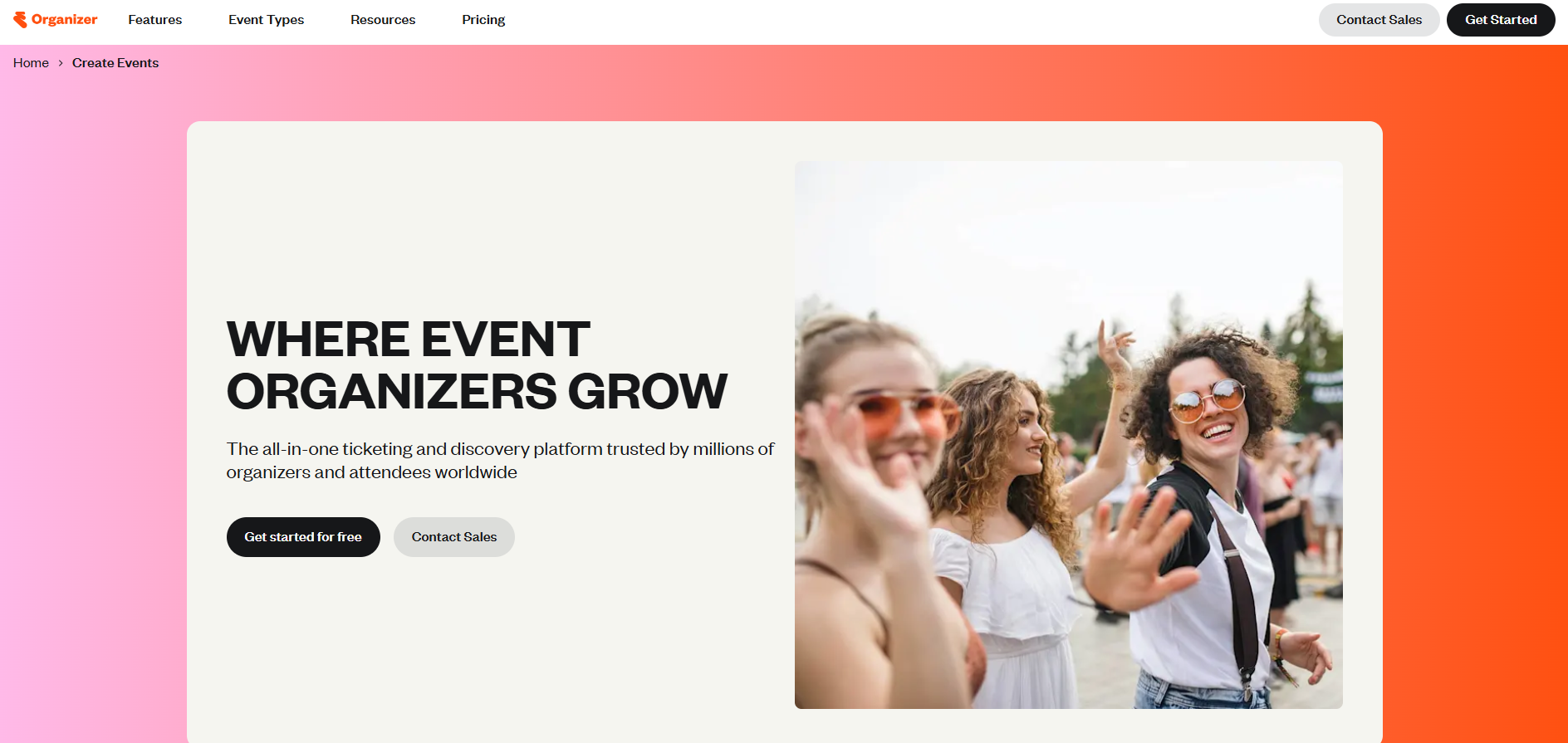
Eventbrite is built for selling tickets and getting a public event in front of new people, which makes it a fit for restaurants running ticketed tastings, pop-ups, or community dinners. It’s also one of Perfect Venue's own integration partners, so the two can work together for a comprehensive events solution.
Eventbrite's core strength is discovery. Its marketplace matches attendees to events based on their interests and location, and Eventbrite Ads pushes your listing further across the site's homepage, search results, and related-event recommendations.
On the organizer side, the mobile Organizer App handles check-in and at-the-door ticket sales, real-time reporting shows where your sales are actually coming from, and automated email and social marketing tools help fill remaining seats.
Publishing is free as long as your event is free. Once you sell tickets, Eventbrite charges a 3.7% plus $1.79 service fee per ticket, plus a 2.9% payment processing fee per order, though payment processing itself is built in and payouts can be scheduled to land before your event takes place.
Main Features
- Custom registration forms and ticketing
- Public event discovery listing
- Waitlists and capacity management
- Email and social promotion tools
8. Google Forms
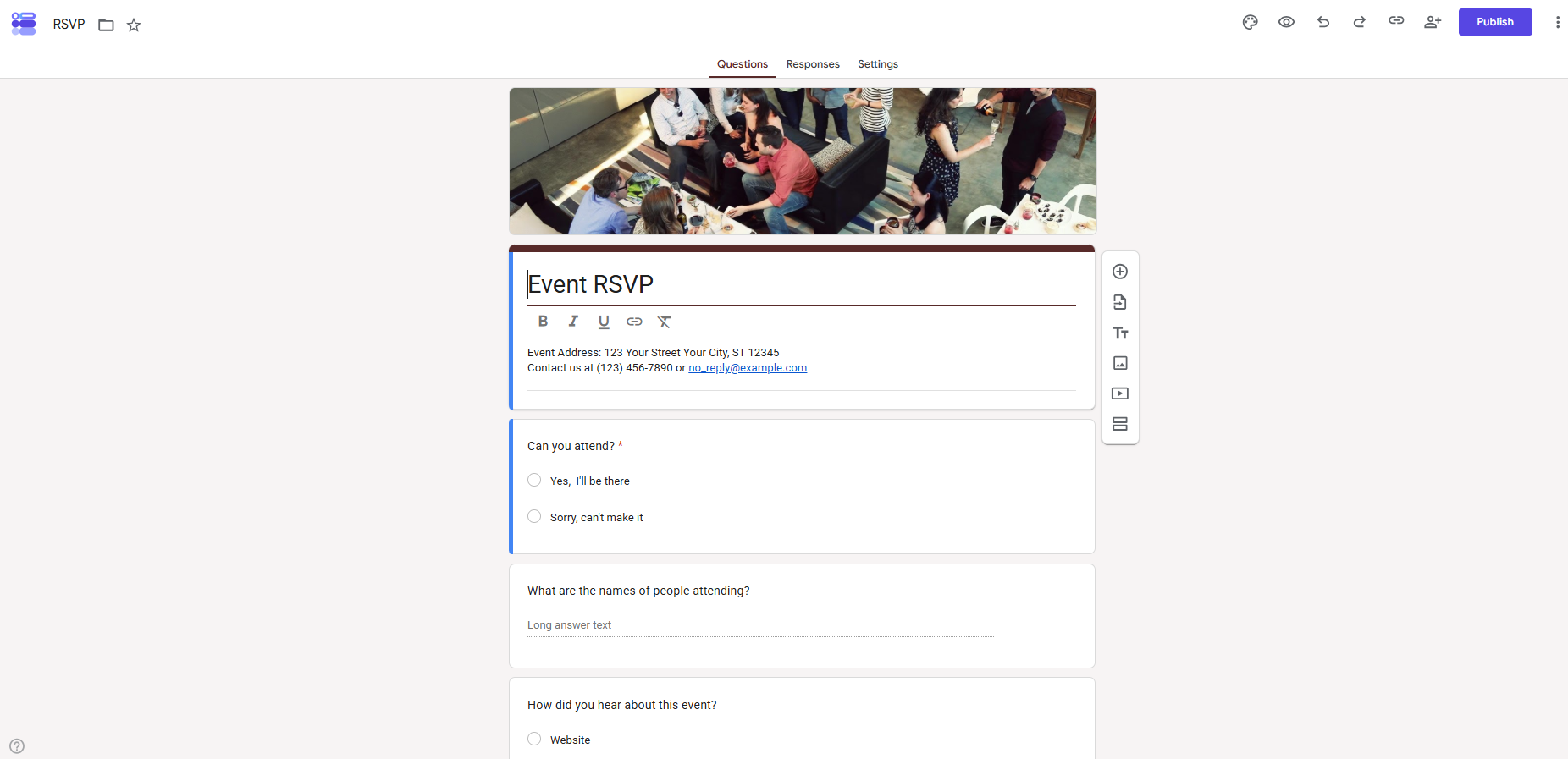
Sometimes you don't need a platform at all, just registration tools that work. Google Forms is part of Google Workspace and free to anyone with a Google account.
For events, that means custom registration forms, RSVP collection, and guest details exported straight to Google Sheets.
Some venues also use it for post-event feedback. It's secure, quick to set up, and free forever, but it lacks check-in, ticketing, or any of the proposal and payment tools built into a purpose-made platform. It's best suited to small, no-frills events that just need a form, not a full workflow.
Main Features
- Custom registration and RSVP forms
- Direct export to Google Sheets
- Free with any Google account
- Simple branding and customization
How to Choose the Right Event Management Software
The free event management software solutions we’ve listed above cover a wide scope of features, functions, and even industries.
While they are all designed to streamline events and event management processes, they are also very different from each other. So, how do you choose the right solution to make sure your future events run smoothly?
Here's what to weigh before you pick one.

Task Management and Automation
Running an event involves plenty of repetitive work: sending reminder emails, updating proposals, filling out the same form twice.
Look for event software that automates those tasks rather than one that just gives you a checklist to work through by hand.
Registration Tools and Attendee Communication
Whether you're managing a wedding inquiry or a nonprofit gala, you need registration tools that collect the right information the first time and keep attendee communication in one place instead of scattered across email threads. This matters even more for complex events with multiple sessions or ticket types.
Reporting and Attendance Tracking
The best event analytics tools store your data and turn it into something you can act on:
- which inquiries converted
- which packages sell
- how your event attendance trends over a season
That's the kind of insight that helps you plan next year's event management budget, not just this month's calendar.
Integrations
A platform that doesn't sync up to the rest of your stack just adds another login to check. Before you commit, confirm it connects to the software you already rely on, whether that's your reservation system, your payment processor, or your inventory management tool.
Free vs Paid Tools
Free tools are a smart way to start, but the event business you're planning around isn't standing still. According to the Events Industry Council, business events generated $1.3 trillion in direct spending in 2025 alone, and the National Restaurant Association points to private events and catering as a real growth lever for operators diversifying beyond the dining room.
If that demand shows up at your venue, a free tier capped at a handful of events or a fixed attendee count runs out fast.
That's where paying for a platform is honestly worth it. A tool that covers the whole workflow (proposals, payments, reporting, and the reservation and payment systems you already use) saves more staff time than a free tier costs, and it scales with you instead of forcing a switch mid-season once you outgrow it.
Free plans are worth testing first. Just budget for the upgrade once inquiries pick up, rather than migrating everything under pressure later.

Final Thoughts on Free Event Management Tools
The right event management systems change how you run events, whether that's a private dining buyout, a wedding, or a nonprofit gala. There's a free or free-trial option here for nearly every use case, so it's worth testing a couple before you commit to one.
If you run a restaurant, brewery, or unique venue and you're tired of managing inquiries across email and spreadsheets, try Perfect Venue for free. It handles the inquiry-to-proposal workflow end to end, sends professional digital proposals in a few clicks, and puts follow-up reminders on autopilot so nothing slips through the cracks. No credit card required to start!
Frequently Asked Questions
What is the best free software for event planning?
It depends on the job. Zoho Backstage suits small conferences and nonprofit events, and Google Forms works for basic registration. For venues managing private events end-to-end, Perfect Venue's free trial is the better test drive, since most free tiers above leave out proposals, BEOs, and payment processing.
What are the limitations of free event management software?
Most free tiers cap something: attendee counts, active events, team seats, or data retention. Many also reserve automation, custom branding, or detailed reporting for paid plans.
Is there an app for event management?
Yes. Most platforms here, including Perfect Venue, offer mobile apps or mobile-friendly dashboards so you can manage bookings and respond to inquiries from your phone on event day.
Which software is commonly used for event management?
Cvent and Eventbrite are among the most recognized names for large conferences and ticketed public events, though Cvent's full platform has no meaningful free tier (its Event Diagramming tool, reviewed above, does). For restaurants, breweries, and unique venues running private events, Perfect Venue is a more purpose-built option.