The best event management software for independent restaurants and venues puts your calendar, proposals, contracts, and payments in one dashboard, without the enterprise price tag or setup time that bigger platforms charge.
In our experience, the right fit comes down to three things: how fast you can send a proposal, how much it costs as you add more events or locations, and whether it connects to the tools you already use.
TL;DR
- Single-location restaurants and venues get the most value from dedicated, lower-cost platforms like Perfect Venue, Planning Pod, or Tripleseat, not general-purpose enterprise suites built for conferences.
- Multi-location groups should prioritize software with per-location pricing, one login across sites, and portfolio-wide reporting, since per-seat platforms get expensive fast as you add locations.
- Monthly pricing for venue-focused platforms ranges from about $29 (HoneyBook's entry tier) to $429 (Total Party Planner's top catering tier), before add-ons or setup fees.
- Card processing rates vary by a full percentage point or more between platforms, which can affect your annual cost more than the subscription price does.
- The event management software market is projected to grow from $18.6 billion in 2026 to $36.8 billion by 2031, a 14.6% compound annual growth rate.
What Is Event Management Software?
Event management software is a tool that centralizes the planning, booking, and running of events (things like your calendar, proposals, contracts, and payments) into one system instead of spreading them across email, spreadsheets, and paper folders.
The category covers a few different kinds of tools depending on who's using them. Ticketing platforms handle registration and paid admission for public events. Enterprise suites manage large conferences with thousands of attendees and a full marketing stack behind them. Then there's software built for the sales and event management process that restaurants, bars, and event spaces run constantly, turning an inquiry into a booked, paid event.

What to Look for in Event Management Software (For Venues)
Event management software overall is projected to grow from $18.6 billion in 2026 to $36.8 billion by 2031, a 14.6% compound annual growth rate, which means more platforms to sort through and a stronger case for picking one that fits now rather than switching twice.
Here’s what to weigh when looking for the right event management tool for your venue:
- A shared calendar and inquiry inbox. Every open date and lead lives in one place, not split across a shared email account and a paper booking book.
- Digital proposals and e-signed contracts. This cuts out the back-and-forth of a PDF sent by email, printed, signed, scanned, and emailed back.
- Integrated payment processing. Deposits and final payments get collected without a separate invoicing tool or a trip to a card reader.
- Reporting and analytics. The event data you're already generating is only useful if the platform makes data analysis easy, ideally with real-time analytics instead of a report you have to piece together yourself. You’ll want insight into which lead sources actually convert and what a slow month looks like next to a busy one.
- Integrations with what you already run. A platform that connects to your point-of-sale, staff scheduling, and calendar tools saves you from re-entering the same booking twice. Square, 7shifts, and Google Calendar are common ones for restaurants.
- Cost that scales with you, not against you. The subscription price is only part of it. Comparing event management software pricing across a few platforms before you commit matters, because processing fees and per-location charges often add more to your annual bill than the subscription line does.
Best Event Management Software: Quick Comparison
Pricing structures differ enough between these event management platforms that a straight monthly number can be misleading on its own, so here's how the starting price for each one compares side by side.
12 Best Event Management Software for Restaurants and Venues in 2026
We looked at 12 platforms that restaurants, bars, and venues actually use day to day for event management. Here's how they stack up and their main features so that you can find the right one for your needs.
1. Perfect Venue
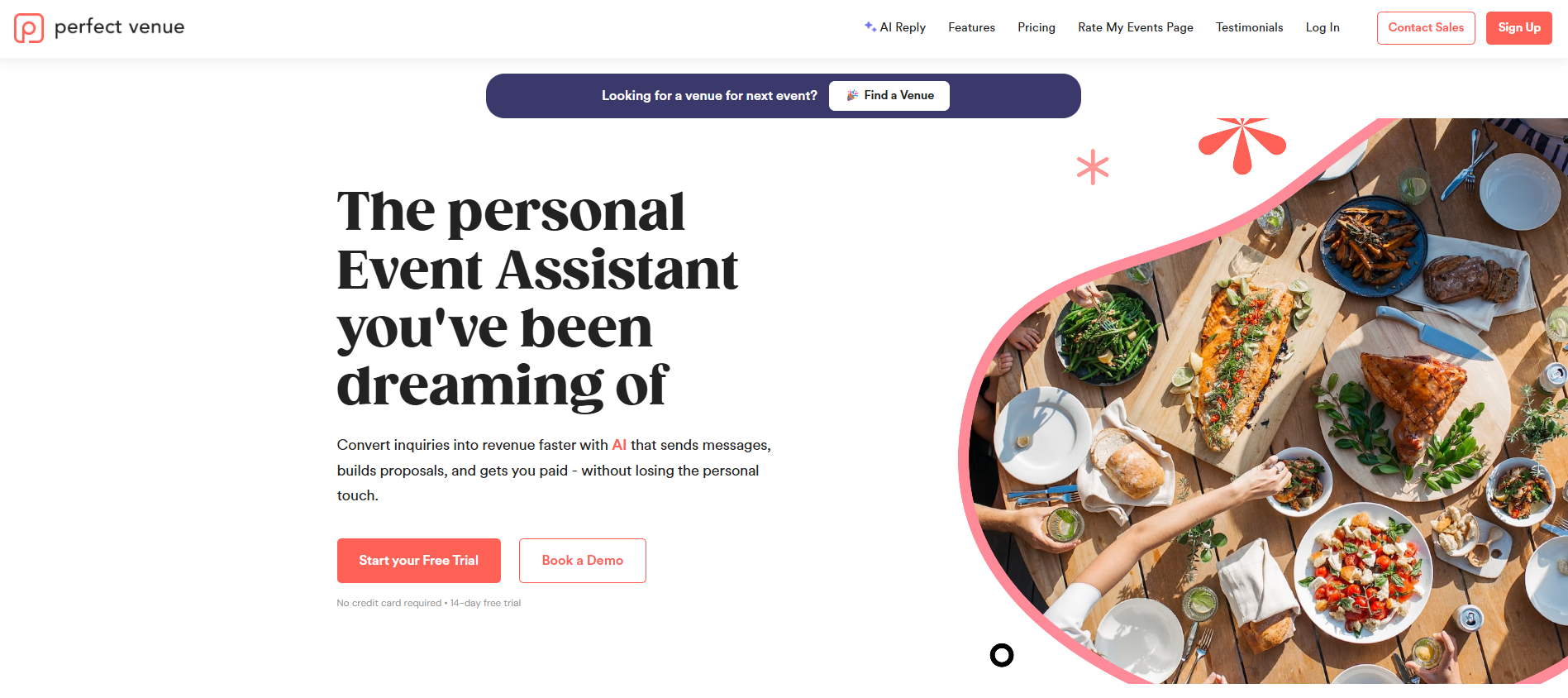
Perfect Venue is event management software designed for independent restaurants, bars, and venues that need one all-in-one dashboard for inquiries, proposals, contracts, payments, and their events calendar, without the setup time or per-seat pricing of an enterprise tool.
We've found the venues that see the fastest payoff are the ones drowning in email inquiries and paper proposals, since that's the exact workflow Perfect Venue replaces first.
For hospitality groups running more than one location, the software adds lower processing fees as your combined volume grows, one login with permissions set per location, shared email templates and automations managed centrally, and reporting that rolls sales, conversion, and rep performance up across the whole portfolio instead of one spreadsheet per site.
Main Features
- Automated proposal and banquet event order (BEO) generation, with a template library that auto-fills client and event details
- Express Book: a guest-facing flow where prospects check date availability, pick menu add-ons, and submit a deposit online without a phone call
- A secure online portal for collecting deposits, final payments, and adjustable gratuity
- Real-time analytics on confirmed versus pipeline revenue, with year-over-year comparisons and goal tracking
- Google Calendar and Gmail sync, plus a mobile web app for managing events on the go
- Multi-location tools: one login with permissions set per location, shared email templates and automations managed centrally, and reporting that rolls sales, conversion, and rep performance up across the whole portfolio
- Free trial and a 30-day money-back guarantee on every plan
Limitations
Perfect Venue is built specifically for restaurants, bars, and venues, so it's not a fit for a large conference or ticketed public event.
Pricing
Monthly, per-location billing starts at $199 a month per location (Professional) and $299 a month per location (Premium), with a custom Enterprise tier for larger groups.
2. Tripleseat
Tripleseat is another all in one platform with more add-on modules available than most venues will necessarily use. The platform dates back to 2008 and expanded in 2020 when it acquired Gather.
The base package covers proposals, booking, and payments, and you can add Direct Book (24/7 self-serve online booking), Floor Plans (2D and 3D diagramming), or a separate Tripleseat Hotels edition built for property management system integration and room blocks.
Main Features
- Direct Book: 24/7 self-serve online booking for events, large reservations, catering, and private dining
- Floor Plans: 2D diagramming and 3D walkthroughs clients can review and collaborate on in real time
- A guest portal where clients review event details, sign, pay, and message the venue in one place
- Branded proposals, contracts, and BEOs with digital signature built in
- An inquiry inbox that pulls every lead from every channel into one queue, plus pipeline dashboards to track leads through to a booked event
- An optional Tripleseat Hotels edition for property management system integration and group room blocks
Limitations
Reviewers describe year-over-year price increases and extra fees for professional services like document updates, plus a steep learning curve some describe as overwhelming during initial setup, and note that notification emails sometimes land in spam.
Pricing
Not published. Tripleseat quotes a custom number based on your volume, location count, add-ons, and use case. You'll need to request a demo to get an actual figure.
See our full Tripleseat Review here.
3. Planning Pod
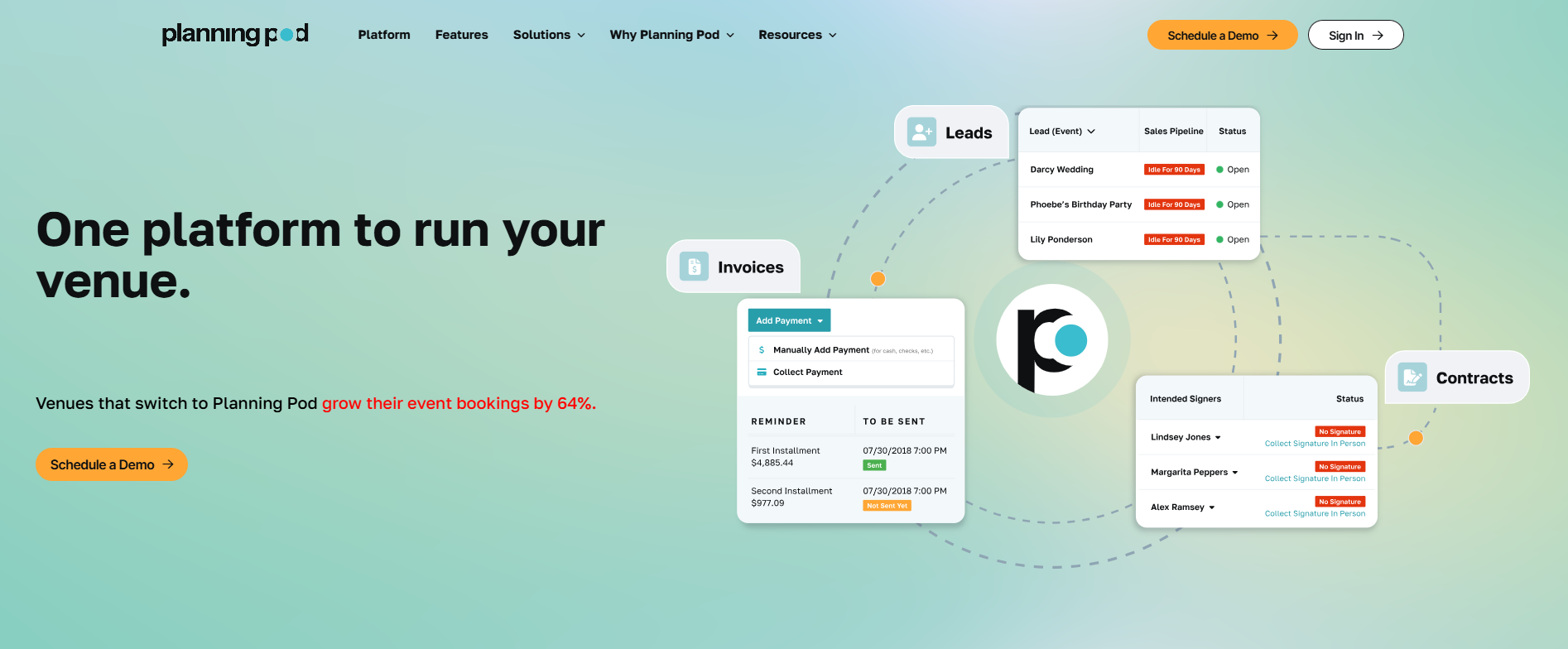
Planning Pod is a broader venue management system for venues that also run banquets, weddings, or club events and want floor plans and reporting bundled with booking.
The platform includes booking calendars, floor plans, banquet event orders, proposals, contracts, integrated payments, and reporting in one system.
Main Features
- Booking calendar, floor plans, food-and-beverage management, and equipment tracking, plus tour scheduling for prospective renters
- Lead intake webforms with pipeline automations
- Proposals and contracts with built-in e-signature, plus banquet event orders for detailed event specs
- A central inbox and branded client portals so guests and staff share one thread per event, plus vision boards for visual planning
- Custom reporting and dashboards for real-time performance
- Event-side tools for timelines, budget tracking, registration and ticketing, branded event webpages, and attendee check-in
- Team productivity tools (task manager, checklists, file sharing, call logging), plus integrations with QuickBooks Online, WeddingWire, and The Knot
Limitations
A handful of recent Planning Pod reviews flag timeout issues, random logouts, and a glitchy calendar, and some reviewers describe customer support as slow to take ownership of problems.
Pricing
Most single-location venues land between $199 and $319 a month, with annual plans also available. You’ll need to contact them for an exact quote, though.
4. HoneyBook
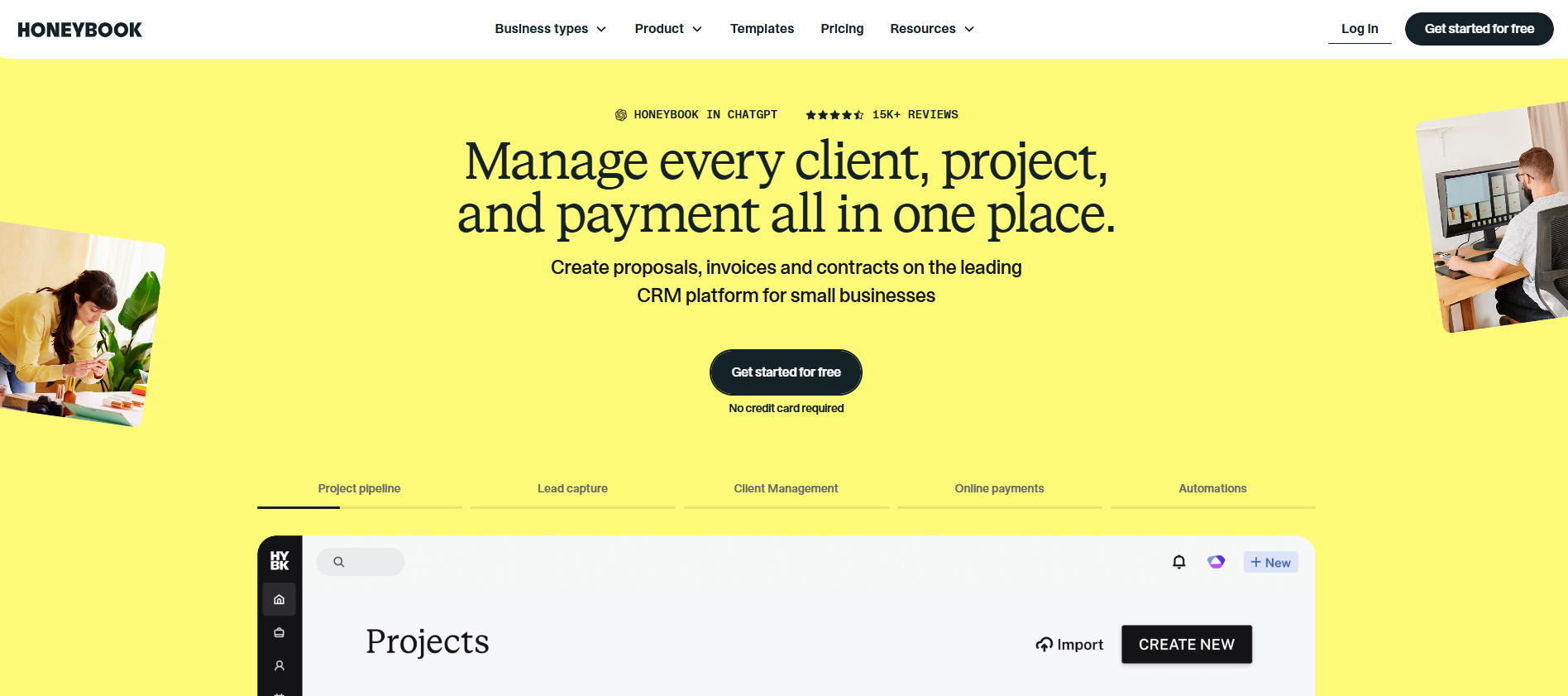
HoneyBook is an AI-powered CRM built for freelancers and small service businesses. It groups its tools into three areas: managing clients (contact and lead management, proposals, scheduling, and contracts), getting paid (invoices, payments, and HoneyBook Finance), and growing the business (AI assistance, phone and SMS, automations, and integrations).
It's built for independent event planners, photographers, and other solo or small-team service providers who manage a client relationship end to end.
Because it isn't purpose-built for events, plan on customizing templates and event workflows to fit an events business, and treat it more as a project management tool for the client relationship than a dedicated venue platform.
Ease of use and payment automation are the most cited strengths among reviewers.
Main Features
- A CRM with lead capture forms and client questionnaires for intake
- Proposals, contracts, and invoices in one client-facing flow, with online payment collection and SMS payment reminders
- Workflow automations and an AI assistant that drafts personalized email replies and meeting-note summaries
- Built-in scheduling with calendar sync, plus phone and SMS messaging inside the platform
- Integrations including QuickBooks Online, Google Calendar, Gmail, Zoom, and Zapier (Essentials tier and up)
Limitations
HoneyBook has no way to export records in bulk, so reviewers describe downloading files one at a time, and the price jumps between tiers are steep relative to what each tier actually adds.
Pricing
Starter runs $29 a month billed yearly, Essentials is $49 a month, and Premium is $109 a month with unlimited team members. Card processing starts at 2.7% plus 10 cents per transaction, and bank transfers run 1.5%. Every plan includes a 30-day free trial with no credit card required.
5. EventPro360
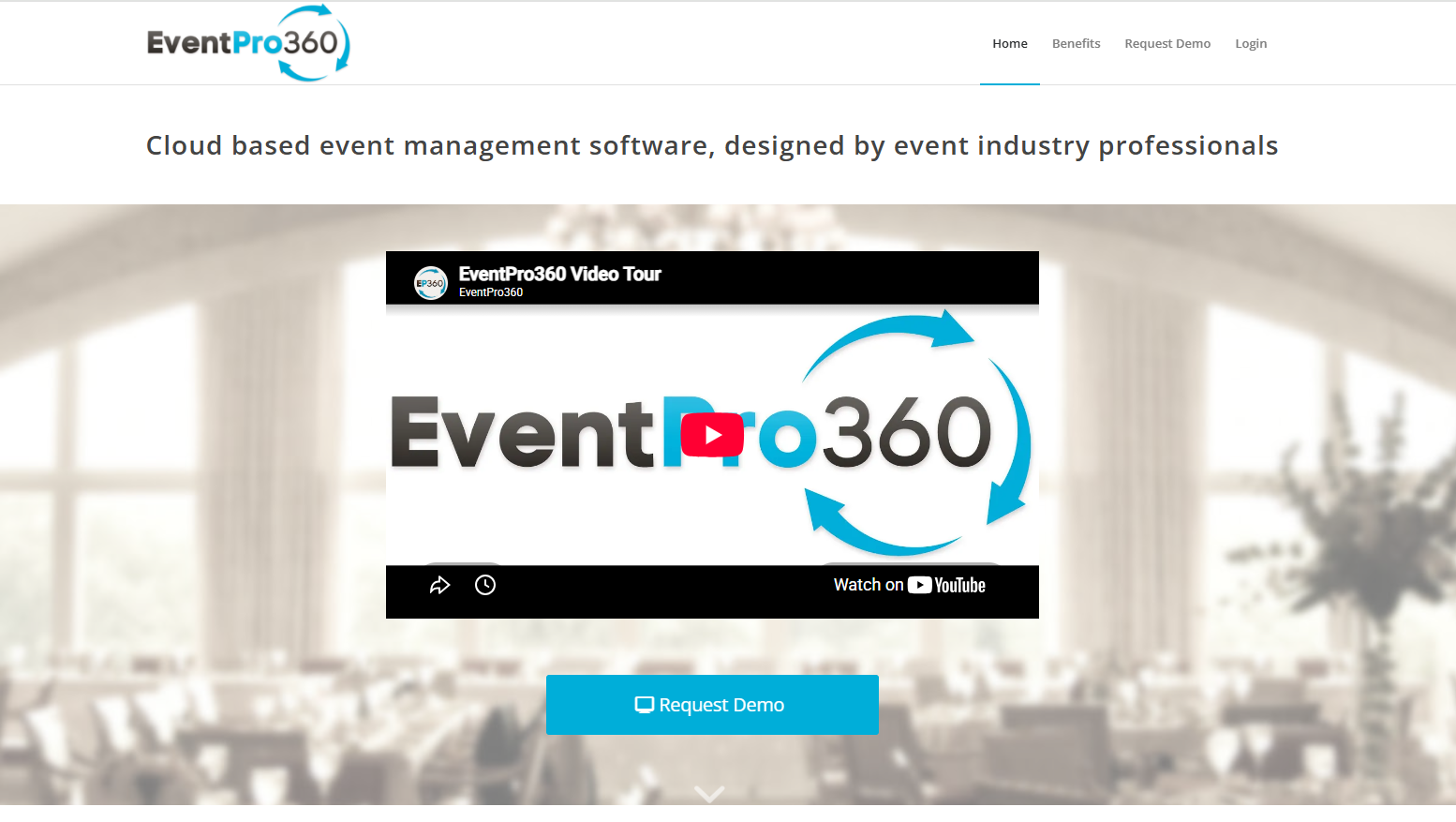
EventPro360 is built for golf clubs, banquet venues, and catering or management companies running recurring events across multiple function spaces, so it's a niche fit outside that world. The platform handles event documents like BEOs and CEOs, contact management, reminders, reporting, and calendar syncing across devices.
Main Features
- Smart document templates for banquet event orders, catering event orders, and golf event orders, plus proposals, contracts, and invoices
- Touch scheduling and flags that remind staff about follow-ups and event updates automatically
- Calendar sync with Outlook, Google Calendar, and mobile calendars, with one-click rebooking for recurring events
- Custom reporting filtered by event type, date range, or activity, with sales and lost-business tracking
- Built-in e-signature, with support for foreUP and Lightspeed POS integrations
Limitations
EventPro360's golf-and-banquet feature set fits a narrow niche, and the setup fee locks in before you've had much time with the platform to confirm it matches your own event mix.
Pricing
$160 a month per location (Express), $200 (Standard), and $240 (Professional), each with a discount for paying annually, plus a one-time setup fee between $800 and $1,200. Enterprise pricing is custom.
6. Caterease
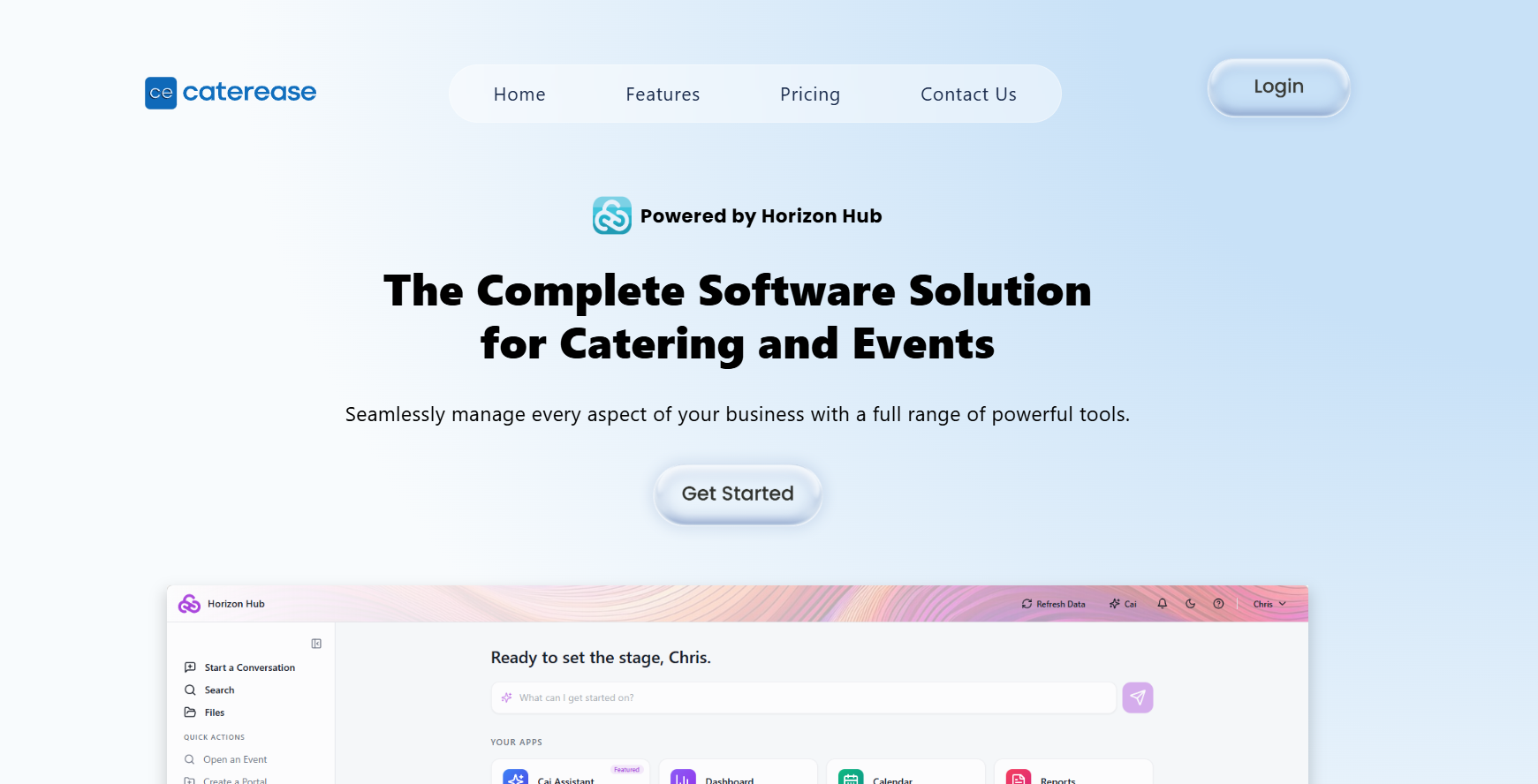
Caterease is a complete solution designed around catering operations specifically, from leads and layouts to staffing and payments. So it fits catering-heavy venues better than a general event calendar tool would.
The catering-specific workflow covers leads, layouts, staffing, and payments in one place, which is the platform's main strength.
Main Features
- Event booking wizards with conditionally required fields tailored to each event type
- A dynamic menu builder with linked quantities, minimum quantities, and automatic menu packages, plus a custom print library
- Staff shift scheduling with automatic conflict detection, plus recipe and packing list generation (Standard tier and up)
- Batch email generation and added security features (Professional tier)
- Mosaic payment processing with tokenized cards and payment links, plus the Horizon Hub AI analytics tool, a configurable KPI dashboard, and a kitchen display listing everything needed for the day's events, all included on every plan
Limitations
The per-user and per-module fees are where Caterease's total cost tends to surprise a growing catering team more than the base subscription price does.
Pricing
Express starts at $99 a month billed annually, Standard is $149 a month, and Professional is $199 a month. Additional users cost $28 a month each, plus a $200 one-time launch fee per user. Optional add-on modules, like a guest rooms manager or document builder, run $25 a month each.
Read the full Caterease Review.
7. Total Party Planner
Total Party Planner is catering management software made for caterers, venues, banquet facilities, and food trucks, with tiers that scale by team size rather than event volume.
Main Features
- Instant menu costing with recipe-level cost breakdowns and single-click bulk cost updates
- Profit analysis reports, alongside event insights and order tracking, on every tier
- Proposal, BEO, and invoice generation with digital signature and an express order form
- A client portal with chat, notifications, and team mentions for internal collaboration (built-in CRM)
- A mobile companion app for staff task management, plus user permission controls
- TPP Pay for integrated payment processing, with integrations including QuickBooks, Google Calendar, Outlook, Mailchimp, and Nowsta for scheduling and payroll
Limitations
Total Party Planner's per-user pricing scales differently than a per-module tool, which matters once you're adding staff faster than you're adding locations, and there's a one-time setup fee on top of the monthly subscription.
Also expect a steep learning curve. Setting up the system and learning the workflow can feel overwhelming and time-consuming.
Pricing
Nibble starts at $119 a month for one user, Feast is $299 a month for two users, and Delicacy is $429 a month for three users, with additional users at $25 a month each across every tier. There's a one-time $299 setup fee, plus a 10% discount for paying annually.
For more info, check out Total Party Planner Review and 7 Total Party Planner Alternatives.
8. Event Temple
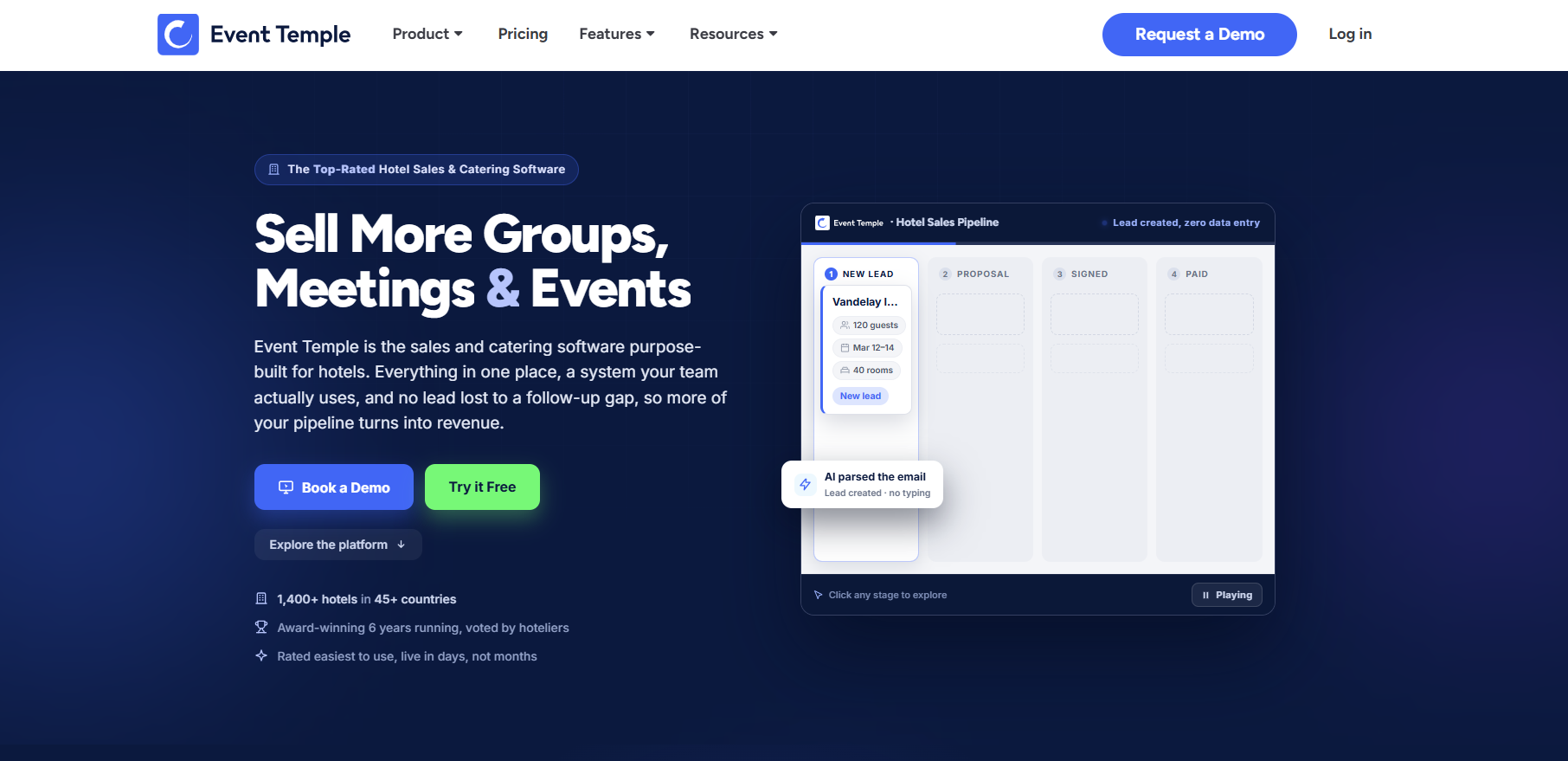
Event Temple leans toward hotels and larger venue groups that want a CRM and sales pipeline built in alongside booking, which makes it a heavier tool than most single-location restaurants need.
Main Features
- A sales CRM built specifically for hotels, with group booking automation and demand and revenue forecasting
- E-Proposals and Smart Mail templates for sales communication
- Digital invoicing with built-in online payment processing
- Workflow automation for repetitive tasks, with customizable templates
- Chain and group pricing for multi-property customers, with a centralized database across hotel brands
- Property management system (PMS) integration
Limitations
Event Temple is a heavier setup than most single-location restaurants need, and it comes with a one-year minimum contract.
Pricing
Starts at $249 a month billed annually, split across three unnamed package tiers, with a one-year minimum contract. Setup and data import fees may apply depending on what you're migrating from.
9. Eventbrite
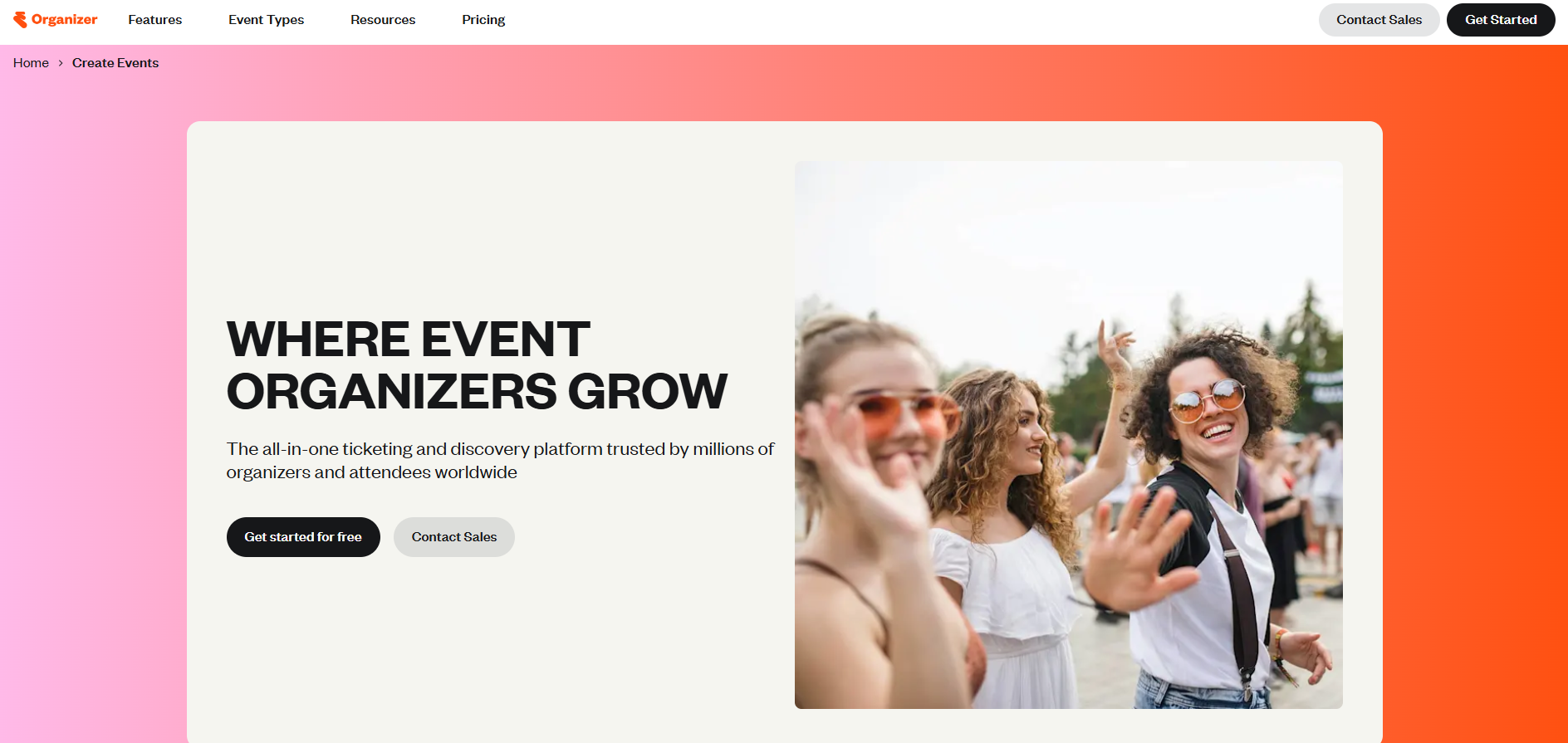
Eventbrite is a free-to-start ticketing and event discovery platform, not a venue booking tool. It handles ticket sales, event pages, and payouts, and it's built for event organizers across music, performing arts, corporate events, food and beverage, nonprofits, and nightlife rather than for a restaurant taking private event inquiries.
It covers in person events, virtual events, and hybrid formats, so a venue selling tickets to a public tasting or a ticketed show can use the same registration forms and checkout flow a large conference would, built around selling to event attendees who don't yet know the venue rather than managing a proposal-to-contract sales pipeline with a known client.
Main Features
- Online ticket sales with reserved seating and timed-entry options, plus a mobile app for door sales and contactless payment
- Customizable event pages and an attendee check-in app for day-of management
- Eventbrite Ads, email marketing automation, and promo codes for driving ticket sales
- Real-time analytics on sales, page views, and buyer data
- Payouts scheduled twice monthly, weekly, or after each event, with early payout available before the event happens
Limitations
Reviewers most often flag the service and processing fees on paid tickets, and note that Eventbrite holds ticket revenue until after the event unless you opt into early payout, which can strain cash flow for an event that needs upfront costs covered.
Pricing
Free to publish unlimited free events. Paid tickets carry a 3.7% + $1.79 service fee per ticket plus a 2.9% payment processing fee per order, charged to the buyer by default though organizers can absorb it instead.
Eventbrite Ads and the Pro email marketing add-on (starting at $15 a month) are separate, and large or complex events can get custom pricing through Eventbrite's sales team.
10. Cvent
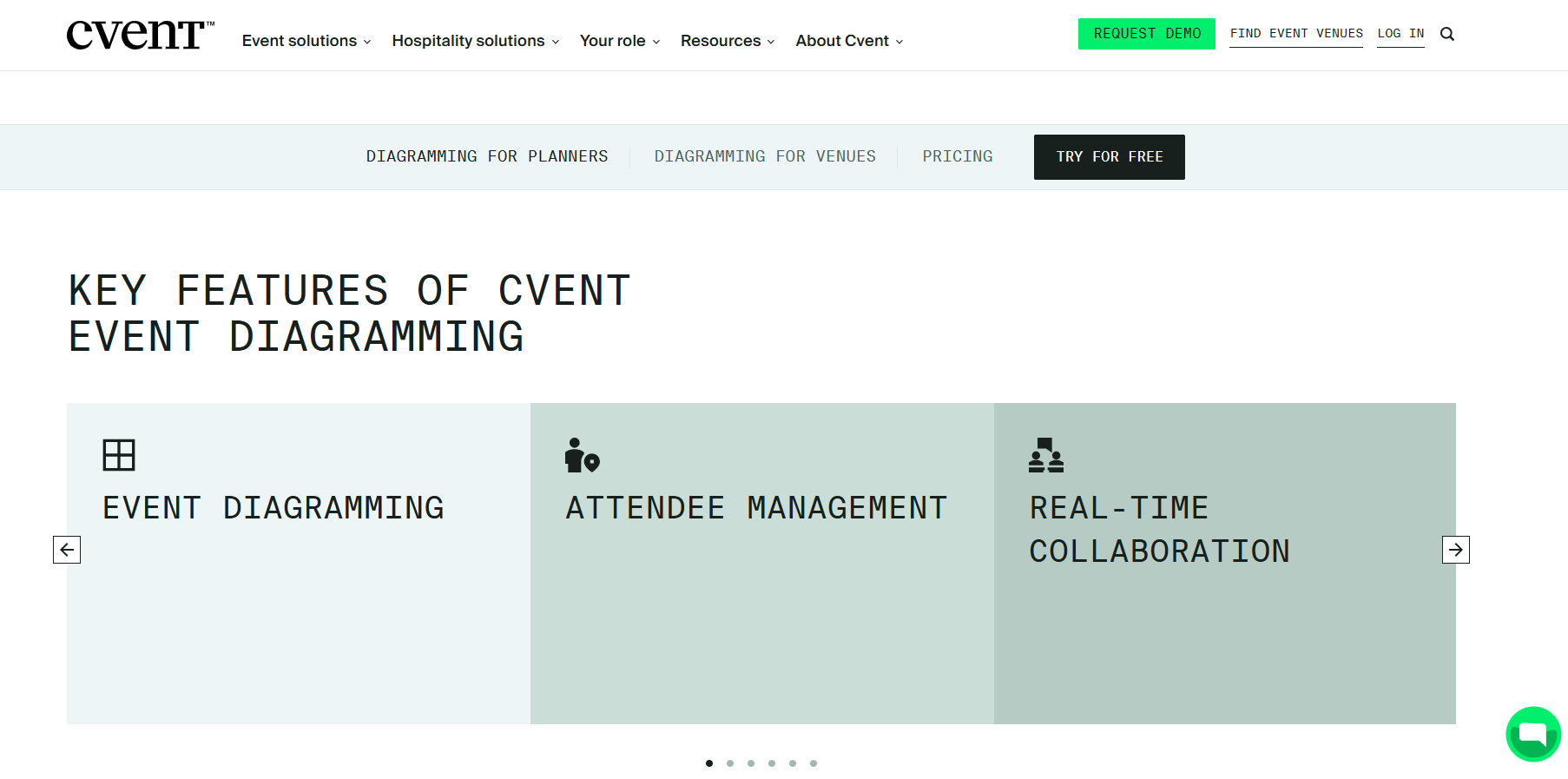
Cvent is an enterprise event management suite built to run everything from a single conference to a portfolio of hundreds of events a year, not a tool sized for a single restaurant or venue. It's designed for event professionals, marketing teams, hospitality suppliers, and enterprises running registration, venue sourcing, and post-event reporting all from one system.
Its feature set centers on: venue sourcing through its own supplier network, hotel room block management, an attendee engagement hub, and virtual event platforms and webinar tools for running sessions online.
Main Features
- Event registration and marketing automation, with venue sourcing through Cvent's own supplier network
- Event diagramming, hotel room block management, and budgeting and approval workflows
- Mobile event apps, check-in and badging, and trade show lead capture and meeting scheduling
- A virtual event platform and webinar tools for hybrid or fully online sessions
- Attendee and event reporting, survey tools, and integrations with 50+ systems including Salesforce, HubSpot, and Zoom
Limitations
Reviewers describe a real learning curve plus add-on and per-registration fees that accumulate quickly on top of the base contract. That’s why it tends to make sense only for organizations running multiple large events a year rather than a single venue's private bookings.
Pricing
Not published. Cvent quotes a custom annual contract based on features and event volume, and reviewers reference per-registration fees layered on top.
11. Whova
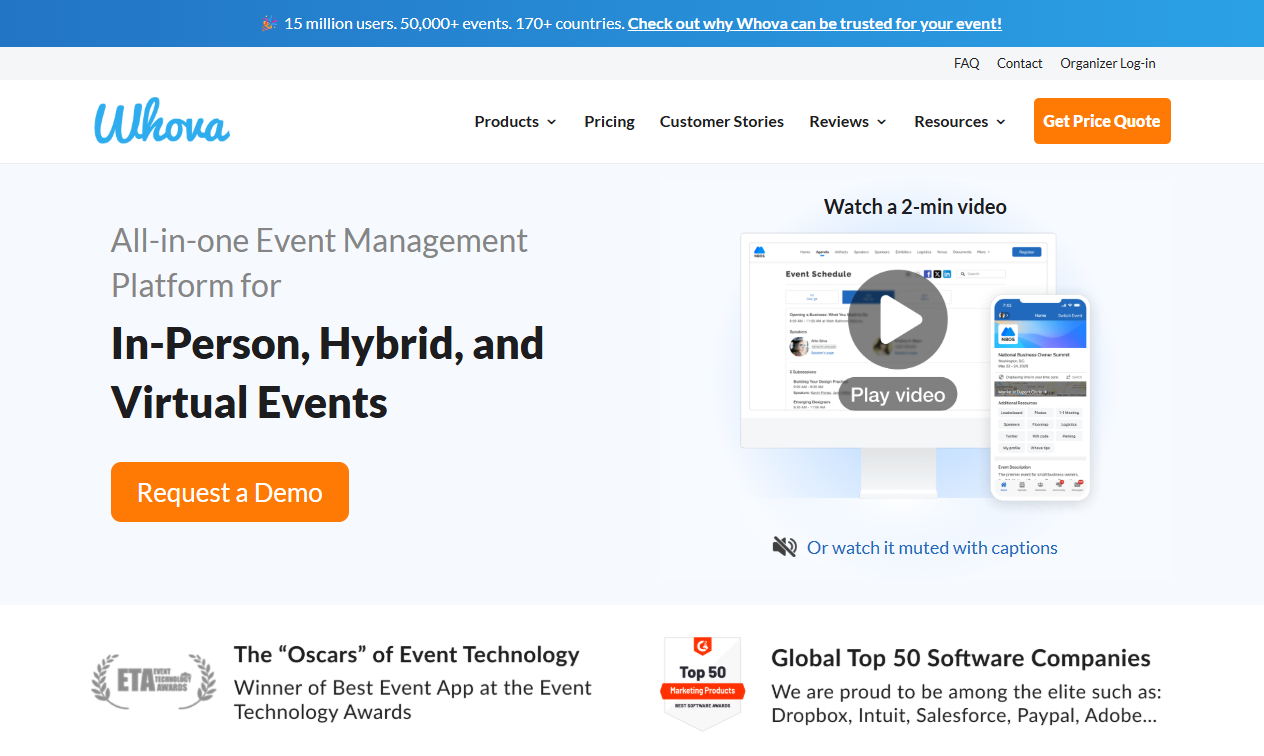
Whova is an all-in-one event management platform for in-person, hybrid, and virtual conferences. It's suited to corporate events teams, academic institutions, government agencies, professional associations, and conference and trade show organizers running multi-session programs with a full agenda.
Its feature set leans heavily on what a multi-day conference needs: personalized attendee agendas, speaker and abstract submission management, sponsor and exhibitor tools, and networking features that help strangers find each other at a large event.
Main Features
- Personalized registration forms, multiple ticket types, add-on sales, and instant payouts
- Whova's event apps give attendees personalized agendas, live polling, and photo sharing on mobile
- Kiosk-based self check-in and on-demand name badge printing
- Attendee communication tools including in-app messaging, real-time updates, and networking and meetup scheduling
- Engagement tools like gamification, leaderboards, surveys, and certificate generation
- Sponsor and exhibitor tools: digital profiles, business card scanning, and lead retrieval
Limitations
Reviewers most often flag notification overload and a gamification point system some describe as easy to game.
Pricing
Not published. Whova quotes a custom price based on event format, duration, expected attendee count, and how many events you run a year.
12. EventMobi
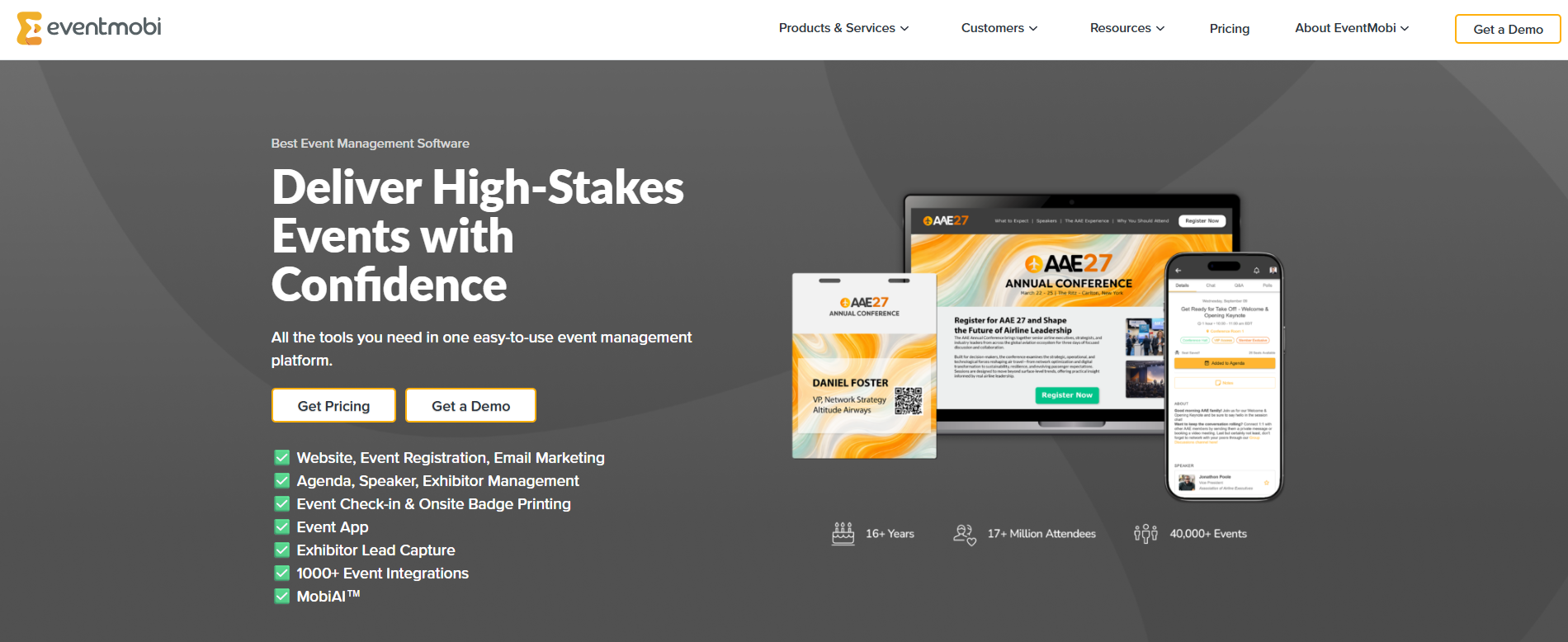
EventMobi is an event management platform designed to run a conference or corporate event's full lifecycle, from registration through post-event reporting, in one connected system. It's a good option for association planners, corporate teams running training sessions and customer events, event agencies managing multiple clients' events, and university administrators running academic conferences.
Its registration module is built to facilitate registration for a multi-session program, with an AI assistant to help set up attendee registration forms, a call-for-speakers portal, and no per-ticket fees on paid registrations. On the day of the event, whether it's held in person or online, a mobile app with agendas, networking, and gamification is what shapes the attendee experience, alongside portable badge printing and QR check-in.
Main Features
- Custom event websites and AI-assisted registration forms (MobiAI Registration Concierge), plus a call-for-speakers portal
- Mobile check-in with QR code scanning and portable badge printing stations
- A mobile event app with agendas, speaker and exhibitor info, in-app networking, and gamification
- Exhibitor lead capture, live polls and surveys, and an event analytics dashboard
- 1,000+ third-party integrations and real-time data sync across modules
Limitations
The admin backend feels dated next to the attendee-facing app. There are also limits on removing EventMobi branding without a developer account.
Pricing
Per-event pricing starts at $3,000 and scales with event size and the products you select (registration, badge printing, check-in, the event app, lead capture, virtual capabilities). An annual plan starts at $8,900 a year for unlimited events plus a dedicated Event Success Manager.
Add-ons include pre-printed badges from $3.99 each, hardware rental from around $1,000 for a 7-day iPad-and-printer set, and $1,000+ per standard integration.
Nonprofit, association, and multi-year discounts are available, and organizations with more than 10,000 attendees get custom pricing.
How to Choose the Right Event Management Software for Your Venue
The choice comes down to what kind of event you're actually running, how many locations you manage, and whether your whole team will find it easy to use (not just whoever sets it up). You’ll also want to consider how reachable support is when something breaks and what it actually costs once real usage kicks in.
- Match the category to what you're actually running. A restaurant or venue taking private event inquiries needs a venue-booking tool like Perfect Venue, Tripleseat, or Planning Pod, not a conference platform like Cvent or Whova. If you occasionally sell tickets to a public tasting or a one-off show, a lightweight ticketing tool like Eventbrite covers that without paying for features built for a 500-person conference.
- How many locations you're managing. A single restaurant and a ten-location hospitality group need different things from the same category of software, covered in the table below.
- Ease of use for everyone who uses it, not just the admin. The person building a proposal, the host checking a guest in, and the client signing a contract all need to find it intuitive on day one, since software your own staff avoids using defeats the purpose no matter how many features it has.
- Support you can actually reach when something breaks. A glitchy calendar or a stuck payment mid-event isn't the moment to wait on a ticket queue, so check whether support runs through phone, chat, or email only, and how fast it actually responds, before you sign a contract.
- What it actually costs once you add real usage. The subscription price is rarely the final number. Processing fees, per-location charges, and add-on modules push the real cost well past the sticker price on several of the platforms above, so run your own numbers against your actual event volume before comparing two options on price alone.
Final Thoughts
Most independent restaurants and venues don't need an enterprise conference platform. They need software that turns an inquiry into a booked, paid event without adding a second full-time job to manage it.
Perfect Venue was built for exactly this: restaurants, bars, and venues that want one dashboard for inquiries, proposals, contracts, and payments, whether you're running one location or twenty.
You can try Perfect Venue free and see your own inquiries in it within a few minutes.
Frequently Asked Questions
What software is best for event management companies?
It depends on your venue type and event volume. Independent restaurants and small venues tend to do better with dedicated, simpler tools like Perfect Venue, while large hotel groups and convention centers often need heavier platforms like Cvent. We've found the best fit for restaurant and venue managers is software that handles proposals, contracts, and payments without extra per-user or per-event fees stacking up as you grow.
What software do event planners use?
It splits by who's doing the event planning. Independent event planners and small agencies often use general client management tools like HoneyBook to manage their event planning process, from proposals through invoicing. In-house venue and restaurant teams, who are managing the space itself rather than planning on behalf of a client, tend to use venue-specific software like Perfect Venue, Tripleseat, or Planning Pod instead, since those tools are built around booking and running the physical space.
What are the top event management software options for restaurants and venues?
Perfect Venue, Tripleseat, and Planning Pod are the most common picks for independent restaurants and hospitality groups. Each one covers the basics (a shared calendar, digital proposals, and payment collection), but they differ a lot in price, setup time, and how many extra fees get added as you grow.
What's the difference between free and paid event management software?
Free event management software usually covers basic scheduling and a simple inquiry form, which is enough if you're only running a handful of events a year. Once you're booking more consistently, paid plans add automated proposals, contract signing, and payment processing, the features that save the most time and start paying for themselves once your event volume picks up.
Is event management software worth it for small or independent venues?
Yes, even a single-location restaurant or bar benefits once inquiries start coming in by email, text, and social media at the same time. Keeping everything in one place cuts the time your team spends copying details between spreadsheets and email threads, and a digital proposal looks more professional to a guest than one typed up from scratch.