The best venue management software centralizes your bookings, proposals, contracts, and payments in one system, so you can manage every event without juggling spreadsheets, email threads, and separate tools.
Perfect Venue, Tripleseat, Planning Pod, iVvy, Event Temple, and Momentus are the six strongest options for restaurants, bars, hotels, and event spaces.
This guide covers the platforms worth putting on your shortlist, what makes each venue management software suitable for different venue types, and how to pick the one that fits how you work.
TL;DR
- Venue management software centralizes bookings, proposals, contracts, and payments so your entire team works from the same page.
- Perfect Venue, Planning Pod, Tripleseat, iVvy, Event Temple, and Momentus are six of the strongest options for restaurants, bars, hotels, and event spaces.
- Perfect Venue stands out for independent restaurants and venue groups that want robust booking and proposal tools without the enterprise price tag or a long setup process.
What Is Venue Management Software?
Venue management software refers to the tools venue operators use to manage bookings, event details, client communication, and day-to-day operations from one system.
Restaurants, hotels, breweries, wedding venues, arts centers, and other types of venues all rely on some version of it because manual processes (tracking leads in a shared spreadsheet, drafting proposals from scratch, chasing signatures over email) stop working once you're past a handful of events a month.
Most platforms in this category share a common core feature set. You'll typically find:
- A central events calendar with calendar sync across your team
- Digital proposals, contracts, and invoices
- Automated email templates that cut down on follow ups
- Online booking or inquiry forms for your website
- Payment processing and basic financial management
- Analytics that pull historical data into detailed reports
- Task automation for routine tasks like reminders and BEOs
The best systems don't just replace one tool. They replace your tech stack of calendars, spreadsheets, and email threads with one system that keeps client details, contracts, and payments in the same place. That's what actually streamlines event management, rather than just adding another app to check.

Key Features To Look For in Venue Management Software
Before comparing specific platforms, it helps to know which key features actually move the needle for a venue's day-to-day operations.
More than 80% of restaurant operators say technology gives them a competitive advantage, and among those who invested more in tech over the past two to three years, 69% report their operations became more efficient and boosted productivity.
Venue and event management software is one of the clearest places to see that payoff, since a huge share of the workload (chasing quotes, building BEOs, tracking payments) is repetitive by nature.
6 Best Venue Management Software Platforms
We looked at pricing, features, ease of use, and real user reviews on G2 and Software Advice to build this list. Here's how six of the strongest platforms for venue operators stack up right now.
1. Perfect Venue
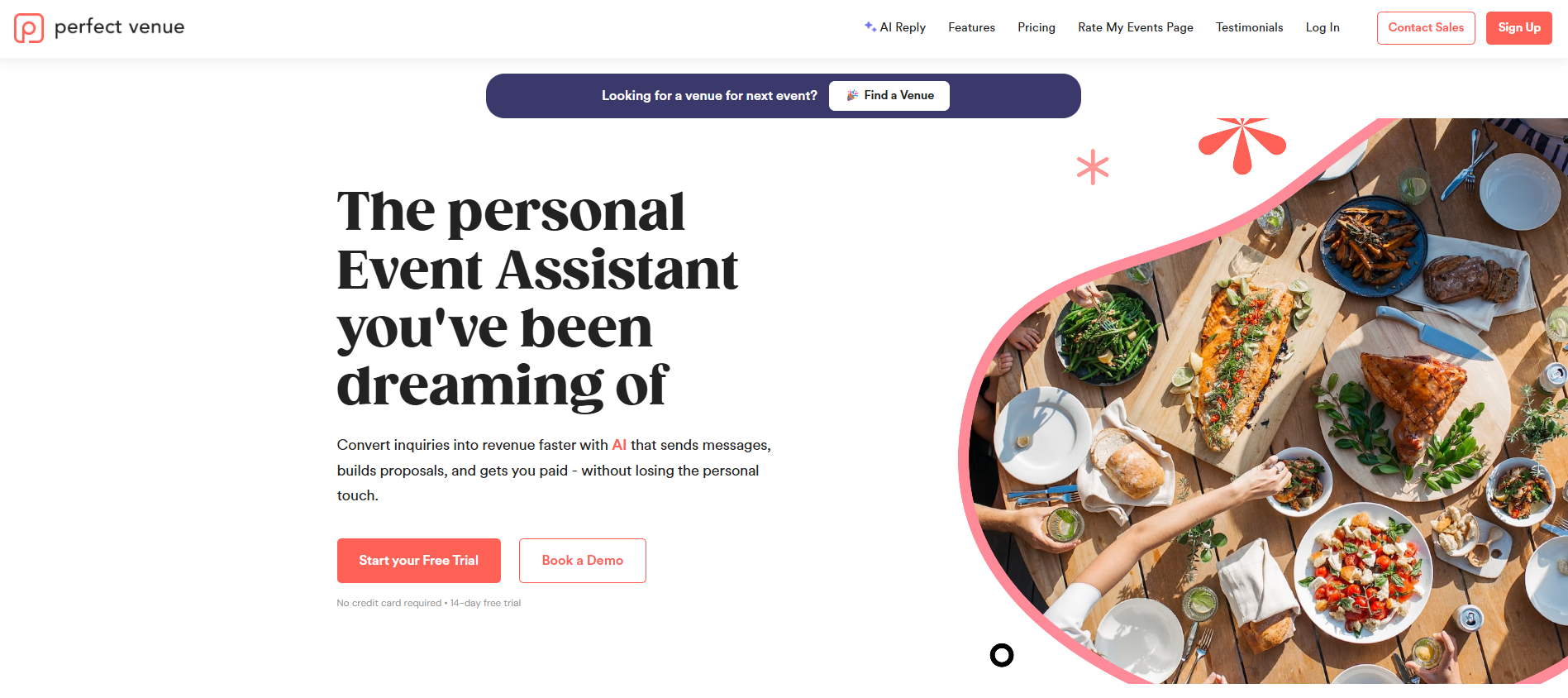
Perfect Venue is made specifically for independent restaurants, bars, breweries, and hospitality groups that need to manage private events without a steep learning curve. G2 reviewers rate it 4.8 out of 5 across 195 reviews, and it's been voted a top venue management platform on G2 for its ease of use and support.
A single dashboard organizes leads, proposals, contracts, and guest communication in one place. The events calendar syncs directly with Google Calendar and Gmail, and connects to additional tools like OpenTable through Zapier automations, so you're not stuck re-entering the same event details twice.
The email template library auto-fills booking information into client messages, which noticeably cuts down on missed follow ups during a packed weekend.
The user-friendly interface is designed around how venue managers actually work day to day, and real-time reporting pulls historical data into one dashboard so you can see what's working without pulling numbers manually.
Entry pricing starts at $139 per month, and a free trial is available if you want to try it out before committing to a subscription.
Perfect Venue also works well for restaurant and hospitality groups running more than one location. One login covers every assigned location, with permissions and email templates managed centrally from there. Portfolio-wide reporting rolls up sales, conversion, and event volume across the whole group instead of location by location.
Main Features
- Central events calendar and dashboard
- Easy email threads with automatic templates and AI Reply
- Digital proposals, contracts, and invoicing
- Robust analytics
- Automation for repetitive tasks (BEOs, proposals, reminder emails, etc.)
- Integrations and payment processing
- Free trial available
2. Planning Pod
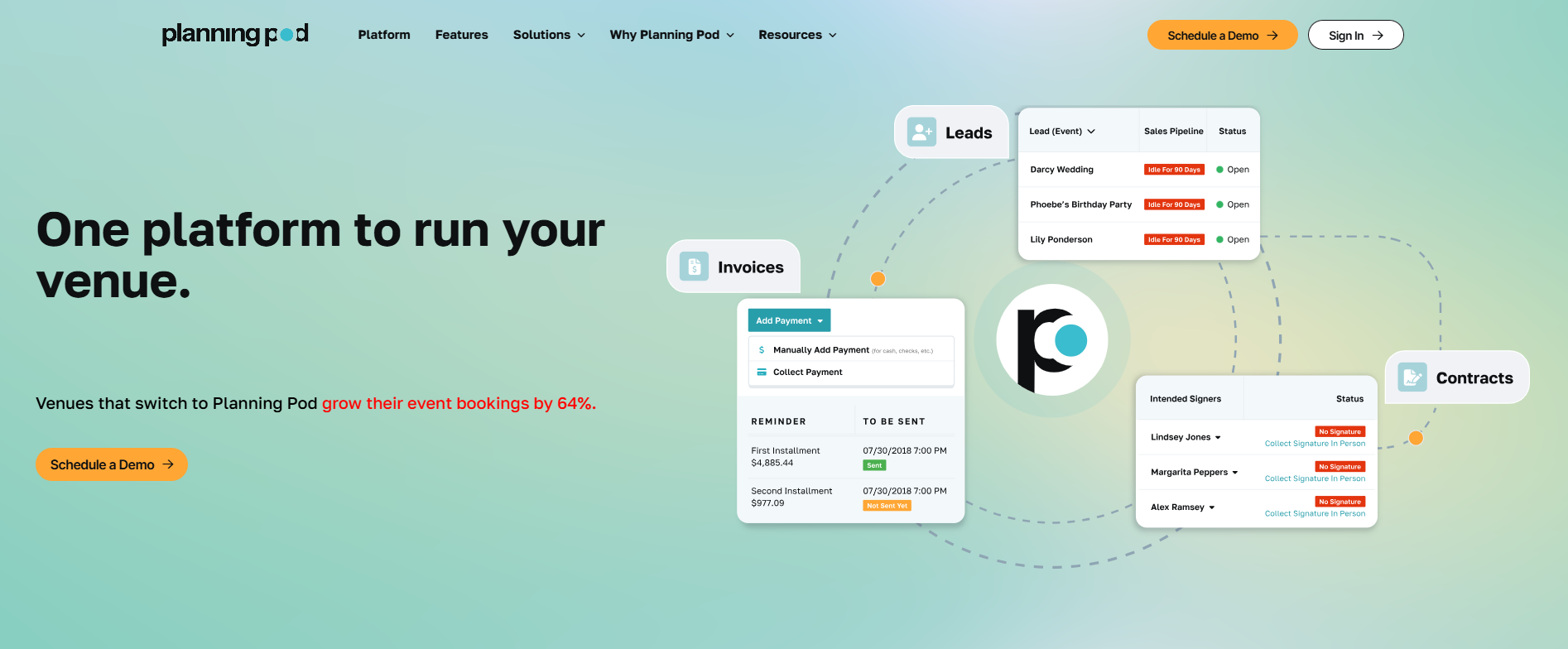
Planning Pod offers a wide range of tools spread across venue booking, floor plans, BEOs, and food and beverage management, which makes it a strong option for caterers and venues where menu planning is a core part of the event. Its comprehensive features around F&B tracking go deeper than most similar platforms.
Planning Pod doesn't publish pricing, so you'll need to request a quote based on your venue and event volume. Teams that need the full platform tend to save real time. Teams that only need booking and calendar management sometimes find the interface more complex than it needs to be.
See full Planning Pod review here.
Main Features
- Venue booking and floor plan design
- Food and beverage menu management
- BEO generation
- Client communication tools
- Budget tracking
- Task management reminders
3. Tripleseat
Tripleseat has been around since 2008 and is one of the most established names in the category, trusted by a large base of restaurants, hotels, and unique venues. On G2, its rating is 4.5 out of 5 across 359 reviews, and it's a solid choice for larger hospitality groups managing bookings at volume.
Lead capture, calendar management, BEO generation, and invoicing all live in one system. However, the interface can feel a little clunky and overwhelming.
Pricing isn't published, so you'll need to contact sales, and reviewers describe implementation as more involved than lighter-weight alternatives.
See our complete Tripleseat review for more info. If it feels like more than your venue needs, our guide to Tripleseat alternatives walks through some other options that may be more suited to you.
Main Features
- Central booking calendar and lead pipeline
- BEO generation and menu building
- Digital proposals and contracts
- Invoicing and payment processing
- Reporting on bookings and sales
- 3D floorplans and ticketing
4. iVvy Venue Management
iVvy is a cloud-based platform built for hotels, hospitality groups, and event spaces of every size. It brings function spaces, catering, equipment, inquiries, bookings, contracts, and reporting into one system, so sales, catering, and operations teams work from the same page instead of juggling separate spreadsheets.
G2 reviewers rate it 4.7 out of 5 across 49 reviews, with praise going to its user-friendly interface and support team, plus an AI proposal tool that helps sales teams turn around quotes faster. Some reviewers note the reporting could go deeper.
Main Features
- Function diary and shared events calendar
- CRM and quotes/contracts tools
- AI-assisted proposal generation
- Banquet event orders (BEOs)
- Invoicing and payments
- Integrations with 55+ PMS, CRM, and accounting systems
5. Event Temple
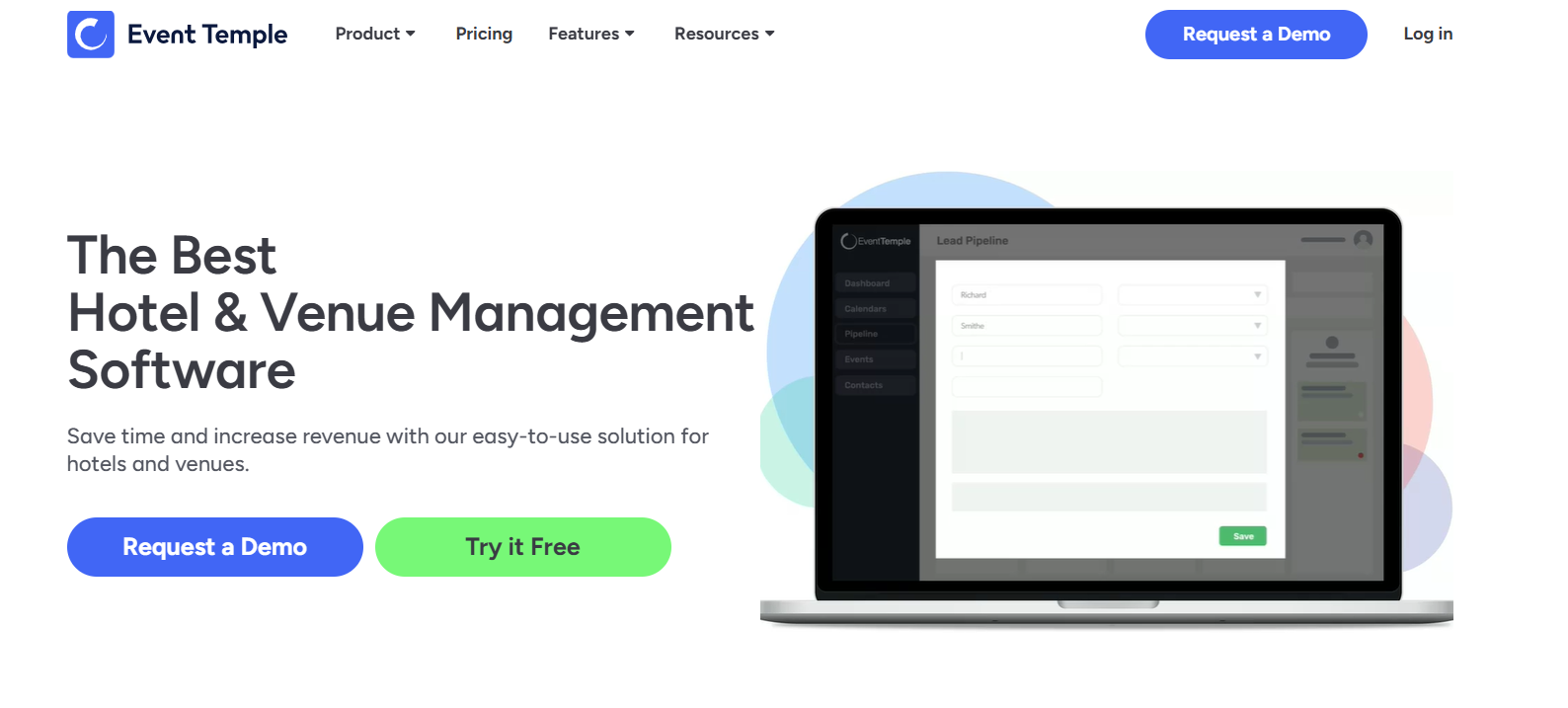
Event Temple is a modern, cloud-based platform built for hotels and venue operators who want to convert leads faster. It's positioned around revenue growth rather than pure operations, with a sales CRM, digital proposals, and built-in sales tools for pipeline tracking.
The base plan is limited though. Payment processing, deeper integrations, and support for more than two users all sit behind higher-priced tiers, so the sticker price can be misleading until you see what your team actually needs. Pricing starts at $249 per month.
Read a full rundown of Event Temple in our review.
Main Features
- Sales CRM and pipeline management
- Digital proposals and documents
- Invoicing and payments
- Automated workflows
- Chain and multi-property management
- In-platform team communication
6. Momentus Technologies
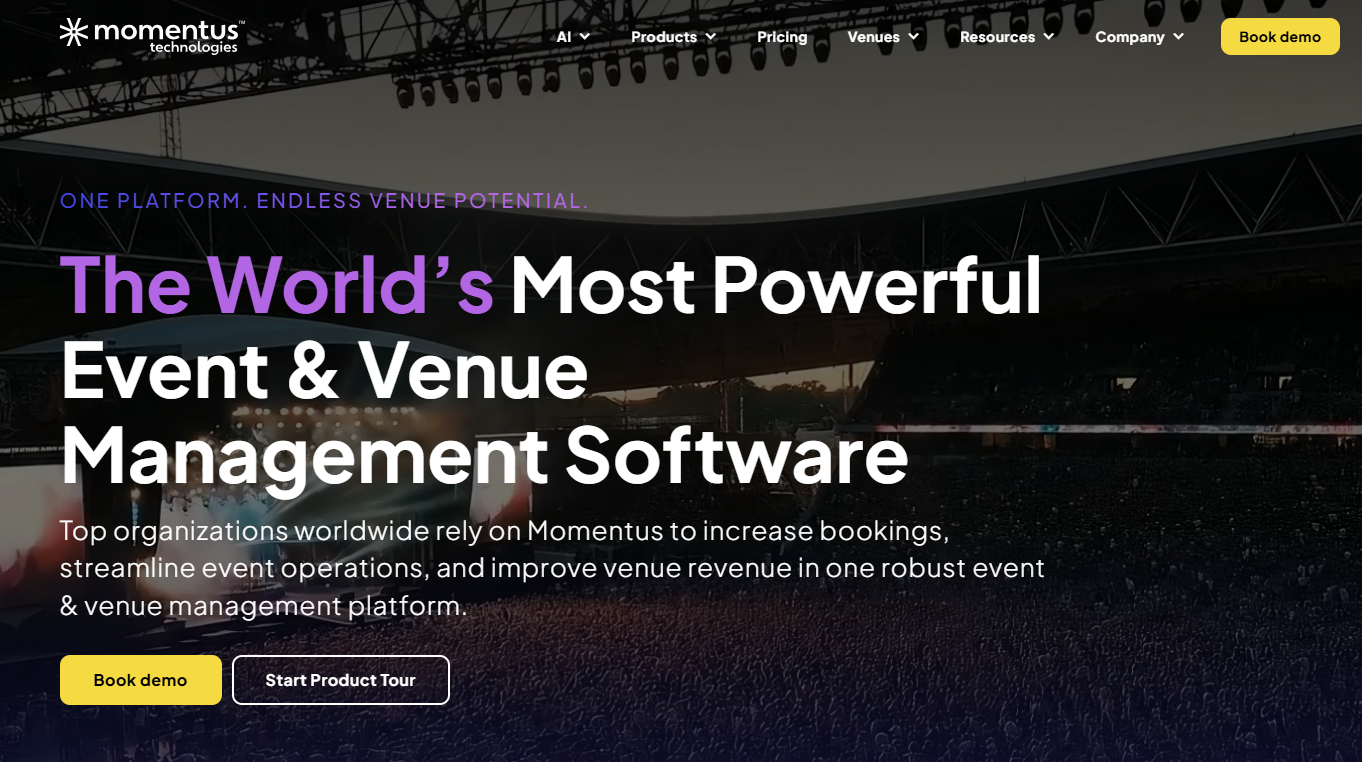
Momentus (formerly Ungerboeck) has served the venue management space for over three decades, and it's built for a different scale entirely: stadiums, convention centers, university facilities, and arts centers that need to coordinate multiple locations, staff, and simultaneous events. If your venue hosts live music and handles its own ticket sales alongside private bookings, Momentus covers that range of use cases.
Its resource management tools (staff scheduling, equipment tracking, multi-space reporting) reflect that enterprise scope, but implementation typically takes months rather than days and usually requires dedicated admin support to run well. It's overkill for a single-location restaurant or bar, but a reasonable fit for large, multi-space operators.
Main Features
- Multi-space portfolio management
- Staff scheduling and equipment tracking
- Advanced, multi-space reporting
- Integrations with financial and facilities systems
- Ticketing and box office tools
- Built for stadiums, convention centers, and arts centers
How To Choose The Right Venue Management Software
Every venue is different, so the right pick depends on a few specifics:
- Venue type and size: A single-location bar and a multi-room wedding venue need different levels of complexity. Smaller venues often do better with a leaner tool rather than a system built for enterprise scale. A multi-location restaurant group sits in between: it needs portfolio-wide reporting and centralized permissions, but not the enterprise features built for stadiums or convention centers.
- Budget: Compare not just the sticker price but what's included at that tier. Some platforms hide payment processing or integrations behind pricier plans.
- Resource allocation: If you're managing staff schedules and equipment across events, look for a platform with real resource allocation tools, not just a calendar.
- Existing tools: Check whether the platform plays well with your current tech stack, including your accounting software and inbox.
- Team size: Many teams underestimate how much time gets lost when proposals, contracts, and client details live in different places. A platform that keeps client interactions in one thread saves real hours.
Technology adoption is one of the clearest ways venues can improve efficiency without adding headcount. That holds whether you're running a 200-seat restaurant or a multi-space conference center.

Why Perfect Venue Is Worth Starting With
The platforms above are some of the strongest venue management options on the market heading into 2026, and each is built for a slightly different kind of operation. Before committing to any software, make sure it fits your venue type, budget, and team size, not just the feature list.
If you run an independent restaurant, bar, or venue and want a digital solution that replaces the spreadsheet chaos without the enterprise price tag, try Perfect Venue for free. It handles event inquiries, digital proposals, and follow-up automatically, so your team can stop chasing leads through email and start building stronger client relationships instead. No long-term commitment is required, and you can change your plan any time.
For more on comparing your options, we've also put together a guide to the best event management software for venues and restaurants.
Frequently Asked Questions
What's the difference between venue management software and event management software?
Venue management software is built for operators managing their own space's bookings, calendar, and client communication. Event management software is broader and covers planning the event itself, from guest lists to vendor coordination, which is why platforms like Perfect Venue blend both.
Is venue management software only useful for large venues?
No. Smaller venues often see the biggest relative time savings, since a single owner or small team is usually handling sales, bookings, and event coordination without dedicated staff for each task.
How does this kind of software actually prevent double bookings?
A shared, real-time calendar means every booking, hold, and confirmed event shows up in one place instead of living in separate inboxes or spreadsheets, so nobody can accidentally confirm two events in the same space.
What does venue management software typically cost?
Pricing ranges widely. Lighter platforms like Perfect Venue start around $139 a month, while larger, enterprise-focused systems like Momentus or Tripleseat require a sales conversation and can run considerably higher depending on your venue's size and needs.
Will it integrate with tools I already use, like Google Calendar or QuickBooks?
Most modern platforms connect with common calendar and email tools directly, and many support additional integrations through Zapier or similar automation tools. Always confirm the specifics for the exact tools in your tech stack before you commit.
How long does it take to get up and running?
Lighter platforms built for smaller venues can have a team live within days. Enterprise systems built for multiple locations or large facilities typically take weeks to months to fully configure, so factor that timeline into your decision if you're switching from an existing system.