
The best catering management software brings your bookings, menus, proposals, BEOs, and payments into one place, so your team isn't juggling spreadsheets, email threads, and sticky notes on event day. It's built around the sales and planning side of catering, from the first inquiry through the final invoice, which is what sets it apart from a basic point-of-sale system or an online ordering app.
This guide breaks down what catering management software actually does, the platforms worth considering in 2026, and how to pick the one that fits your business.
What Is Catering Management Software?
Catering management software is a platform that helps a restaurant, caterer, or hospitality group handle a catering order or event from the first inquiry through the final invoice. It typically covers booking and inquiry management, menu and pricing, proposals and contracts, banquet event orders, and payments.
Unlike a basic point-of-sale system built for walk-in orders, catering management software is built around events: multi-course menus, custom quantities, delivery logistics, and client communication that can stretch over weeks or months.
Some platforms focus specifically on event and off-premise catering for restaurants and venues. Others work more like marketplaces built for recurring office lunch orders rather than planned events. Knowing which category you actually need is the first real decision in this whole process.
How Does Catering Management Software Work?
Catering management software works by giving your team one place to move a catering order from first inquiry to final invoice, instead of bouncing between texts, spreadsheets, and printed notes.
A manager logs the inquiry, builds out the menu and pricing, sends a proposal, and locks in the details once the client signs and pays a deposit.
From there, most platforms keep the event record connected as plans change. If a client updates a headcount or swaps a menu item, that update should flow into the proposal, the banquet event order (BEO), and whatever your kitchen and staff are working from, rather than living in a separate email nobody double-checked.
Key Features to Look for in Catering Software
Not every catering software solution is built the same way, so it helps to know what to compare before you start booking demos.
Booking and Event Coordination
Strong booking management captures an inquiry from event planners or corporate clients and tracks it through to a confirmed booking, keeping every event detail attached to that one record. If your team is still copying details from an inquiry form into a separate planning document, you're losing most of the benefit of having the software in the first place.
Menu, Proposal, and BEO Management
A good catering platform lets you build a searchable menu, set custom food and beverage minimums, and generate a banquet event order without retyping the same event and client details across three different documents.
Look for one-click proposal building and templates you can reuse for repeat clients, since manually rebuilding every proposal from scratch is one of the biggest time sinks in catering sales.
Payments and Invoicing
Catering software should let clients pay deposits and final balances online, without you chasing down checks or manually keying in card numbers.
Any platform handling card payments should store that information following the standards set by the PCI Security Standards Council, so that liability doesn't sit with you.
Integration with accounting tools like QuickBooks matters here too, since it saves your bookkeeper from re-entering every invoice by hand at the end of the month.
Integrations and Staff Coordination
The best catering software fits into tools your team already uses instead of forcing an entirely new workflow. Look for integrations with your calendar, your POS, and your accounting software, along with a straightforward way to assign staff and share event details with whoever is working the job.
5 Best Catering Management Software Platforms For 2026
Here's how the leading catering management platforms compare, based on the kind of catering business each one fits best.
1. Perfect Venue
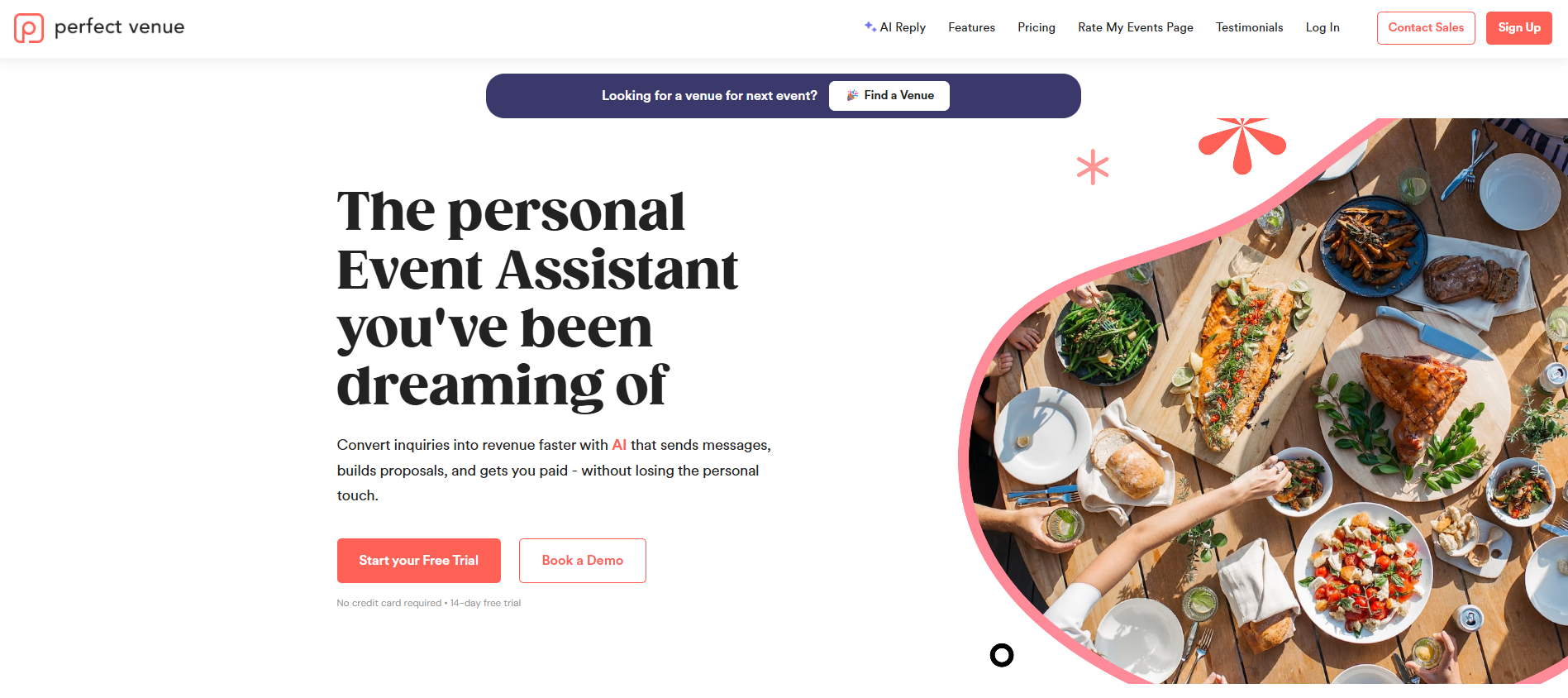
Best for: restaurants, caterers, and hospitality groups managing full-service catering and private events side by side.
Perfect Venue handles digital proposals, BEOs, contracts, and online payments from one dashboard, so a catering order or private event moves from inquiry to signed contract without getting rebuilt across three different documents.
AI-drafted email replies help your team respond to a new inquiry within minutes instead of hours, which matters most in the window right after a planner reaches out to a few venues at once.
Quick-search menu items and one-click line additions speed up building a proposal, and a branded client portal lets guests review their order, sign, and pay their deposit without a round of back-and-forth calls.
We've found that having proposals, BEOs, and payments live in one system is what actually cuts down on the double-entry and mismatched details that cause problems on event day.
Key features:
- Digital proposals, contracts, and BEOs generated from one event record
- AI-drafted email replies for faster inquiry response
- Branded client portal for guest self-service, including e-signatures and deposits
- Quick-search menu items and one-click proposal line additions
- Integrations with Google Calendar, Gmail, Square, Zapier, and 7shifts
Pros: Modern, easy-to-learn interface with white-glove setup and migration. Unlimited users are included on every plan, and support includes phone access to a real person.
Cons: Pricing is per location, which is worth budgeting for as a group adds properties.
Pricing: Plans start at $199 a month per location, with a $299 a month per location tier and custom Enterprise pricing for larger groups. Every plan includes a 30-day money-back guarantee.
2. Total Party Planner
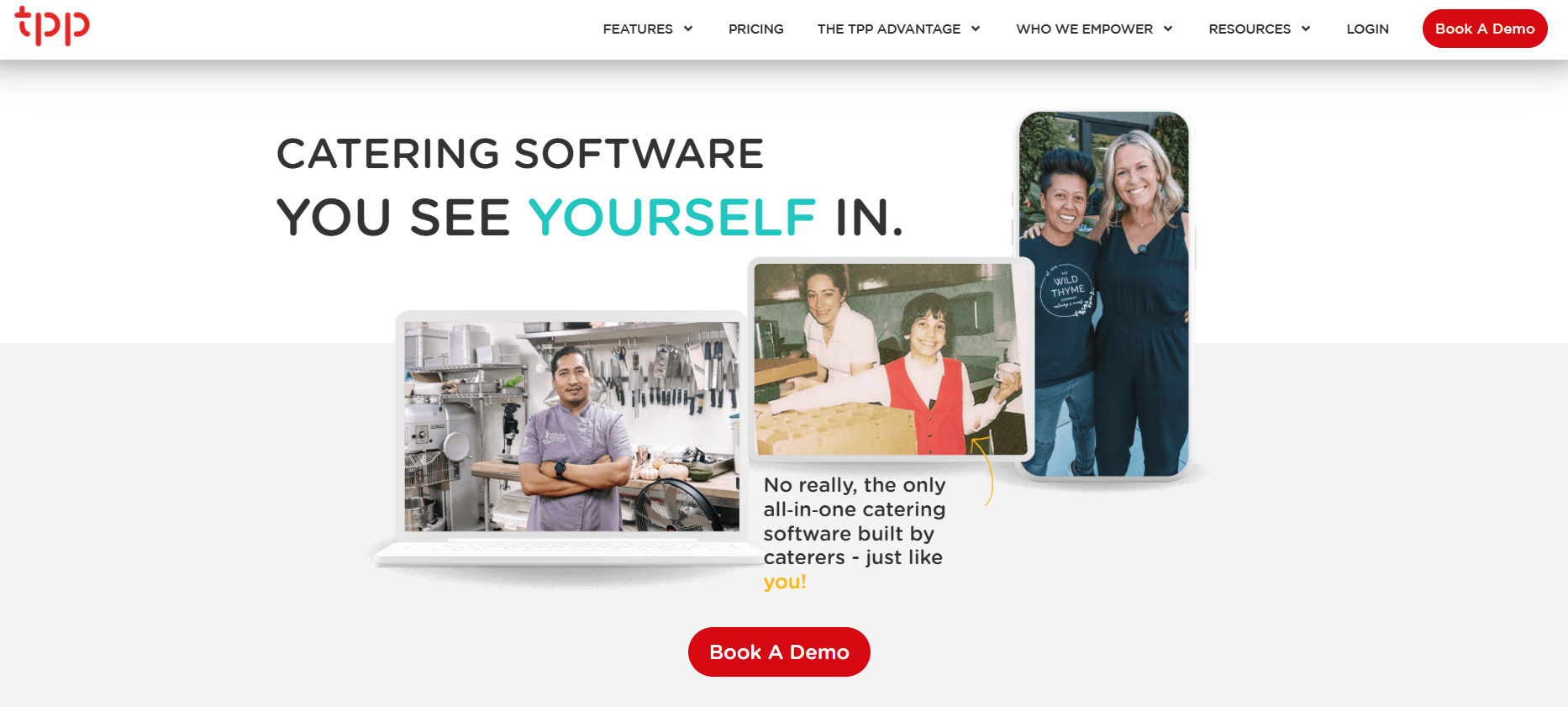
Best for: caterers who want deep menu and recipe costing alongside event planning.
Total Party Planner centers its platform around proposals, menu costing, and operational planning, with a menu database that stores ingredients, allergy notes, and images you can reuse across events.
It also generates BEOs and tracks profit margins as you build out an event.
Key features:
- Menu and recipe costing with a reusable ingredient and allergy database
- Automatic BEO generation tied to event and menu details
- Client portal with e-signatures and online payments
- Lead tracking and CRM tools with a sales pipeline
Pros: Deep menu and recipe costing with ongoing profit tracking, plus a full sales pipeline from lead to signed proposal.
Cons: No native staff scheduling, so many teams pair it with a separate tool. Setup is manual. Some templates are difficult to customize.
Pricing: Three tiers, billed monthly: Nibble at $119 a month (1 user included), Feast at $299 a month (2 users included), and Delicacy at $429 a month (3 users included). Additional users are $25 a month each on every tier, and annual subscriptions get 10% off. There's no free trial.
See our full Total Party Planner Review.
3. Caterease
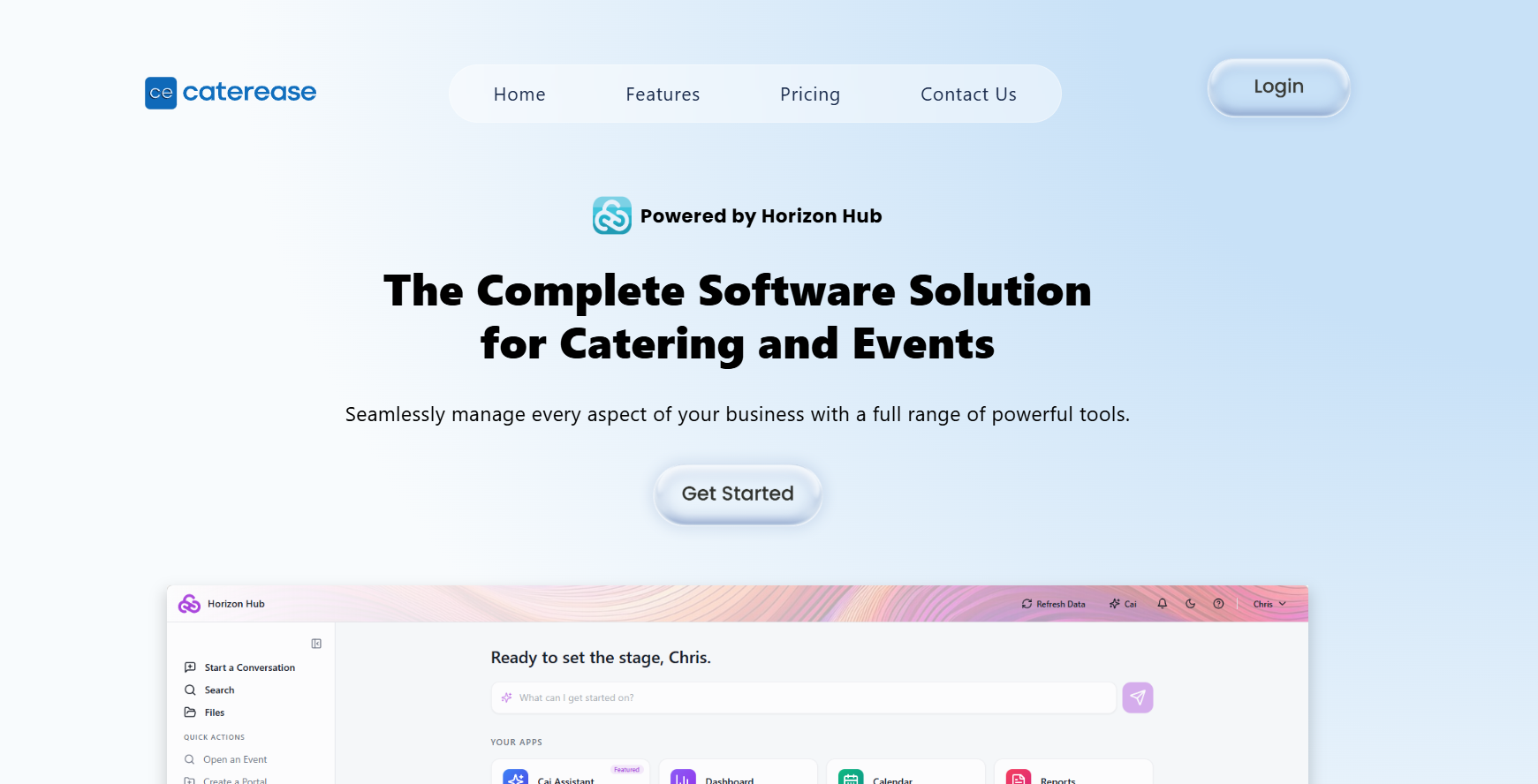
Best for: caterers who want detailed event reporting and built-in payment processing.
Caterease covers booking forms, menu management, and event documents, with reporting and dashboards that give owners a clearer view across multiple events at once. Payment processing is built in, covering cards, ACH, and digital wallets alongside balance tracking.
The interface leans toward feature-dense rather than simple, so it tends to suit teams that want depth and don't mind a longer setup process.
Key features:
- Customizable booking and inquiry forms
- Menu builder with ingredient costs and profit details
- Client portal for contracts, payments, and status updates
- Optional add-on modules for venue management and lead tracking
Pros: Detailed reporting and dashboards across events, with payment processing built directly into the platform.
Cons: The interface leans feature-dense rather than simple, so it tends to suit teams that don't mind a longer setup process. No free trial or free plan.
Pricing: Plans run from $99 a month (Express) to $199 a month (Professional) when billed annually, plus $28 a month per additional user and a one-time $200 per-user launch fee.
Check out the full Caterease Review.
4. Curate
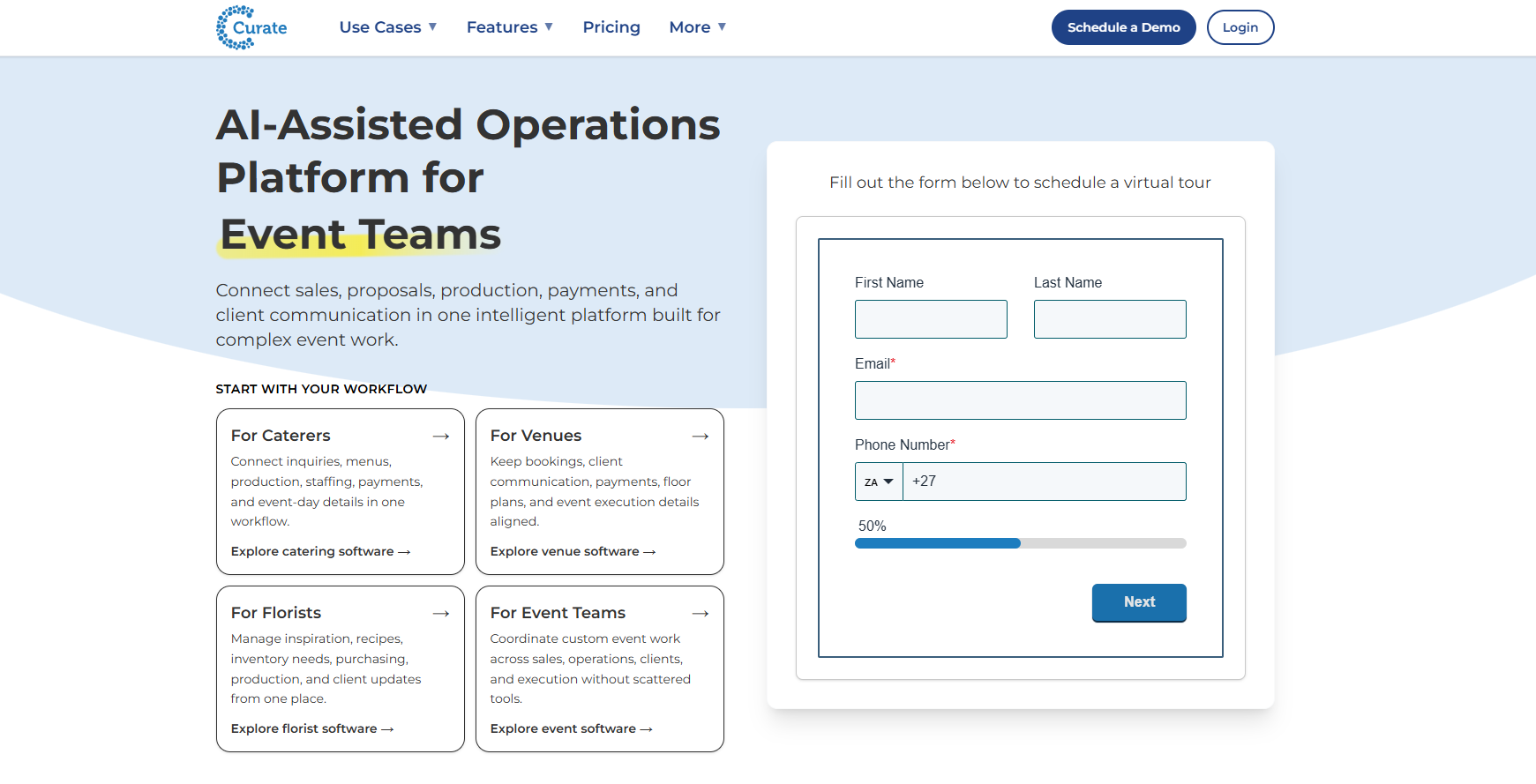
Best for: caterers who want polished, branded proposals and a client-facing portal.
Curate is built around visual, interactive proposals that clients can review, comment on, sign, and pay through a branded portal. It also handles recipes, rentals, and staffing roles with automatic cost calculations built in.
Several operational features sit behind higher-tier plans or add-ons, so it's worth checking what's actually included before comparing pricing against other platforms.
Key features:
- Visual, interactive proposals with client comments and e-signatures
- Recipe, rental, and staffing catalogs with automatic cost calculations
- Built-in payments with flexible schedules and reminders
- Integrations with QuickBooks, Google Calendar, and Nowsta
Pros: Some of the most polished, professional client-facing proposals of any catering platform on this list.
Cons: Several operational features, like forms and purchase orders, sit behind higher-tier plans or add-ons.
Pricing: Contact Curate for a quote. No published free trial or free plan.
Read our Curate Software Review for more information.
5. 7shifts
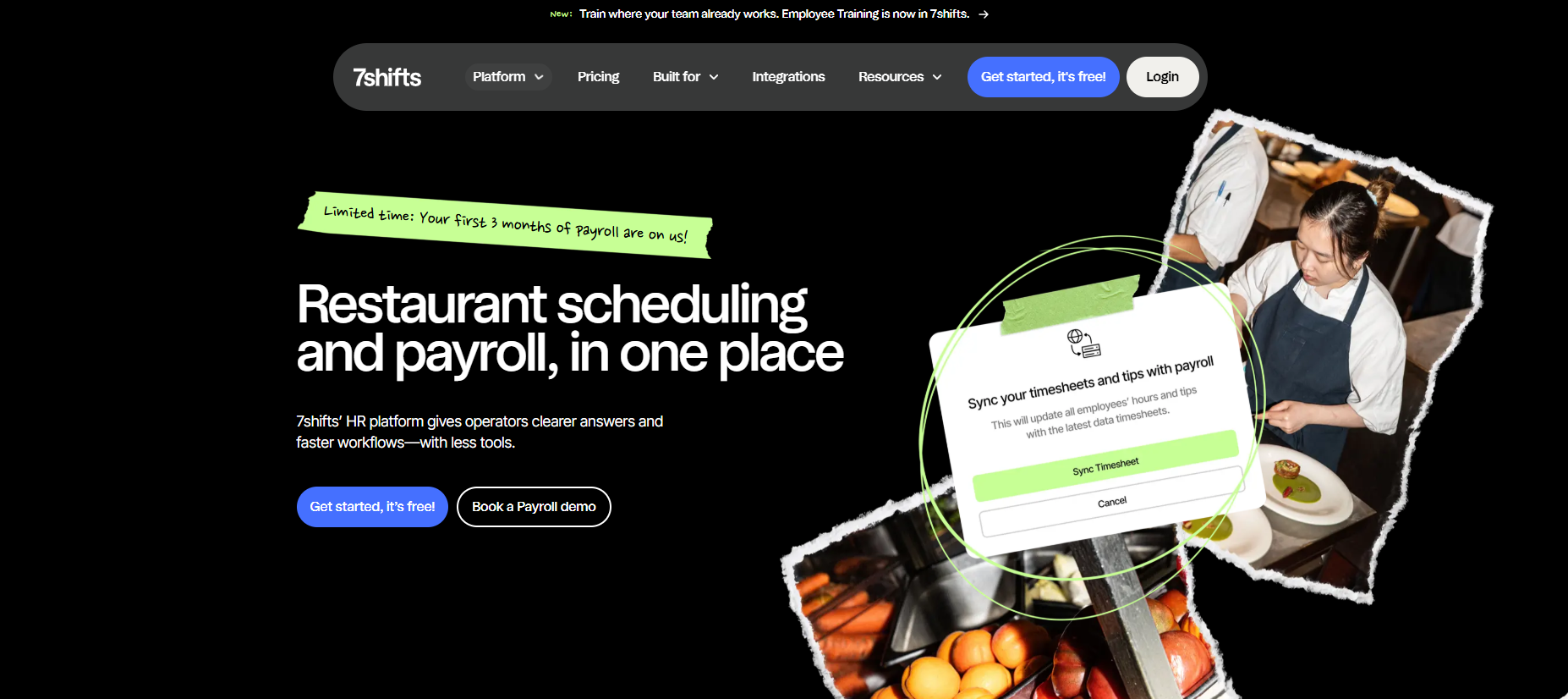
Best for: catering teams whose biggest pain point is staff scheduling and labor costs rather than proposals or menus.
7shifts focuses on shift scheduling, labor cost tracking, and team communication rather than the sales side of catering. It's a good fit if your catering operation already runs proposals and bookings through another platform and just needs a stronger way to manage staff schedules across events.
On its own, it isn't built to handle client-facing proposals, contracts, or menu management.
Key features:
- Drag-and-drop shift scheduling
- Labor cost tracking with overtime rules
- Team messaging and shift-change notifications
- Integrations including QuickBooks, Gusto, and Square
Pros: Purpose-built for staff scheduling and labor costs, with straightforward, location-based pricing and a free trial.
Cons: No client-facing proposals, contracts, or menu management, so it works best alongside a dedicated catering management platform.
Pricing: A free plan covers one location and up to 15 employees. Paid plans run from $39.99 CAD a month per location (up to 30 employees) to $134.99 CAD a month per location for unlimited employees, all with a 14-day free trial of the top tier.
See the full 7Shifts Reviews here.
How Catering Software Pays Off Day To Day
The upside of catering software shows up less in any single feature and more in how much friction disappears from daily operations.
Fewer errors is usually the first thing teams notice. Menu items and pricing pulled straight into a proposal cut down on the manual retyping that leads to a wrong quantity or a missed dietary restriction on the day of an event.
Execution gets smoother too. With BEOs and event details centralized, your kitchen, service staff, and delivery drivers all work from the same information instead of a printed sheet that's already out of date, which adds up to a more consistent customer experience for the client footing the bill.
Off-premise dining, including catering, now makes up nearly 75% of all restaurant traffic, according to the National Restaurant Association, which makes that kind of coordination more important than it's ever been.
Time savings add up the longer you use the platform. Reusable templates, automated follow-ups, and centralized reporting mean less time on admin and more time actually running events or catering orders.
How To Choose The Right Catering Software For Your Business
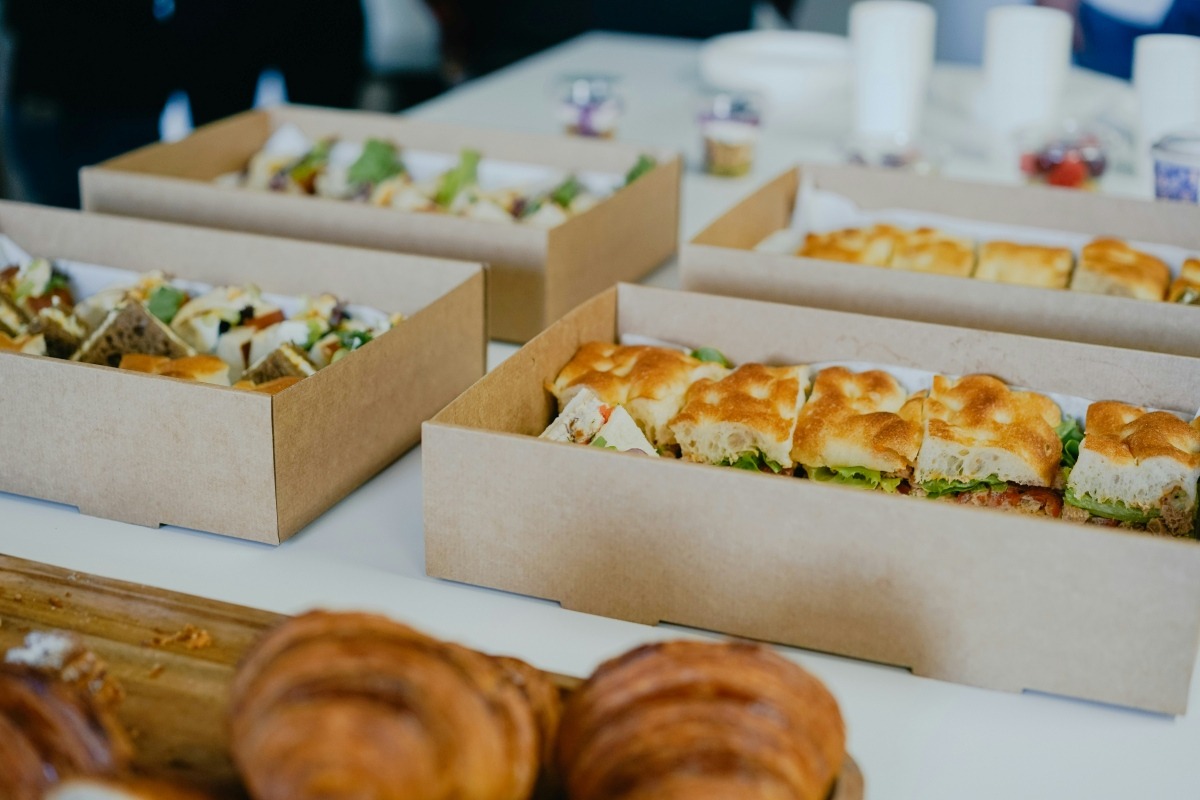
The right choice depends on which part of your catering operation actually causes the most friction today and what features would benefit your operations.
If proposals and event planning are the bottleneck, prioritize a platform like Perfect Venue, Total Party Planner, or Curate that centers on the sales and planning workflow.
If staff scheduling and labor costs cause more headaches than menus and contracts, a dedicated tool like 7shifts might matter more than deeper menu costing features.
Many restaurants and hospitality groups end up using more than one: a catering event management platform for events and larger catering, a scheduling tool for staff, and an online ordering tool for smaller recurring orders.
Whatever you choose, make sure your catering leads actually get tracked from first inquiry to signed contract, since a great platform paired with a leaky sales process still leaves revenue on the table.
Conclusion
The right catering software comes down to matching the platform to how your business actually books and runs orders, whether that's large private events, recurring office lunches, or some mix of both. Look past the feature list and pay attention to how much manual work each option actually removes from your team's day.
Perfect Venue gives restaurants, caterers, and hospitality groups one place to manage proposals, BEOs, contracts, and payments for every catering order and event. Sign up for free to see how it fits your catering business.
Frequently Asked Questions
How Much Does Catering Management Software Cost?
Catering management software pricing typically runs from free plans with limited features up to a few hundred dollars a month, depending on your event volume and the number of users on your team. Many platforms, including Perfect Venue, offer tiered plans so a single-location caterer isn't paying enterprise pricing built for a large hospitality group.
What Is Restaurant Catering Software?
Restaurant catering software usually refers to the same category as catering management software, though restaurants sometimes use the term specifically for tools that manage catering orders alongside their existing dining room point-of-sale system. Whichever term you search, the core job is the same: moving a catering order from inquiry to invoice without losing details along the way.
Is Starting A Catering Company Worth It For A Small Independent Restaurant?
Catering can be a solid additional revenue stream for a small independent restaurant, especially since off-premise orders already make up a growing share of overall restaurant traffic. The upside depends on whether your kitchen has the capacity to handle catering orders without disrupting regular dining service, so it's worth starting small and building out your catering marketing plan as demand grows.
How Do I Get Catering Clients As A Restaurant?
Most restaurants land their first catering clients through their existing customer base, local business outreach, and a catering marketplace listing that puts them in front of businesses actively searching for options. From there, a fast, professional response to every inquiry is usually what separates the caterers who win repeat corporate business from the ones who only get a one-time order.


