The best BEO software builds your banquet event order automatically from event details you've already entered, instead of leaving you to rebuild the document by hand every time a guest count or menu item changes.
Perfect Venue, Tripleseat, Planning Pod, and Caterease each offer this as a built-in feature, and they're the four platforms venue managers ask us about most. Below, we break down what each one does well and where it falls short.
TL;DR
A Banquet Event Order (BEO) is the master document that keeps your kitchen, front-of-house team, and clients working from the same details. Manual BEOs hold up fine at a small scale, but they get messy once you're running several events a week.
Perfect Venue, Tripleseat, Planning Pod, and Caterease all offer built-in BEO software.
- Perfect Venue fits independent restaurants, breweries, and small venue groups that want BEOs generated automatically from data you've already entered.
- Tripleseat and Planning Pod suit larger venues and multi-space operations juggling higher event volume.
- Caterease is built specifically for catering-heavy businesses like country clubs and off-premise caterers.
What Is a Banquet Event Order (BEO)?
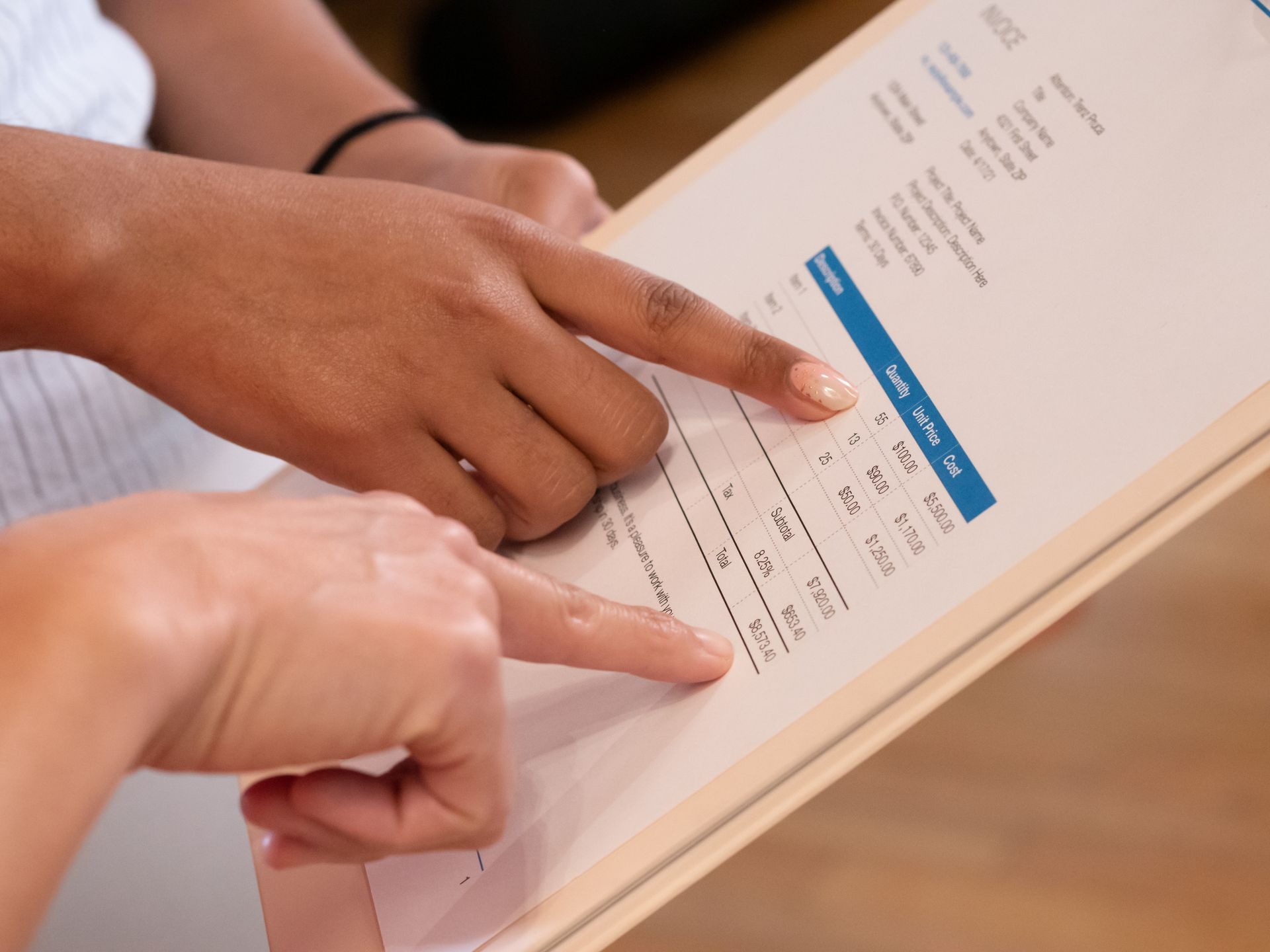
A Banquet Event Order (BEO) pulls together all the important details of an event: the client's contact information, the event timeline, the menu, the floor plan, and a financial summary.
It's the single source of truth everyone on your team and every vendor works from, so nobody's guessing at what time doors open or whether the client asked for a vegan option.
When you're just getting started, spreadsheets or a free BEO template will get the job done. But once you're running multiple events a week, that manual process turns into a full-time job of copying and re-copying the same information. That's where dedicated BEO software comes in.
What Should a BEO Include?
Every BEO looks a little different depending on the venue, but in our experience the ones that actually prevent problems on event day cover the same core ground:
- Event basics: date, start and end time, location, and the point-of-contact for the client and your team
- Guest count: both expected and guaranteed numbers, since caterers usually need a final count 48 to 72 hours out
- Menu and dietary details: courses, beverage service, and any allergy or dietary restrictions flagged in advance
- Room setup: table layout, seating chart, and where AV equipment needs to go
- Run of show: the timeline for speeches, toasts, meal service, and any vendor arrivals
- Financial summary: deposits paid, remaining balance, service fees, and any F&B minimums
Why You Need to Get Your BEOs Right
The event industry isn't small, and it's constantly growing. The Events Industry Council's 2026 Global Economic Significance study found that business events generated $1.3 trillion in direct spending worldwide in 2025, up more than 12% from before the pandemic.
Every one of those events runs on some version of a BEO behind the scenes.
At the venue level, we've found the value shows up in smaller, more immediate ways: fewer 9 p.m. phone calls asking where the AV cart is supposed to go, fewer arguments about whether a client actually approved a menu change, and a much easier time training a new hire on how an event is supposed to run.
BEO Software Comparison at a Glance
Top 4 BEO Event Management Software
A BEO pulls from your booking, your menu, your floor plan, and your contract, so it works best as one piece of a bigger event management system rather than a tool on its own.
The four platforms below take that approach: full event management systems that happen to include a BEO tool, so the order builds itself from data you've already put in rather than starting from scratch.
1. Perfect Venue
Perfect Venue is event management software designed to help restaurants, caterers, and unique venues organize and manage events from one consolidated dashboard. In addition to tons of handy tools and features, Perfect Venue has a library of professional pdfs, contracts, and banquet event order templates you can complete and send in minutes.
Rather than pulling event details together by hand, Perfect Venue automatically generates a BEO from the information already stored on the event, so the document updates the moment anything changes.
After sharing banquet event orders with the relevant stakeholders, you can adjust the documents online.
As it’s cloud-based software, edits are updated in real-time for everyone. You can also add internal and proposal notes to your order, providing context or additional information where necessary.
Instead of having a wad of pages to rifle through, your event details are consolidated onto one easy-to-read document. This reduces the chance of accidentally missing critical information (and saves trees if you plan on printing out your documents).
Perfect Venue also allows you to download BEOs in bulk. Whether you’re planning one event or five, or need different types of BEOs to send to various departments, you can get the correct information across to the people who need it.
For the main banquet event order, there’s a full finance breakdown, including taxes, additional fees, remaining payments, F&B Minimums, and more. You can also download it without finances for the Chefs and Kitchen version.
Note that you can add custom fields to the document but can’t customize the layout. That said, the design is intuitive and clean-cut for professional banquet event orders.
Pros
- Automatically generates BEOs from existing event data
- Real-time cloud edits everyone can see
- One consolidated, easy-to-read document
- Built-in online deposits and payments
- Bulk downloads
Cons
- Layout customization is limited to fields, not full design changes
2. Tripleseat
Like Perfect Venue, Tripleseat builds BEO software into its broader event management platform, and proposals, BEOs, contracts, and invoices all generate straight from the event record rather than as separate documents you build by hand.
Update a guest count or swap a menu item, and every document tied to that event reflects the change automatically.
The guest-facing proposal and the internal BEO are two different layouts pulled from the same event. Guests see branding, pricing, and a gratuity selector at signature. Your kitchen and setup teams see headcounts, menu selections, and room configuration, with none of the financial detail.
Tripleseat's billing tools also handle F&B minimums, gratuity, and tax calculations inside the document, so the final invoice should match what the guest signed.
Tripleseat doesn't publish its pricing, so you’ll need to request a quote, and it's worth reading the contract terms closely. Pricing depends on volume, locations, add-ons, and use case.
For a deeper dive, check out our full Tripleseat review.
Pros
- Proposals, BEOs, contracts, and invoices auto-update from one event record
- Separate guest-facing and internal BEO layouts from the same event
- Built-in e-signature with view/sign notifications
- Customize your documents to suit your brand
- Built-in billing logic for F&B minimums, gratuity, and taxes
- BEOs are quick to generate from pre-set templates
Cons
- Advanced features can take time to locate
- Steep learning curve
- Interface can sometimes be slow
3. Planning Pod
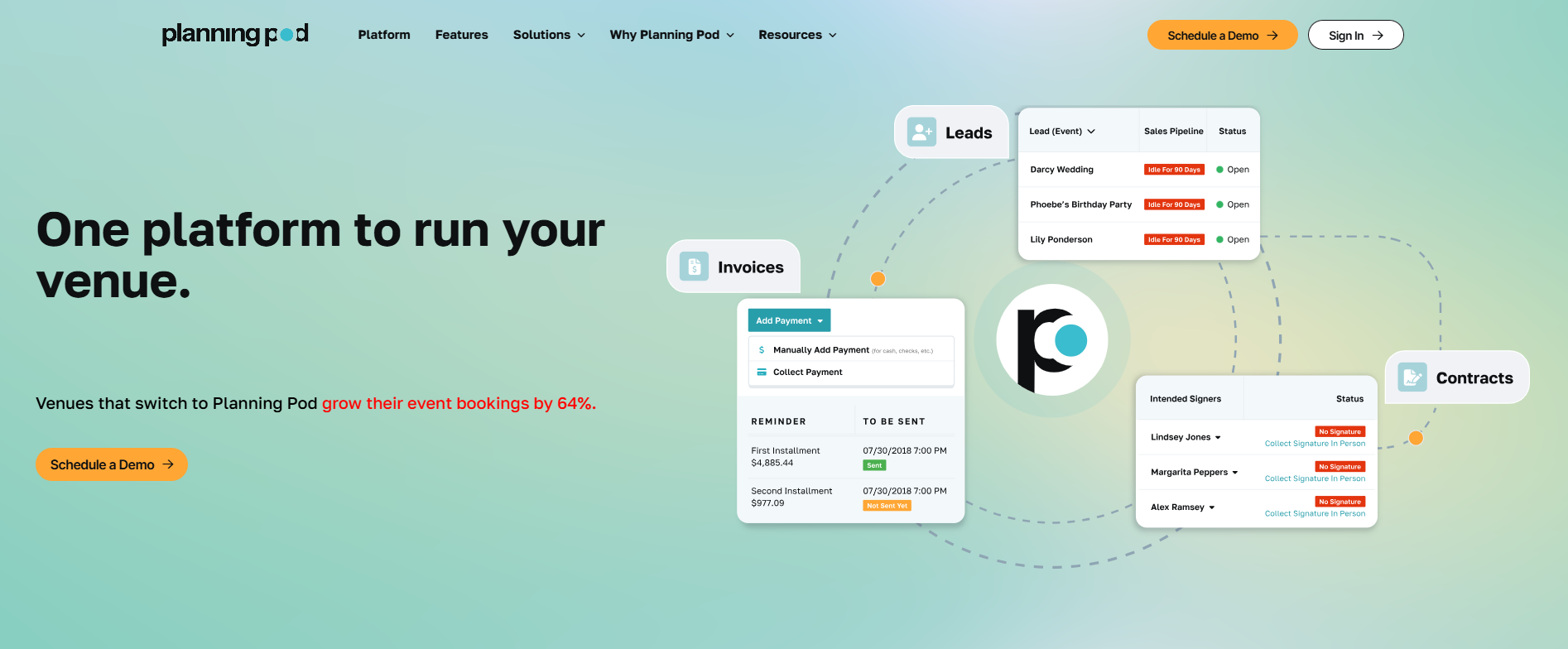
Planning Pod's BEO tool syncs directly with its floor plan and itinerary tools, so a room layout or schedule you've already built can pull straight into the banquet event order without re-entering anything.
Change a headcount, room, or catering item anywhere in Planning Pod, and the BEO updates automatically, so the version in the kitchen is never out of date.
You can start from 7 pre-built layouts (client-facing, front-of-house, kitchen, bar, and delivery among them) or build your own using modular panels for event overview, food-and-beverage, schedule, A/V, setup, and signatures.
Clients sign off through Planning Pod's client portal or an emailed link, and you can view a full version history of who signed what and when. PDFs download individually or in batches by meal type and serving time.
Many users note a real learning curve getting comfortable with the interface, and one complaint is that the BEO tool only pulls in food-and-beverage packages, not general line items, which is a limitation if your events lean heavily on rentals or non-catering costs. Support is generally responsive if you run into something you can't figure out on your own.
For more information, check out our full Planning Pod review.
Pros
- BEOs auto-sync with floor plan, itinerary, and catering tools
- 7 pre-built layouts plus modular, customizable panels
- Client portal with e-signature and signed-version history
Cons
- BEOs only pull in food-and-beverage packages, not general line items like rentals
- Big learning curve
- Some settings and features are hard to locate in the interface
4. Caterease
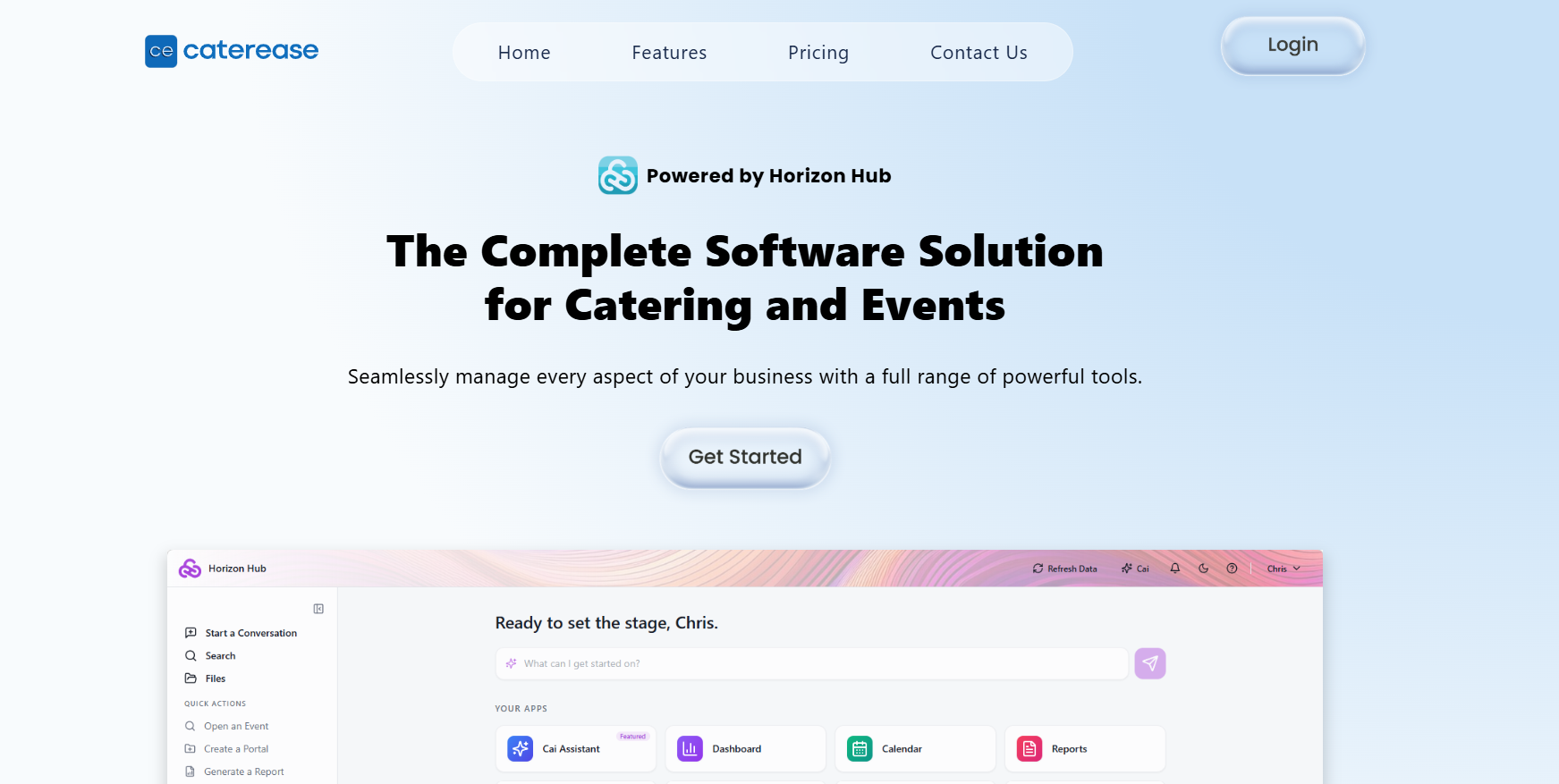
Caterease is one of the longer-standing names in catering software, and it's built specifically for catering operations, though hotels, banquet halls, and country clubs use it too. You can design your own BEO layouts, invoices, and contracts, and use programmable fields so each document only shows the details that the team needs to see.
On the dashboard, you can access past data and communication to merge it with existing client and venue data. This gives you a more holistic overview of the event planning process and allows you to automatically fill in forms without forgetting any details.
Despite the power of this software, it isn’t quite as intuitive as its counterparts when it comes to user experience. This is likely due to it being an established platform that has been on the market for some time.
Caterease offers three pricing tiers (Express, Standard, and Professional) as well as a Starter Pack for those wanting to test out the basic features before committing to a plan.
Pros
- Fully custom BEO, invoice, and contract layouts
- Programmable fields to show only relevant details
- Deep data merge across client and event history
Cons
- The interface looks quite dated and can feel clunky
- Steep learning curve — requires significant training for new staff members
- Runs a bit slow when navigating between different screens or pulling large queries

Choosing the Right BEO Software for Your Venue
The right pick comes down to how many events you run and how complex those events tend to get.
A restaurant or brewery hosting a handful of private dinners a month doesn't need the same tool as a hotel group running back-to-back weddings across multiple ballrooms.
If you're running lean and want a BEO that builds itself from data you've already entered, that's a different problem than needing five customizable document templates for a 40-person events team.
A few things to check before you commit to any platform:
- Count how many BEO versions you actually need. If your kitchen, bar, and setup crew each need a different view of the same event, look for software that splits those out automatically instead of one you'll have to build and maintain by hand.
- Check how it handles costs beyond food and beverage. Some BEO tools are built specifically around F&B packages, so line items for rentals, AV, or extra staffing don't always pull in as smoothly. If those come up often at your venue, ask directly before signing up.
- Look at what it already connects to. A BEO tool that syncs with the calendar, floor plan, or payment processor you're already using saves you from entering the same details twice.
- Ask about the pricing structure. Published tiers make it easier to compare options up front. Quote-based pricing usually means a sales call before you know what you'd actually pay, so build that step into your timeline.
- Match the tool to your team's bandwidth, not just your event volume. The U.S. Small Business Administration's guidance on choosing business software makes a point worth remembering: more features can leave a small team worse off if nobody has time to master them. A lean team is often better served by something simple than a platform built for a 40-person events department.
- Test the trial with a real event, not a sample one. Walk an actual booking through the full flow: proposal, BEO, signature, and payment. That's where a clunky step or a missing feature shows up fastest, well before it costs you time on a live event.
None of the platforms above are the wrong choice. They're built for different scales of business, and the fit depends more on your event volume and how your team likes to work than on which one has the longest feature list.
Start With Perfect Venue
Managing events well means keeping a dozen moving pieces straight at once: the headcount that changed twice this week, the menu swap nobody flagged to the kitchen, the AV request buried in an email thread from a month ago.
The right BEO software won't do the planning for you, but it will stop those small details from slipping through the cracks and costing you a client.
If you're an independent restaurant, brewery, or small venue group, we'd point you toward Perfect Venue first.
We built it around the exact problem this post is about: a BEO that generates itself from event data you've already entered, updates in real time, and gives your kitchen a clean, pricing-free version without any extra work on your end. Add in built-in proposals and online payments, and you're running the whole event, not just the paperwork, from one dashboard.
You don't have to take our word for it. Try Perfect Venue for free, load in a real event, and see how it feels to hand your kitchen a BEO that's already correct.
Frequently Asked Questions
What is a Banquet Event Order (BEO)?
A BEO is a document that outlines every detail of an event: the timeline, menu, room setup, guest count, and financial summary. Venues, caterers, and hotels use it to keep every team and vendor aligned on the same plan.
What should a BEO include?
At minimum, a BEO should cover event basics (date, time, location), guest count, menu and dietary details, room and AV setup, the event timeline, and a financial summary with deposits and balances due.
Who prepares the BEO?
Typically the event manager, venue manager, or catering manager who owns the booking pulls the BEO together, often using details confirmed with the client during the proposal and contract stage.
Is a BEO a contract?
Not exactly. A BEO is an operational document, while the contract is the legally binding agreement covering payment terms and cancellation policies. That said, some venues build sign-off into the BEO itself to confirm the client agrees to the final details.
Can software be used to manage BEOs?
Yes. Platforms like Perfect Venue, Tripleseat, Planning Pod, and Caterease all generate BEOs automatically from stored event data, which cuts down on manual re-entry and keeps every version in sync when details change.