
The best HoneyBook alternative for venues and restaurants is Perfect Venue. It books events by space, builds proposals with menu items and food and beverage (F&B) minimums, and creates banquet event orders (BEOs).
HoneyBook is a solid CRM for photographers, planners, coaches, and other small businesses. It covers the full client lifecycle in one platform: lead forms, proposals, contracts, and payments. It now markets itself to venues too. Its calendar and documents are built around projects, though, so venue teams usually start looking at HoneyBook alternatives once they add a second room or a third teammate.
When restaurants and venues move off general CRMs, they tend to name the same gaps: no availability by room, F&B minimums tracked in a spreadsheet, and BEOs typed up by hand.
Below, we list the best HoneyBook alternatives to fill those gaps for venues.
Quick answer: the best HoneyBook alternatives for venues
- Perfect Venue: Best for restaurants, bars, breweries, wineries, hotels, and event venues that book private events across one or more spaces or locations.
- Event Temple: Best for hotels that sell guest room blocks alongside events.
- Planning Pod: Best for venues and planners that want pricing tied to how many events they manage at once.
- Caterease: Best for catering-heavy operations that want deep menu and recipe tools.
- Toast Catering & Events: Best for restaurants already running Toast POS.
- Total Party Planner: Best for full-service caterers that need recipe costing and staff scheduling.
- Dubsado: Best for planners and small studios that want a HoneyBook-style CRM with more free seats.
Why Venues Look for HoneyBook Alternatives
HoneyBook handles leads, contracts, invoices, and payments well, but it doesn't manage rooms, F&B minimums, or BEOs, and a venue team works with all three on a typical private event.
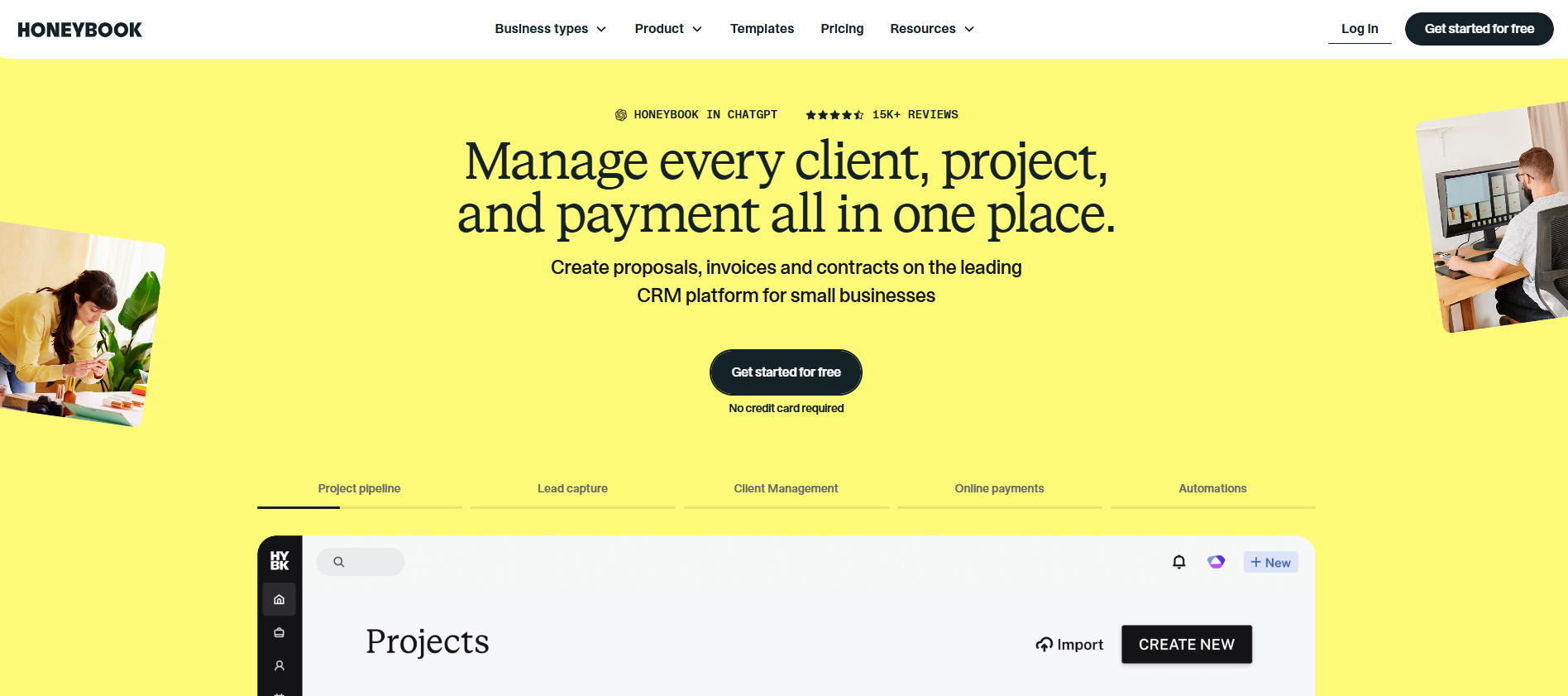
HoneyBook's client management and project management tools suit service businesses that sell one project at a time. You get task management, expense tracking, and a sales pipeline with stages you can rename. Its automations support conditional logic, so a follow-up can depend on what a client did earlier. The template gallery also includes contract templates and proposal templates you can brand and reuse.
With HoneyBook, venues can capture leads with forms, book tours through HoneyBook's scheduler, show 2D floor plans, and clients can e-sign contracts in a branded client portal. For a one-room venue run by one person, it can do the job, but the gaps show up once you sell more than one space or hire a team.
Availability Is Tracked by Project
HoneyBook sets availability per project. Each project's dates show as Free or Busy on one calendar. There isn’t a way to assign a room or space to a project, which is a problem for a restaurant with a patio and a private dining room. You can't see from the calendar which space is open on a given Saturday, so the risk of double bookings goes up as you add rooms.
BEO and F&B Minimum Tracking
HoneyBook offers a BEO template, but it can’t automatically generate them. HoneyBook files let clients pick services and adjust quantities, which works for packages like a photographer's half-day and full-day options. The workflows aren’t built for restaurants. It doesn’t track menu items against a minimum spend, so your team fills in the banquet event order by hand from those choices, often in a separate tool or spreadsheet.
Team Seats and Multiple Locations
Only HoneyBook's Premium tier, at $109 a month billed yearly, includes unlimited team members and multiple companies. So a venue with a sales manager, an events coordinator, and an owner who checks in needs Premium. Essentials adds collaboration features for up to two team members. It also adds automations, SMS reminders, and other communication tools.
HoneyBook Pricing in 2026
HoneyBook costs $29 a month for Starter, $49 for Essentials, or $109 for Premium when billed yearly. Billed monthly, the same plans cost $36, $59, and $129. Payment processing fees come on top. HoneyBook doesn't offer a free plan. All paid plans start with a 30-day free trial, with no credit card required.
HoneyBook's Starter plan sticks to basic tools: basic reports, two live lead forms, and no automations or scheduler. It also has limited customization, since your files show "Powered by HoneyBook" until you move up to Essentials.
HoneyBook processes payments itself. Its pricing page lists Stripe, PayPal, and Square as tools it replaces, so you can't bring your own payment processors. It does connect to third-party tools such as QuickBooks Online and Zapier.
HoneyBook Alternatives Compared
The table below compares each tool’s fit, published pricing, pricing model, and payment options.
If you've outgrown HoneyBook, book a Perfect Venue demo and walk through one of your own events.
7 Best HoneyBook Alternatives for Venues and Restaurants
Each pick below opens with who it suits, then covers features, pricing, and watch-outs.
1. Perfect Venue
Best for: Restaurants, bars, breweries, wineries, hotels, and event venues that book private events across one or more spaces or locations.
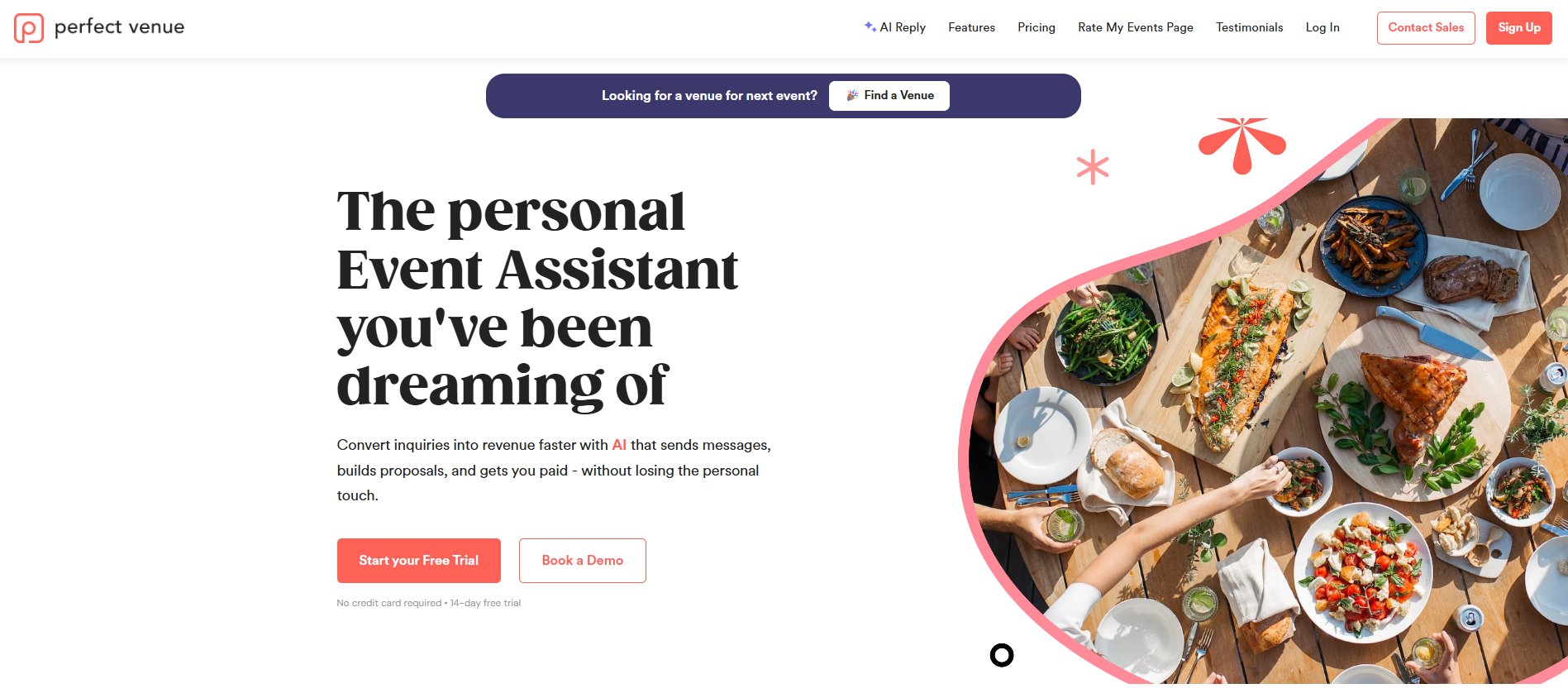
Perfect Venue is event management software for restaurants and venues that sell private events. Each event record holds the space, menu, F&B minimum, contract, and payments, so your team never has to rebuild details in a spreadsheet or a separate BEO.
- Inquiries: Branded inquiry forms sit on your website, and the AI Event Assistant drafts fast, personalized replies.
- Spaces: Your team assigns each event to a space, and the calendar shows availability by room to help you avoid double bookings.
- Proposals: Add menu items in one click and set custom F&B minimums, taxes, and fees. Guests review, e-sign, and pay the deposit through a secure link, so every guest gets the same client experience.
- Follow-ups: Email tracking shows client engagement, such as when a guest opens an email or clicks a link. You know exactly when to follow up.
- Payments and integrations: Guests pay by card through Stripe or Square. Perfect Venue also connects with Google Calendar, Zapier, and 7shifts.
- Operations and reporting: BEOs and event docs come from the event record. Reports track leads, confirmed events, and payments.
Pricing: Professional costs $239 a month, or $199 a month billed annually. Premium costs $339 a month, or $299 billed annually. Enterprise is a custom quote. Pricing is per location; every plan includes unlimited users, and setup, migration, and training are included. Every plan starts with a 14-day free trial, and you don't need a credit card to sign up. Perfect Venue also offers a 30-day money-back guarantee.
Watch-outs: Perfect Venue is built for businesses that sell events and spaces. If you're a photographer or coach selling service packages, a general CRM like HoneyBook fits you better.
2. Event Temple
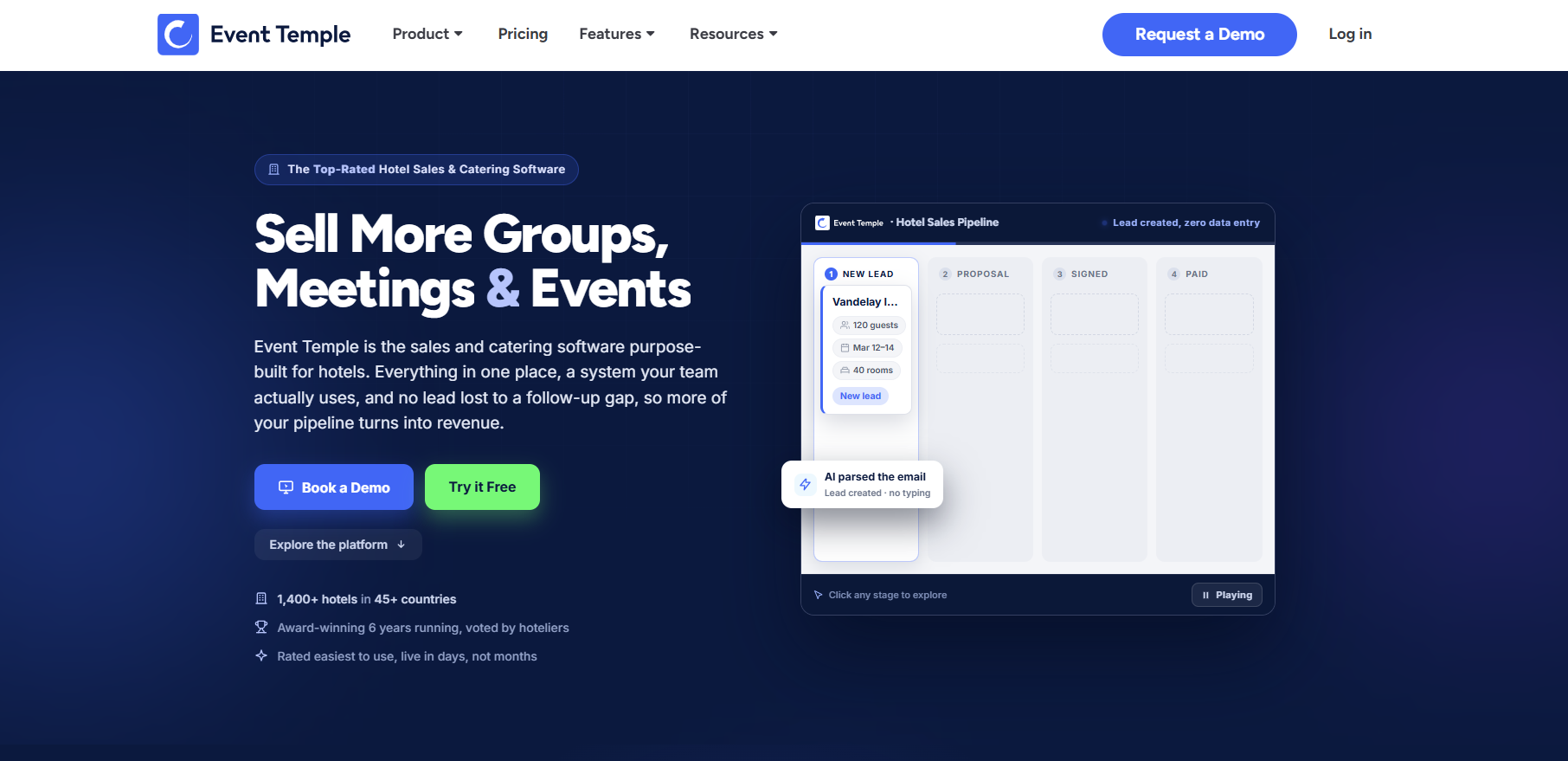
Best for: Hotels and properties that sell guest room blocks alongside events.
Event Temple combines hotel sales and event management in one system.
- Features: A pipeline and sales CRM, digital proposals and contracts, and hotel group sales that keep room blocks and events in one booking record.
- Groups: Event Temple offers chain and group pricing for multi-property hotels.
Pricing: Event Temple lists pricing "starting as low as $249 per month," based on annual payment with a one-year minimum term.
Watch-outs: The annual commitment is a bigger step than month-to-month tools. Our Event Temple review covers its plans and per-user fees in more detail. Hotel teams that mostly sell meeting space and banquets can also look at Perfect Venue, which offers monthly billing.
3. Planning Pod
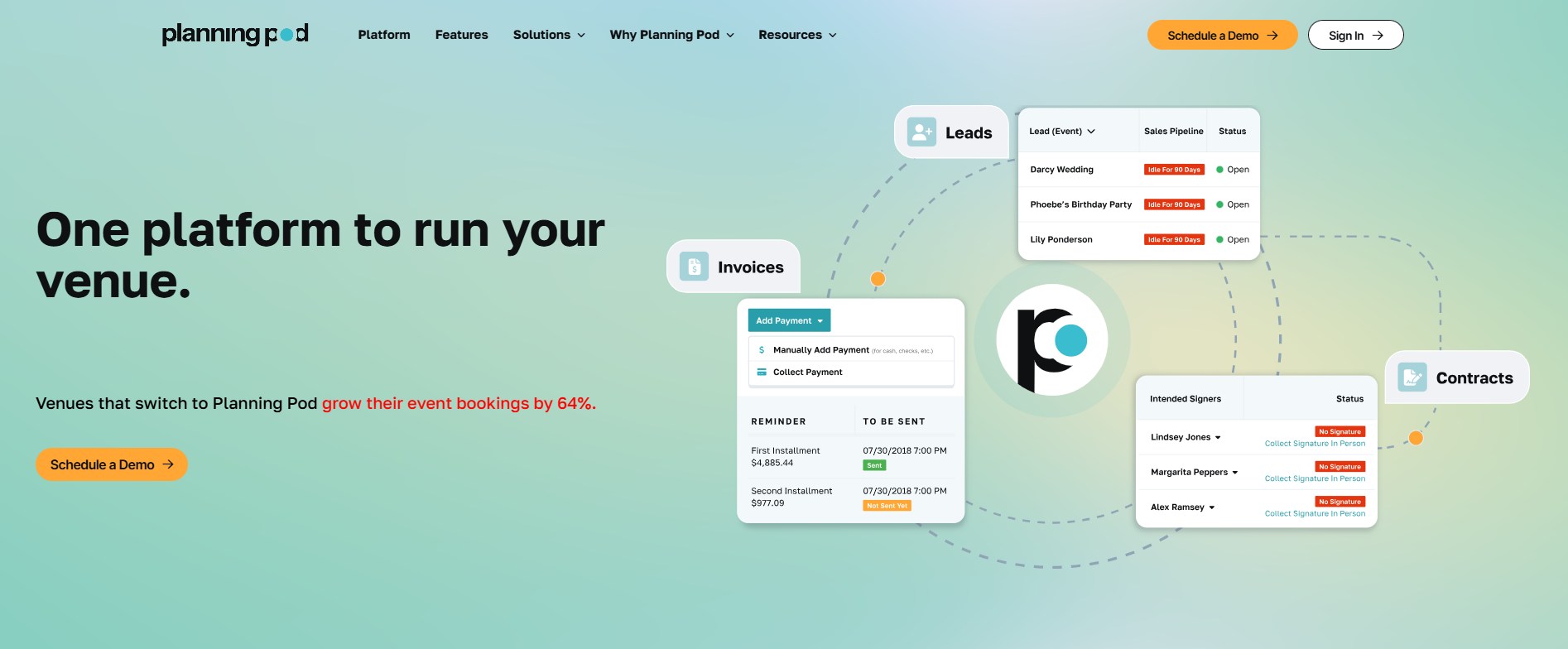
Best for: Venues and planners that want pricing tied to how many events they manage at once.
Planning Pod puts a long list of event tools in one account.
- Features: Planning Pod says it includes "40+" tools, including to-scale floor plans and seating charts.
- Payments: Payment processing is built in, and clients pay through a branded client portal.
Pricing: Planning Pod bases pricing on the number of events you manage at any given time. According to Planning Pod's FAQ, a single-location venue usually pays $199 to $319 a month. Annual plans are also offered.
Watch-outs: Your bill can rise in a busy season. The floor plan tools also feel a bit dated. See our Planning Pod Review: Features, Pricing, Pros & Cons in 2026
4. Caterease
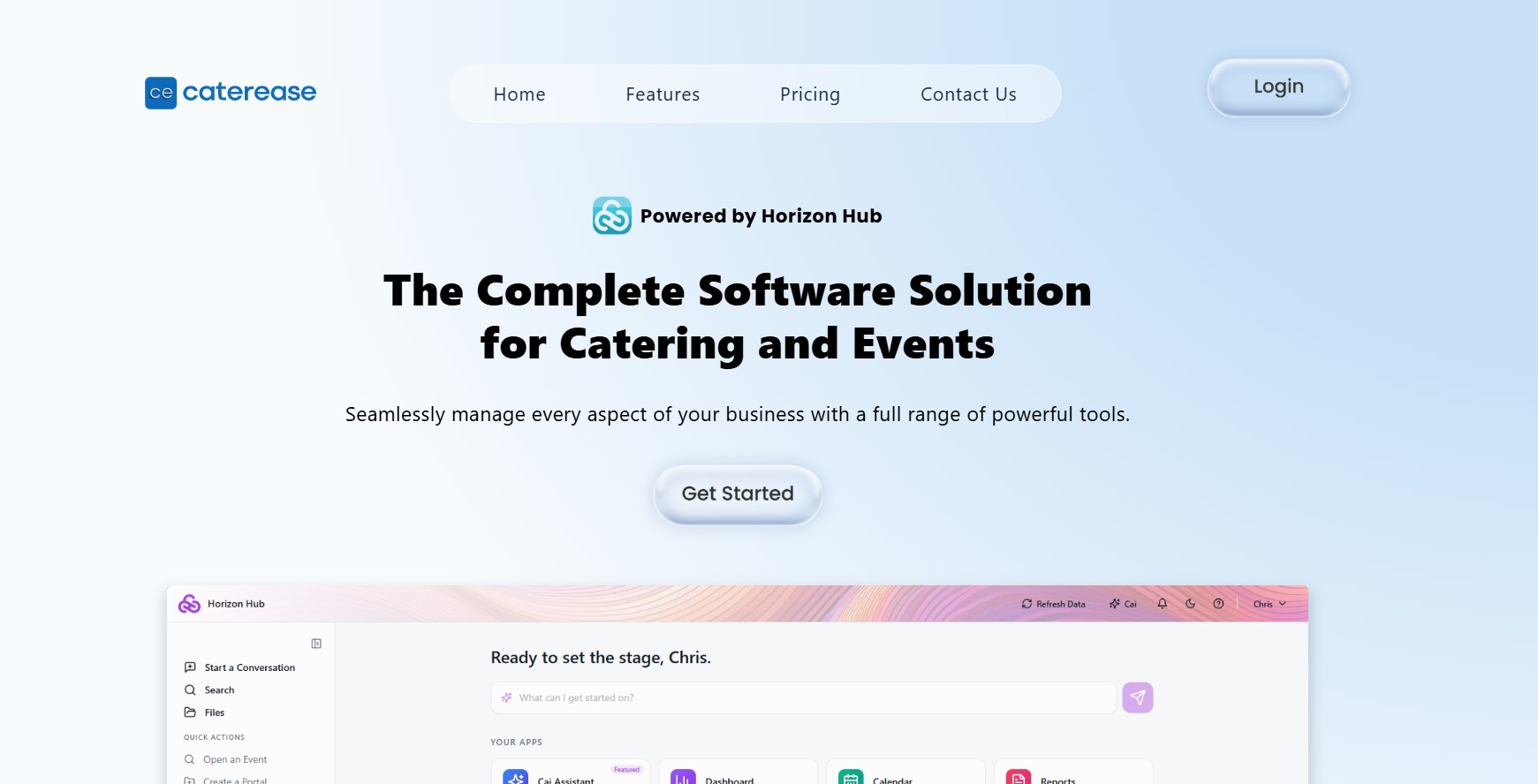
Best for: Catering-heavy operations that want deep menu and recipe tools.
Caterease goes deep on menus, recipes, and catering logistics, and it charges per user.
- Plans: Express costs $99 a month, Standard $149, and Professional $199, all billed annually.
- Users and fees: Each added user costs $28 a month, plus a $200 one-time launch fee per user.
- Add-ons: Extra modules cost $25 a month each.
Pricing: A team of three on Standard pays $149 plus two added users at $28, or $205 a month. Add $600 in launch fees for the first year.
Watch-outs: Per-user fees grow with your team. Our Caterease review found the tool can be more than a single venue needs.
5. Toast Catering & Events
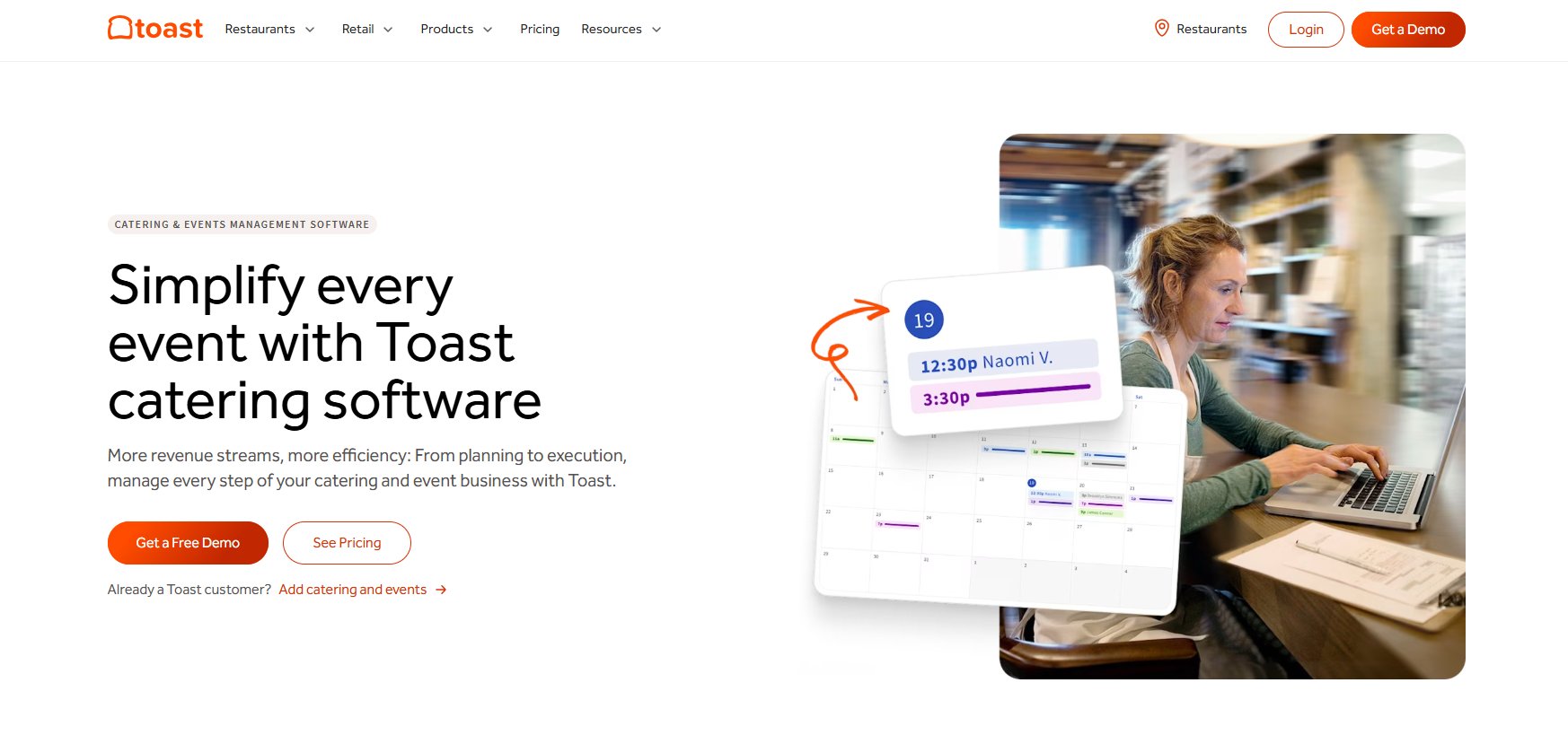
Best for: Restaurants already running Toast POS that want catering orders and events in the same system.
Toast Catering & Events adds catering and event orders to the Toast system restaurants already use.
- Features: Embeddable lead forms, BEOs built from templates, and quotes with contract terms customers can approve.
- Calendar and billing: All orders show in one calendar inside Toast or in Google Calendar, and you can track invoices and payment status.
Pricing: Toast doesn't publish a price on the product page. It says the subscription starts after your first 10 free orders.
Watch-outs: The product page doesn't mention rooms, spaces, or F&B minimums. It suits catering orders more than private dining room sales. The National Restaurant Association reported in 2025 that nearly 75% of restaurant traffic now happens off-premises. If most of your event revenue leaves the building, an orders-first tool can make sense.
6. Total Party Planner
Best for: Full-service caterers that need menu and recipe costing plus staff scheduling.
Total Party Planner focuses on catering operations, from the menu to the staff schedule.
- Features: Lead and sales management, proposals, invoices, BEOs, and a companion mobile app. Every plan includes TPP Pay for credit, debit, and ACH payments.
- Staff: Staff scheduling, time clocks, and payroll come through integrations such as Nowsta.
- Online ordering: TPPorder is an add-on. It costs $149 a month on Nibble, $129 on Feast, and $119 on Delicacy.
Pricing: Nibble costs $119 a month and includes one user. Feast costs $299 a month with two users, and Delicacy costs $429 a month with three. Each added user costs $25 a month on any plan. TPP takes 10% off annual subscriptions. A team of three on Feast pays $299 plus one added user, or $324 a month.
Watch-outs: E-signatures cost extra, and per-user pricing grows with your team.
See our Total Party Planner review for more about this tool.
7. Dubsado
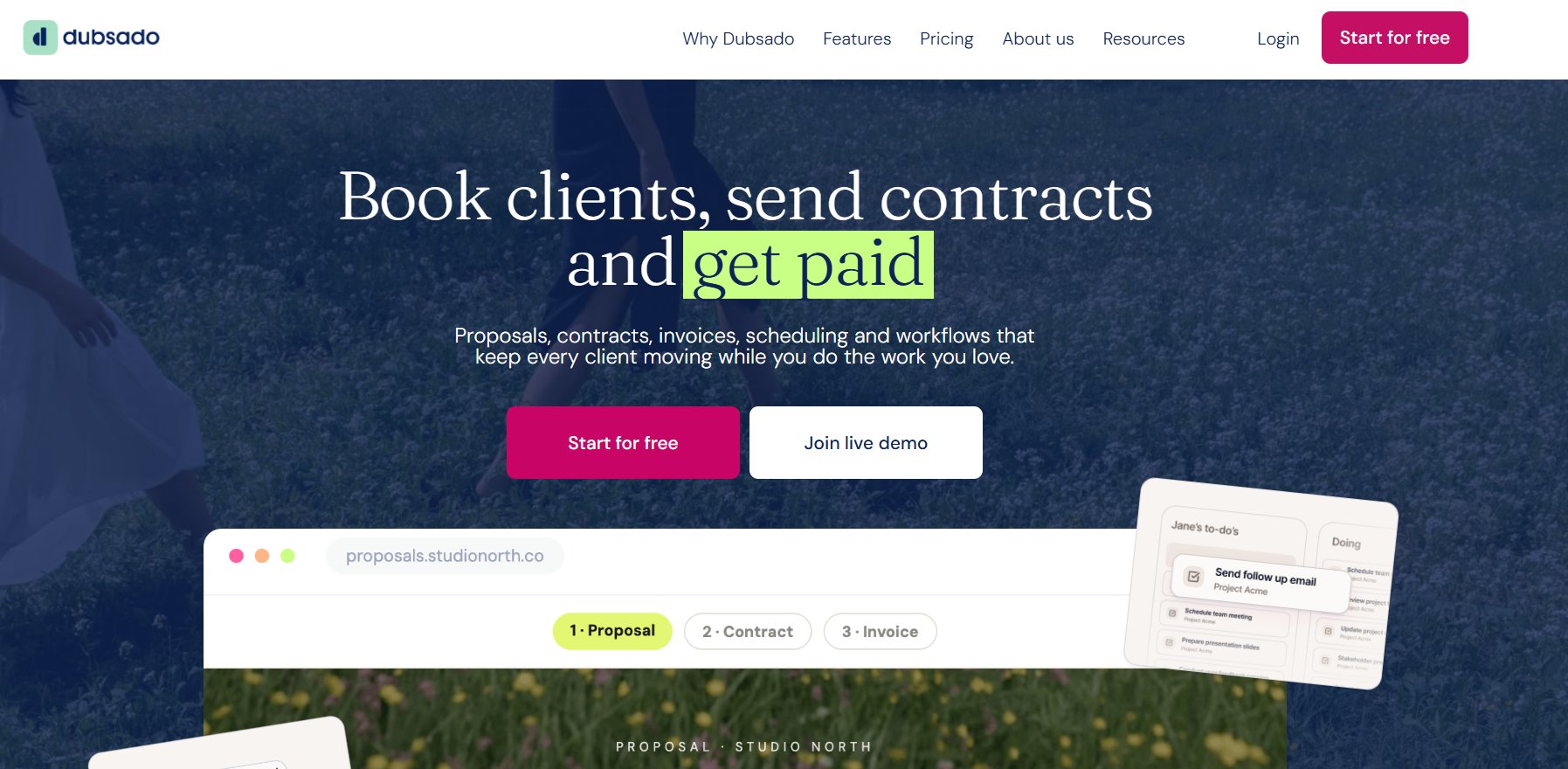
Best for: Planners and small studios that want a HoneyBook-style CRM with more free seats.
Dubsado is a general client CRM that sells to the same small service businesses as HoneyBook.
- Features: Unlimited projects and clients, invoices and payment plans, client portals, and calendar sync.
- Plan limits: Starter includes one lead capture form. Premier adds unlimited forms, scheduling, and automated workflows.
Pricing: The Starter Plan costs $335 a year and the Premier Plan $525 a year. Dubsado adds three users for free, then charges $25 a month for 4 to 10 users. Extra brands cost $10 a month each.
Watch-outs: In a HoneyBook vs Dubsado matchup, Dubsado wins on free seats, but neither lists space inventory, BEOs, or F&B minimums on its pricing page. Both are client CRMs rather than venue tools.
How to Choose a HoneyBook Alternative for Your Venue
Start with how you sell events. Venues that sell by space and F&B spend need a venue tool. Caterers that sell orders should look at catering tools, and businesses selling service packages can stay on a general CRM like HoneyBook or Dubsado.
An event management CRM built for venues tracks rooms, menus, and minimums on each event. A general CRM tracks client relationships and projects, and you fill the gaps with spreadsheets.
Seat pricing becomes a higher cost as your team grows. The Bureau of Labor Statistics counted about 172,100 meeting, convention, and event planner jobs in 2025 and projects 6% growth through 2035. If you plan to add a coordinator, check how each tool prices seats before you sign.
Questions to Ask in a Demo
Bring these to every demo:
- Can it show availability for each room or space?
- Can a proposal track an F&B minimum?
- Does it generate BEOs from the event details?
- How are users priced: per seat, per location, or per plan?
- What are the card and ACH processing fees?
- Who moves your existing events and clients over, and what does it cost?
Payments and Card Security
Any tool that takes deposits has to protect card data. The PCI Security Standards Council says its standard applies to all businesses that store, process, or transmit cardholder data.
Perfect Venue stores cards in a PCI-compliant way and collects event payments online, from the deposit to the final balance. Ask every vendor how it handles card storage before you move your deposits over.

Switch From HoneyBook to Perfect Venue
HoneyBook works for small service businesses, but venues that sell rooms, menus, and minimums need tools built for that work.
Perfect Venue books events by space, tracks F&B minimums in every proposal, and builds BEOs from the same event. Every plan includes unlimited users, and the Perfect Venue team handles setup, migration, and training.
Book a Perfect Venue demo to see your rooms, menus, and BEOs in one place.
See Perfect Venue vs HoneyBook for a full comparison and choose the right one for your business!
Frequently Asked Questions
What is the best HoneyBook alternative for venues?
Perfect Venue is the best HoneyBook alternative for venues and restaurants. It books events by space, tracks F&B minimums in proposals, and builds BEOs from each event. Event Temple suits hotels that sell room blocks with events. Planning Pod suits venues that want pricing based on how many events they manage at once.
How much does HoneyBook cost?
HoneyBook costs $29, $49, or $109 a month billed yearly, or $36, $59, and $129 billed monthly, for Starter, Essentials, and Premium. Card processing fees start at 2.7% plus 10 cents, according to HoneyBook. Bank transfers cost 1.5%. Only Premium includes unlimited team members.
Does HoneyBook have a free plan?
No. HoneyBook doesn't offer a free plan. Its paid plans start at $29 a month billed yearly, and each one begins with a 30-day free trial. You don't need a credit card for the trial. HoneyBook also gives a full refund if you're not happy within your first 60 days.
Is HoneyBook good for event venues?
HoneyBook can work for a single-space venue that needs lead forms, contracts, and payments. It marks project dates Free or Busy on one calendar, so it doesn't track availability by room. Its features don’t include automatic BEOs or F&B minimums, so venues with several spaces tend to outgrow it.
Can HoneyBook prevent double bookings across rooms?
No. HoneyBook marks project dates Free or Busy on a single calendar, and its help center doesn't describe assigning rooms or spaces to a project. A venue with a patio and a private dining room can't mark each space as booked on its own. Perfect Venue tracks availability for each space separately.


