The best event management software for restaurants is Perfect Venue for independent restaurants, multi-location groups, and hospitality groups. Tripleseat suits venues that want add-on modules, and SevenRooms suits restaurants that want guest data and reservations in one system. Eventbrite, Planning Pod, and Toast Catering & Events round out the list for ticketed dinners, floor-plan-heavy venues, and restaurants already on Toast.
These event management software solutions each handle a different part of running private events, such as proposals and banquet event orders, guest data, or ticketing. We've compared all six on price, features, and multi-location support, so you can match a tool to the events you run.
TL;DR
- Restaurant event management software keeps inquiries, proposals, BEOs, contracts, and payments in one system, so private events don't run through scattered emails and spreadsheets.
- Perfect Venue is the pick for single restaurants, multi-location groups, and hospitality groups, with per-location pricing from $199/month (billed annually). Tripleseat starts at $375 per venue per month, and SevenRooms quotes pricing on request.
- The right fit depends on your event volume, how many locations you run, and whether you need extras like ticketing or a guest CRM.
What Is Restaurant Event Management Software?
Restaurant event management software helps you book and run events like private dinners and buyouts at your restaurant, bar, brewery, or venue. It covers the entire event lifecycle, from the first inquiry to the final invoice.
It's a restaurant-focused type of event management software, built around buyouts, private dining rooms, F&B minimums, and BEOs. Conference platforms rarely handle any of those well.
Teams that run events from shared inboxes, spreadsheets, and paper calendars lose track of details fast. That gets worse once you're juggling more than a couple of event bookings a week. A dedicated venue management platform keeps your calendar, event documents, client emails, and payments in one place, so you can skip file sharing over email.
Some event management tools take an all-in-one approach and handle the whole process from a single dashboard. Others focus on one piece, like ticketing, guest marketing, or space planning. Because restaurants host such different special occasions (a Tuesday night buyout looks nothing like a full wedding reception), the best pick depends on what your venue needs.

Why Restaurant Event Management Software Matters
Restaurant event management software matters because private events are big, deposit-backed bookings, and slow replies or messy handoffs lose them. Margins in the hospitality industry don't leave much room for lost bookings. In the National Restaurant Association's 2026 industry outlook, 42% of operators said their restaurant wasn't profitable in 2025.
Demand is holding up, though. The National Restaurant Association projects $1.55 trillion in restaurant and foodservice sales for 2026 in its State of the Restaurant Industry report. A structured private events program helps you fill rooms on nights that would otherwise run slow, and you collect the deposit weeks ahead.
In our experience, events that go sideways usually trace back to a double-booked room, a proposal that sat in an inbox, or a BEO that never reached the kitchen. Good software cuts the manual busywork behind those mistakes, like re-typing menu details into a BEO or chasing a signature over email.
Key Features to Look for in Restaurant Event Management Software
The features that save restaurants the most time across the event planning process are a shared events calendar, digital proposals, automated BEOs, and online payments. If you run more than one location, add multi-location controls to that list.
A Centralized Events Calendar
A shared calendar that shows leads, holds, and booked events at a glance stops double bookings before they happen. Look for color coding by space and by status, so your team can spot an open private dining room in a couple of seconds. It's also the basis of good resource management, because each space shows as open or booked.
Digital Proposals and Contracts
A branded proposal sent within minutes of an inquiry often wins the booking before the guest hears back from another venue. Look for software that lets you build event proposals from templates and collect e-signatures, instead of starting from a blank document every time.
Automated Banquet Event Orders
A banquet event order (BEO) is the internal document that tells your kitchen and floor staff exactly what's happening at an event, down to the menu, setup, and timing. Software that builds BEOs from your event details saves a surprising amount of back-and-forth.
Online Inquiry Forms
A well-built event inquiry form on your website captures the details you need up front (guest count, date, budget). Your team gets to send a first response instead of playing email tag.
CRM and Guest Data
Some platforms build in a full restaurant CRM that tracks every past inquiry and booking, so you can spot repeat clients and follow up on leads that went cold. Others connect to a separate event management CRM instead.
Online Payment Processing
Collecting deposits and final payments online speeds up cash flow and cuts no-shows for events that need a deposit to hold the date. Check the card processing rate as closely as the subscription price. More than 9 in 10 operators say costs like food, labor, and swipe fees are a significant challenge.
Solid event payment tools also let guests pay large balances by ACH, which costs far less than a card. On Perfect Venue's Professional plan, a $4,000 final balance paid by card costs about $136 in fees. On Premium, the same balance paid by ACH costs a flat $5.
Food and Beverage Minimums
Many private dining rooms book on an F&B minimum instead of a room fee. Look for software that sets custom minimums per space and tracks the running total on the proposal, so nobody does the math by hand.
POS and Reservation Integrations
Good event software integrations pass data to the tools your floor team already uses. Perfect Venue, for example, connects with Square, Stripe, OpenTable, Tock, and 7shifts. Ask each vendor which POS it supports before you sign, because this is where double data entry creeps in.
Multi-Location Controls
Restaurant groups need a few extra features that single venues can skip. Look for one login across locations, permissions you can set per employee and per location, shared email templates, and reporting that rolls up across the whole group. Per-location pricing matters too, so a quiet location isn't paying for a flagship's event volume.

Best Event Management Software for Restaurants: Comparison Table
Perfect Venue starts at $199 per location per month on annual billing, and Tripleseat starts at $375 per venue per month. SevenRooms and Toast handle groups too, but you’ll need a quote to see what a group setup costs.
6 Best Restaurant Event Management Software & Tools in 2026
Here's a closer look at each platform, including who it's best for and where it shines and falls short.
1. Perfect Venue: Best All-in-One Event Management Software
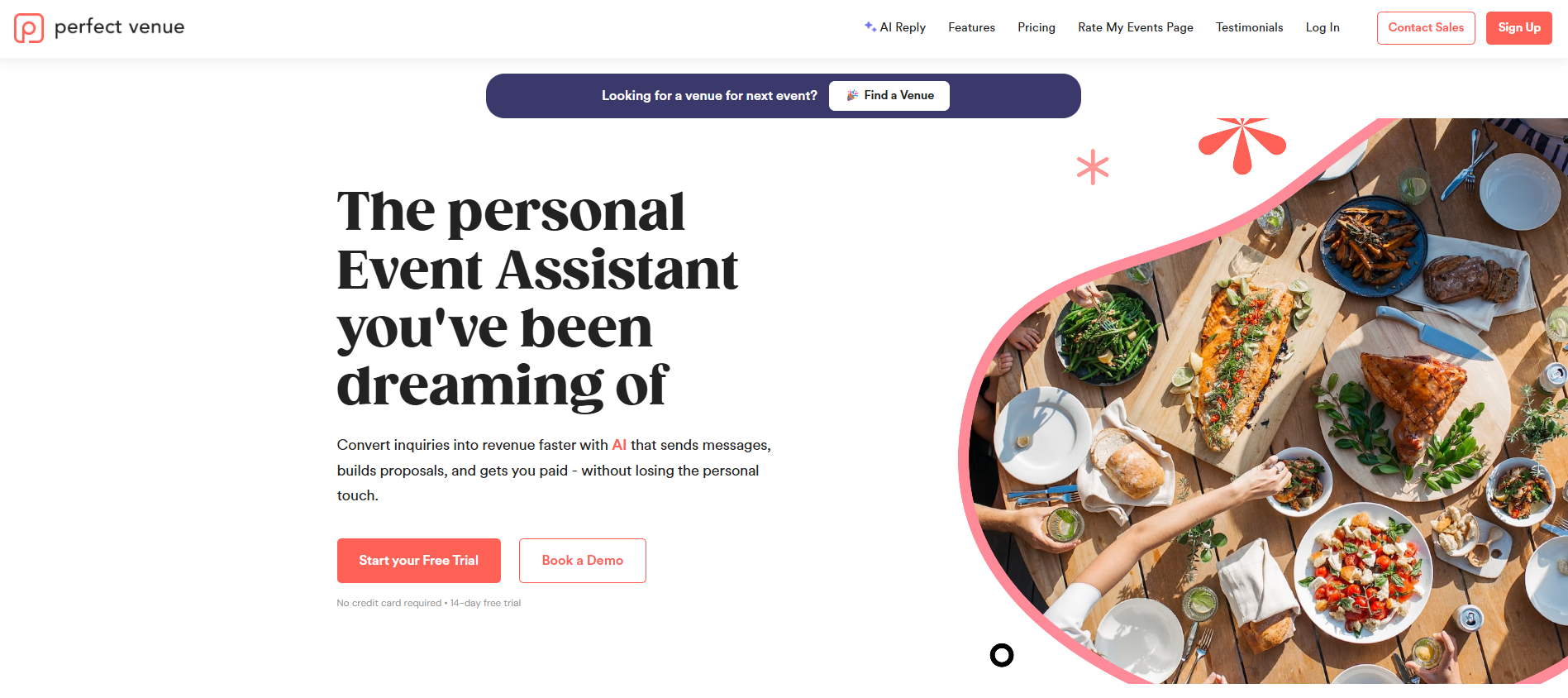
Perfect Venue is event management software for restaurants, breweries, caterers, and hospitality groups that host private events. It takes every event from first inquiry to final payment in one dashboard. Your team stops copying details between inboxes, spreadsheets, and PDFs, and guests get a faster, smoother booking process.
On average, venues that switch to Perfect Venue save 12 hours per week and increase sales by 40% or more. Carolyn Morton of Gott's Roadside said, "We calculated an approximate 24% increase in sales since using Perfect Venue."
Most of that time comes back from the busywork around each booking. Proposals, BEOs, and reminder emails fill in from your event details, and AI Reply drafts responses to new inquiries for your team to review. That's handy when a corporate lead lands at 4 pm on a Friday and your events manager is mid-service. Roy Choi of Kogi BBQ put it this way: "Perfect Venue has cut down on a lot of labor hours by saving time on re-entering information from multiple platforms."
Perfect Venue works for a single restaurant and scales to multi-location groups. One login covers every location a team member works at, with permissions set per employee and per location. You share templates and automations across the group, and each location stays on its own pricing tier. When a guest's first-choice space is booked, your team can offer a space at a sister venue, so the booking stays in the group.
It also brings in new business. Your venue can list on the Perfect Venue marketplace, which works like Airbnb for event spaces. Event planners find and book you there, on top of inquiries from your own website and referrals.
Main Features
- Centralized Events Calendar: Shows every lead and booking by space and status, so you avoid double bookings.
- Task Management: Assigns event tasks to your team, so everyone knows who's handling what.
- Branded Inquiry Forms: Capture guest count, date, and budget, then send a personalized reply within minutes.
- AI Reply: Drafts inquiry responses so you can send them out quicker.
- Digital Proposals: Add menu items in one click, with custom F&B minimums, taxes, and fees.
- Automated BEOs: Automate the repetitive work of building BEOs, or start from a free BEO template.
- Branded Guest Portal: Guests pick add-ons, sign, and pay the deposit from their phone.
- ExpressBook: Lets guests confirm smaller bookings themselves.
- Online Payments: Collect deposits and balances through Stripe and Square, with ACH on Premium and Enterprise plans.
- Email Tracking: Shows when guests open emails and click links, so you know when to follow up.
- Integrations: Connects with Google Calendar, Gmail, OpenTable, Tock, 7shifts, and Zapier.
- Event Analytics: Track event data, goals, conversion rates, and confirmed revenue, with a weekly digest.
- Multi-Location Reporting: Compares sales, lead sources, and rep performance across locations.
Pricing & Plans
Perfect Venue has three tiers, billed per location:
- Professional costs $239/month billed monthly, or $199/month billed annually. It covers the core platform, including the guest portal, ExpressBook, AI Reply, unlimited users, and multiple F&B minimums.
- Premium costs $339/month billed monthly, or $299/month billed annually. It adds sales team features, enhanced branding, ACH payments, and lower card fees.
- Enterprise is a custom quote for venues that need multi-day events, advanced contracting, custom documents, or guest questionnaires.
Card payments run at 2.9% + 30 cents per transaction, plus an added fee of 0.5% on Professional, 0.3% on Premium, and 0% on Enterprise. ACH payments cost $5 each on Premium and Enterprise. Every plan comes with a 14-day free trial, and you don't need a credit card to sign up.
For groups, each venue keeps its own tier. A busy flagship can run Premium while a smaller spot stays on Professional, and one login still covers both.
2. SevenRooms: Good for Event Marketing and Guest Data
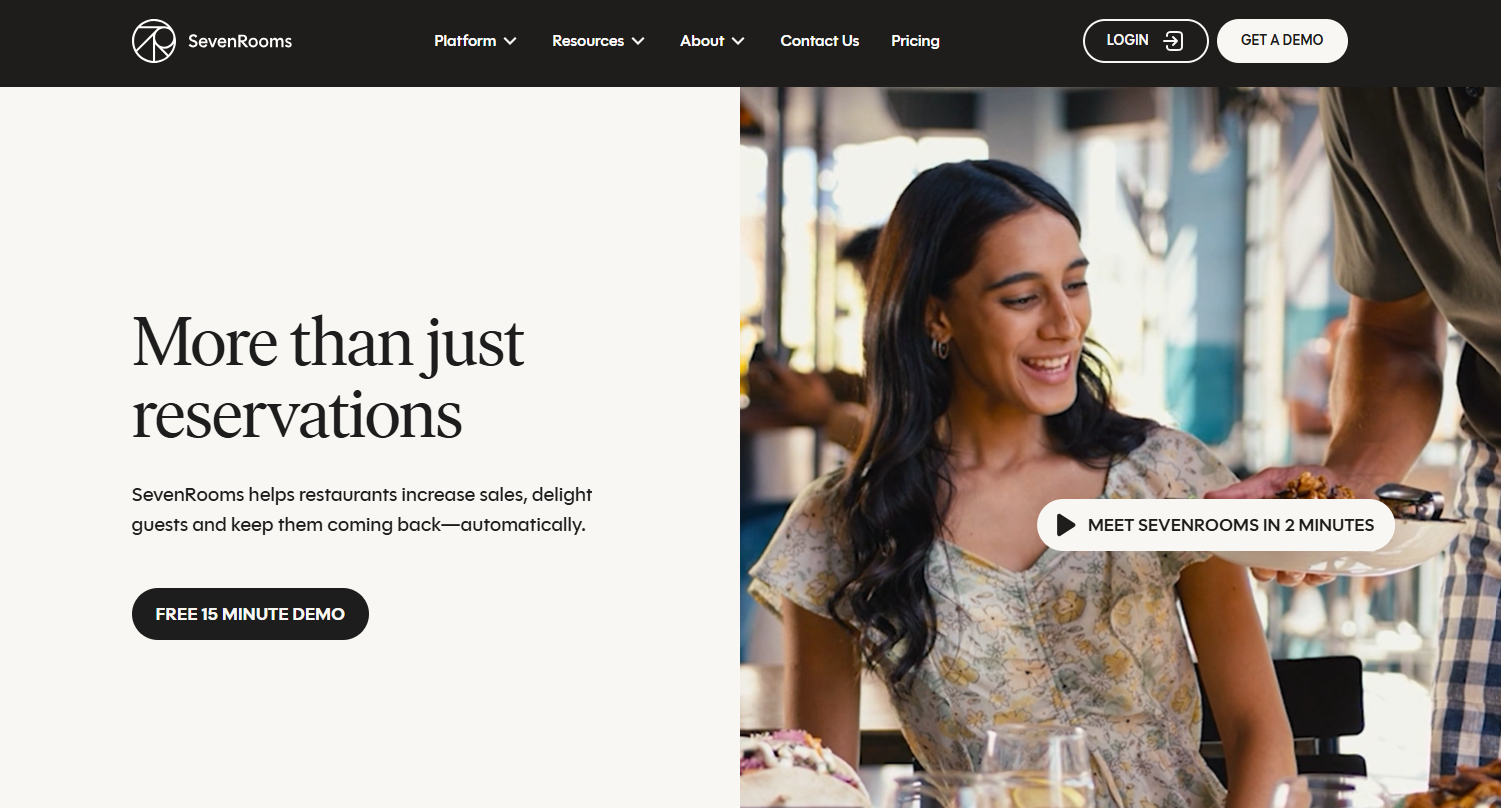
SevenRooms is a hospitality CRM and reservations platform, with event management sold as a paid add-on. It's the best fit if your top priority is knowing your guests and marketing to them. Every reservation adds to a guest profile. Your team can see who's a regular, who's overdue for a visit, and who's worth a personalized offer.
With the events add-on, private dining inquiries run through the same system as your regular reservations. Guests can see menus, minimums, availability, and terms, and pay in one booking flow. Restaurant groups can add the Group Portal to see bookings across venues, manage users in bulk, and report on the whole group.
For event-heavy restaurants, cost visibility is the biggest trade-off among SevenRooms' pros and cons. SevenRooms doesn't publish prices, and events and group tools both cost extra on top of your tier.
Main Features
- Guest CRM: Builds profiles from reservation history, tags, and segments.
- Reservations and Waitlist: Takes branded bookings and manages walk-ins.
- Table Management: Handles table assignments for your host stand.
- Marketplace Access: Lists you for DoorDash and Deliveroo reservation users, with no cover fees.
- Marketing Automation: Sends campaigns based on guest data.
- Reputation Management: Keeps reviews and feedback in the same dashboard.
- Private Events (Add-On): Shows menus, minimums, terms, and payments in one booking flow.
- Group Portal (Add-On): Shows bookings and reporting across venues.
Pricing & Plans
SevenRooms offers three tiers: Starter, Growth, and Premium. Starter covers the CRM, guest profiles, branded reservations, table management, and marketplace access. SevenRooms shares the full Growth and Premium feature breakdown with a quote.
Add-ons like event management, Voice AI, email marketing, and the Group Portal cost extra. You'll need to request a quote for a number.
3. Tripleseat: Best for Managing Event Sales and Bookings
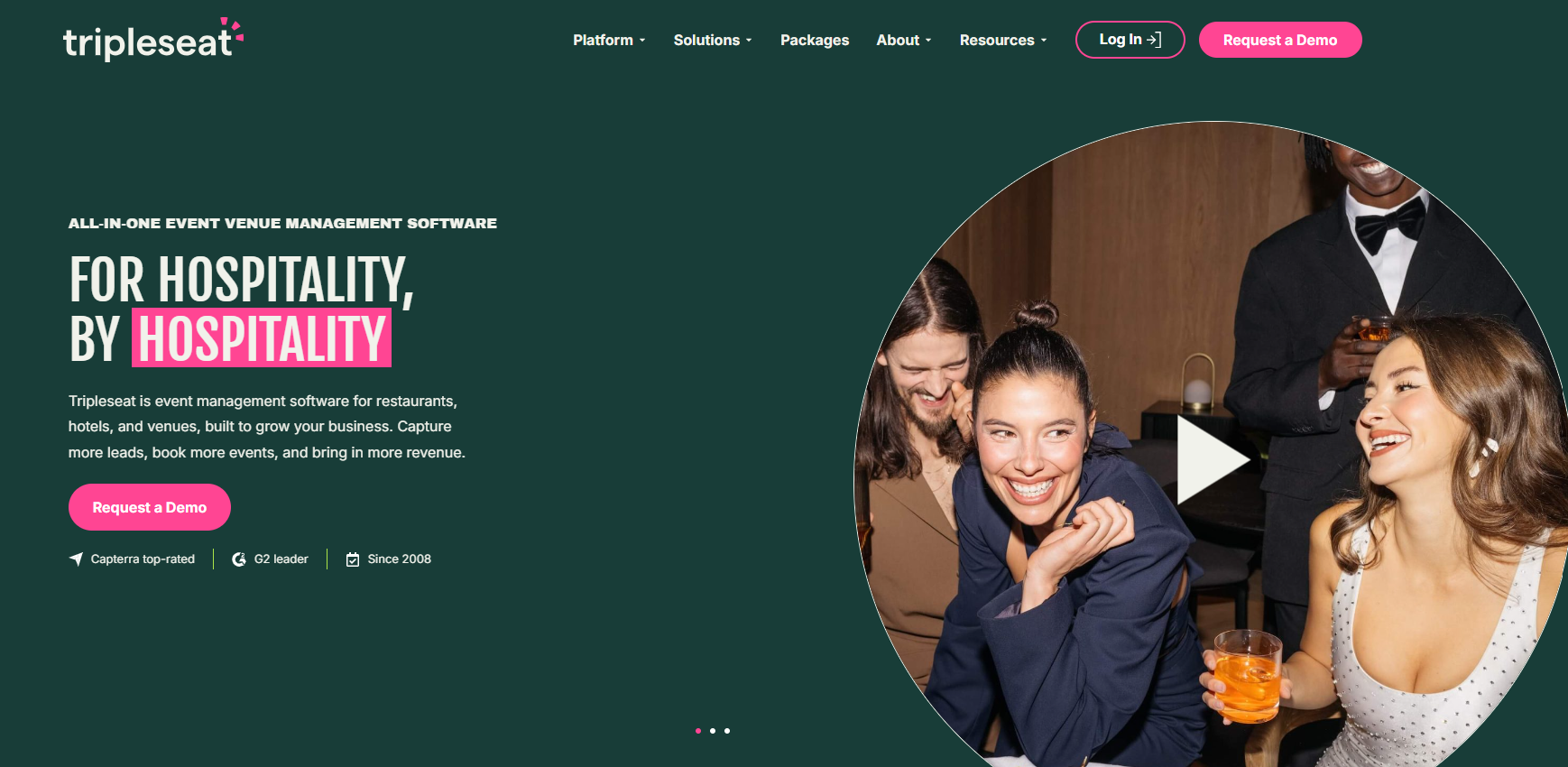
Tripleseat is an event management platform for restaurants, hotels, caterers, and unique venues. It's built to help sales teams close more event business, and it covers capturing leads, booking events, planning details, and tracking growth.
The base platform handles inquiries, BEOs, contracts, and payments. Extras like self-booking, 2D and 3D floor plans, analytics, ticketing, and a venue marketplace listing come as add-ons. An enterprise package supports groups managing event revenue across multiple properties, and Tripleseat Hotels adds room blocks and PMS integration.
The add-on model is one of the main Tripleseat pros and cons to weigh. It suits venues that want to add those extras one at a time.
Main Features
- Inquiry Inbox: Pulls event requests from every channel into one place.
- Web Forms: Collect event details up front.
- BEOs, Contracts, and E-Signatures: Send documents out for digital signature.
- Online Payments: Collect deposits and payments in the same dashboard.
- Automated Messages: Trigger follow-ups based on rules you set.
- Direct Book (Add-On): Lets guests book smaller events 24/7, with your approval.
- Floor Plans (Add-On): Builds 2D and 3D event layouts.
- Insights (Add-On): Tracks revenue trends and event performance.
- Enterprise and Hotels: Supports multi-property groups, room blocks, and PMS integration.
Pricing & Plans
Tripleseat starts at $375 per venue per month, and every plan includes unlimited users, integrations, and full feature access. It sells four packages: Tripleseat, Tripleseat + Direct Book, Tripleseat + Floor Plans, and Tripleseat Hotels. Add-ons like Venue Marketplace, Insights, and Tickets cost extra, and Tripleseat doesn’t publish their prices.
4. Eventbrite: Best for Sharing Your Events to the Public
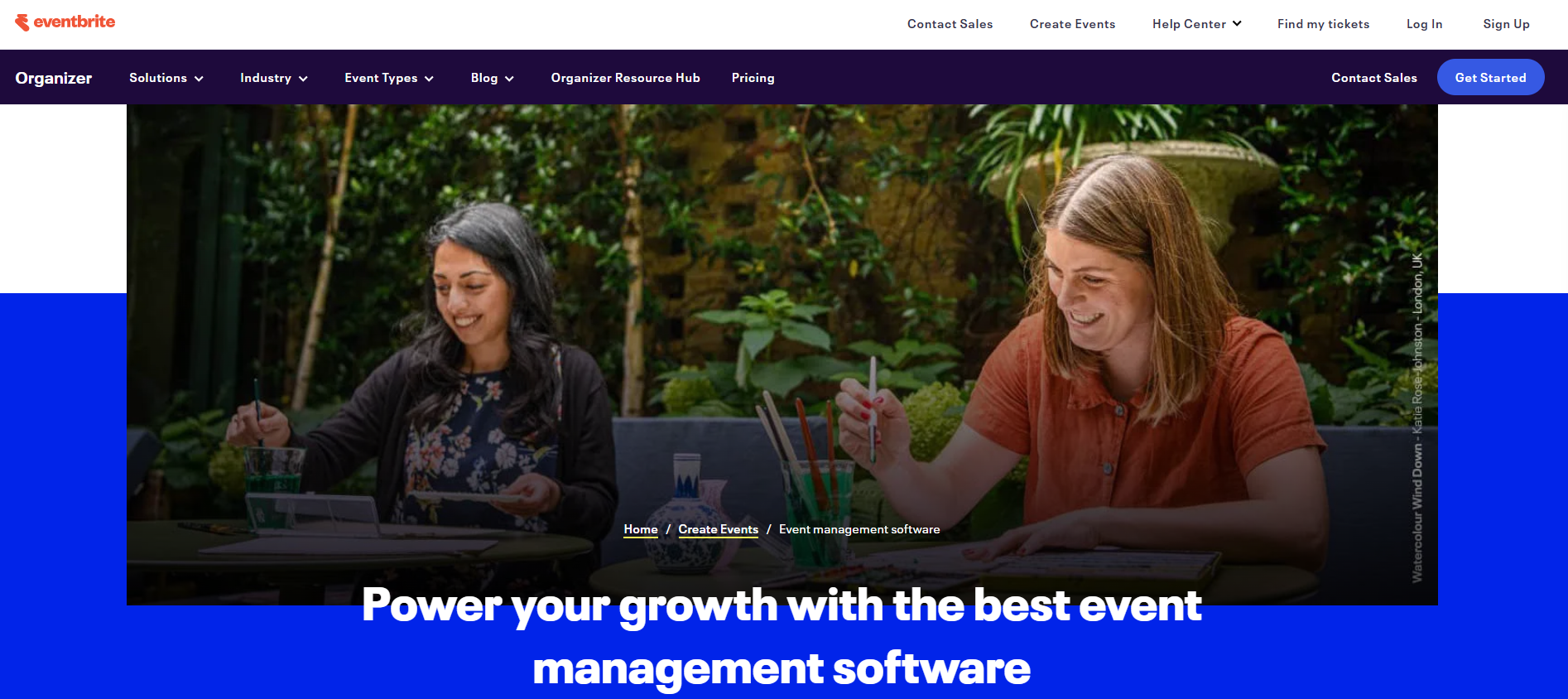
Eventbrite is a ticketing and promotion platform for public events. Restaurants use it to sell seats at ticketed dinners, tastings, or classes, and to reach people browsing for things to do nearby.
Its biggest strength is distribution. Your event shows up in Eventbrite's marketplace, and paid email marketing and ads help you reach past attendees and new guests. Free events cost nothing to list, and paid tickets carry a per-ticket fee you can pass on to guests.
Eventbrite doesn't handle private buyouts, contracts, or BEOs, so you'll still need a separate system for private events.
Main Features
- Online Ticketing: Creates checkout-ready event pages.
- Marketplace Listing: Puts your event in front of people searching Eventbrite.
- Email Marketing (Eventbrite Pro): Sends campaigns to past attendees.
- Ads: Promotes events in select markets.
- Promo Codes: Run early-bird or industry-night discounts.
- Sales Dashboard: Tracks ticket sales in real time.
- Fee Options: Pass ticket fees to attendees or absorb them.
Pricing & Plans
Publishing free events costs nothing. Paid tickets carry a fee of 3.7% plus $1.79 each, and Eventbrite takes another 2.9% of every order for payment processing. You can pass these fees to attendees or absorb them. Email marketing on Eventbrite Pro starts at $15/month.
5. Planning Pod: Best for Floor Plans and Space Layouts
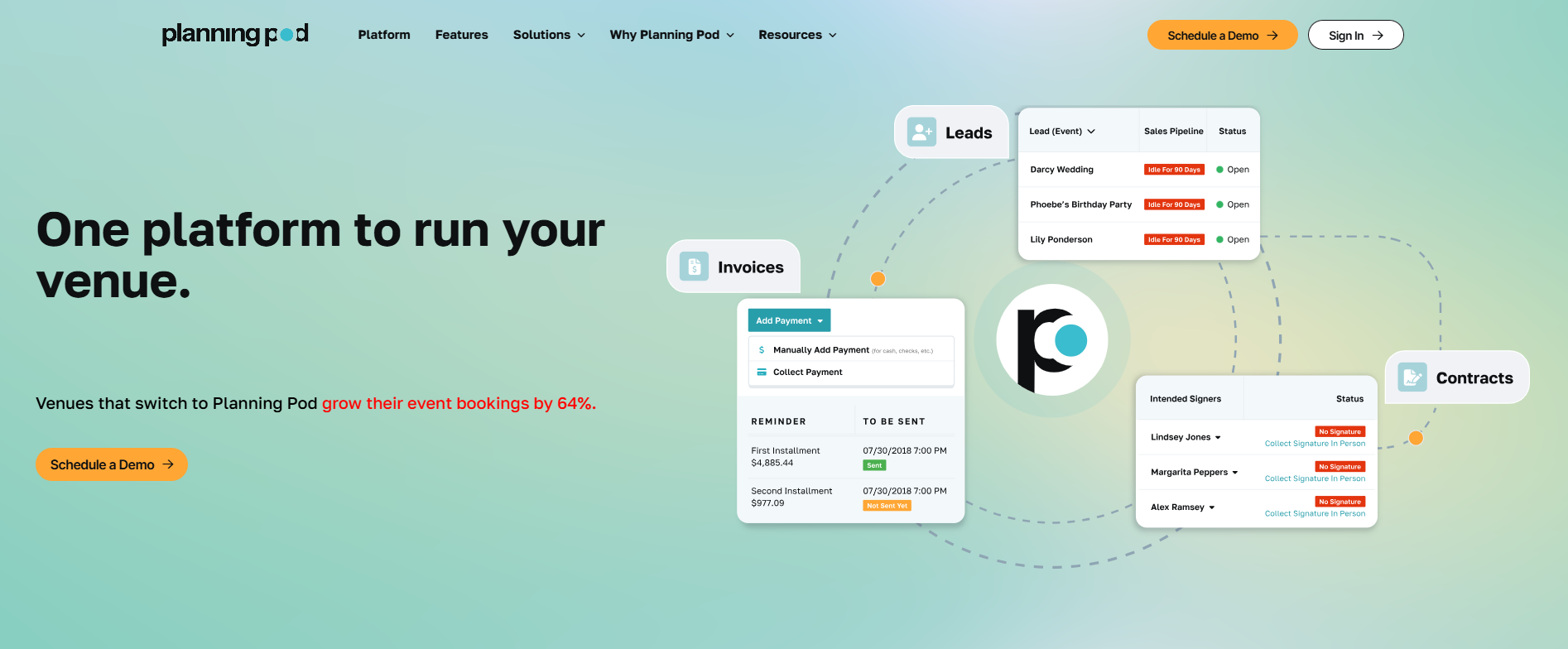
Planning Pod is venue management software for any venue that books and hosts events. It serves restaurants and bars with event space, plus wedding venues, hotels, breweries, and event centers.
It's strongest for venues that plan each event around the room layout. A shared booking calendar sits alongside floor plan tools, so you can see a room's layout before you confirm. Leads flow into a CRM, proposals go out with e-signature, and big events can be split into installment payments.
Event-based pricing is one of the main Planning Pod pros and cons to weigh. Your price depends on how many events you have on the books at once.
Main Features
- Booking Calendar: Shows bookings across all your spaces.
- Floor Plans: Lay out a room before you confirm the booking.
- CRM and Pipeline Automation: Moves leads from intake forms through your pipeline.
- Proposals and E-Signatures: Send proposals clients can sign online.
- Installment Invoicing: Splits large events into scheduled payments.
- Client Portal: Lets clients review details, sign, and pay in one place.
- F&B Management: Tracks each event's menu and food and beverage needs.
- Timelines, Registration, and Ticketing: Covers run-of-show and guest sign-ups.
Pricing & Plans
Planning Pod bases its price on the number of events you have on the books at once, so a quieter venue pays less. It doesn't publish venue prices on its site, so you'll get a figure on a demo call.
6. Toast Catering & Events: Best for Restaurants Already on Toast POS
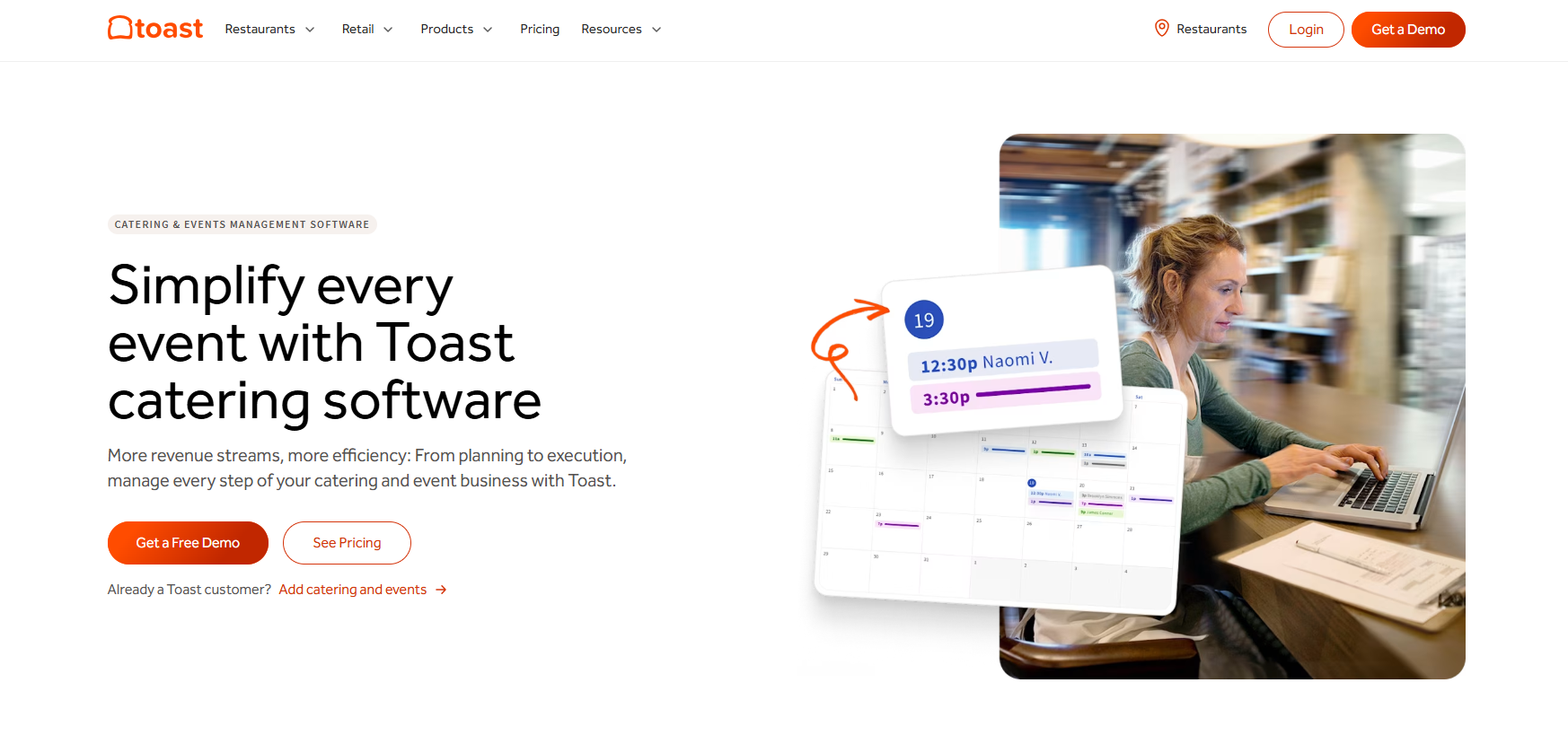
Toast Catering & Events is an event and catering add-on from Toast, the restaurant POS company. It's built for restaurants that already run Toast and want catering orders and private events in the same system as their menus. You build quotes and BEOs from your existing Toast menus, and guests pay the deposit by card straight from the estimate email.
The add-on covers lead forms, quotes, BEOs, a shared calendar, prep lists, and online invoicing. Toast's support guide lists extra features under Catering & Events Pro, including EventView (a branded event page for guests), tasks, automations, and Event Areas, which block double bookings across your spaces.
Restaurants on Toast's multi-location management can also choose which locations take each order type.
It leans toward catering as much as private events. Space availability tools only come with Pro, and guests confirm estimates by typing their name. Toast notes that this may not create a legally binding contract.
Main Features
- Lead Forms: Embed inquiry forms on your website and block dates when you're full.
- Menu-Based Quotes and BEOs: Build quotes and BEOs from your Toast menus, open items, and discounts.
- Guest Approval: Guests confirm the estimate and contract terms before they pay.
- Deposits and Invoicing: Guests pay deposits by card, and saved cards cover the balance.
- Shared Calendar: Shows every order in Toast or Google Calendar.
- Prep Lists and Pack Sheets: Print prep lists, pack sheets, and labels for your kitchen team.
- EventView (Pro): Gives guests one branded page with all their event details.
- Tasks and Automations (Pro): Assign tasks and set up automations so details don't slip.
- Event Areas (Pro): Assign spaces to events to prevent double bookings.
- Multi-Location Targeting: Lets Toast multi-location groups pick which locations take each order type.
Pricing & Plans
Catering & Events is an add-on, and Toast doesn't publish its price. Toast POS plans start at $0/month for the Starter Kit and $69/month for Point of Sale, with custom pricing for larger setups. Your Catering & Events subscription starts after your first 10 orders, so you can test it on live events before you pay. Ask for a quote that spells out which event features are included.

How to Choose the Right Event Management Platform for Your Restaurant
Start with the events you run most, then check cost, integrations, and group features before your team trials a shortlist.
Match the Software to Your Event Types
A bar running the occasional buyout has different needs than a hotel managing weddings, or a caterer coordinating off-site drop-offs. If your venue fits one of those, look at software built for your use case, whether that's event management software for bars or catering event software.
Set a Realistic Budget
Pricing changes often, so check current rates with each vendor instead of relying on an old quote. Event management software pricing usually includes more than the monthly plan. Card processing fees, onboarding, and paid add-ons add up once you're taking deposits for dozens of events a year.
Check What It Integrates With
The best event software syncs with the tools you already use, like your email, calendar, POS, and payment processor. If a platform doesn't connect with your existing stack, you'll end up doing double data entry, which defeats the purpose of switching.
Plan for Multiple Locations
If you run more than one venue, check how the software handles a group before you commit. Ask each vendor three things: can one login cover every location, can you share templates across the group, and does reporting roll up across the portfolio? Per-location tiers let each venue pay for the event volume it runs, which keeps costs down for your quieter spots.
Get Your Team to Test It First
Most of these platforms offer a free trial or a live demo. Have the people who'll use the software day to day try it before you commit. In our experience, the person answering inquiries every day spots workflow gaps in a trial faster than anyone else on the team.

Making the Right Choice for Your Restaurant
The right restaurant event management software matches the events you run and the number of venues you manage. Eventbrite covers public ticketing. SevenRooms fits restaurants that want guest data and reservations in one system. Tripleseat and Planning Pod handle event sales, with different strengths in reporting and space planning. Toast Catering & Events suits restaurants that want event orders inside their Toast POS.
If you want an all-in-one platform built for restaurants, breweries, and hospitality groups, try Perfect Venue. It handles inquiries, proposals, BEOs, and payments from one dashboard, whether you run one location or several. Start your 14-day free trial and see how it fits your event workflow.
Frequently Asked Questions
What is the best event management software for restaurants?
Perfect Venue is the best event management software for most restaurants. It handles inquiries, proposals, BEOs, contracts, and payments in one dashboard from $199/month per location on annual billing. Tripleseat suits venues that want add-on modules, SevenRooms suits guest-data-driven marketing, and Eventbrite suits public ticketed events.
What is the best software for managing private events at a restaurant?
Perfect Venue is the best software for managing private events at a single restaurant. It handles the inquiry, proposal, contract, deposit, BEO, and final payment in one dashboard, from $199/month on annual billing. Planning Pod suits restaurants that lean on floor plans, and Toast Catering & Events suits restaurants already on Toast POS.
Which event management software works best for restaurant groups with multiple locations?
Perfect Venue works best for restaurant groups with multiple locations. One login covers every location, you share templates and automations across the group, and portfolio reporting compares each venue. Each location picks its own pricing tier, so a three-location group running one Premium and two Professional plans pays $697/month on annual billing.
What is the best event management software for hospitality groups?
Perfect Venue is the best event management software for hospitality groups running restaurants, bars, breweries, and event spaces. Each venue keeps its own pricing tier, and portfolio reporting compares sales and lead sources across the group. If your group also runs hotels, compare event management software for hotels too. SevenRooms suits groups focused on guest marketing.
What is the best software for ticketed dinners and public events?
Eventbrite is the best fit for ticketed dinners, tastings, and classes you want to promote to the public. Listing free events costs nothing, and paid tickets carry a fee of 3.7% plus $1.79 each, plus 2.9% for processing. You'll still need a separate system for private buyouts, contracts, and BEOs.
How much does restaurant event management software cost?
Most platforms charge a monthly fee per location. Perfect Venue costs $199 to $299 per month per location on annual billing, or $239 to $339 billed monthly. Tripleseat starts at $375 per venue per month, while SevenRooms and Toast Catering & Events quote on request. Card fees and add-ons change the yearly total, so ask for the full cost.
Does restaurant event management software integrate with a POS?
Some platforms do, but support varies, so check each vendor's integrations list for your POS before you buy. Perfect Venue connects with Square and Stripe for payments, plus OpenTable, Tock, and 7shifts. If you run Toast, its Catering & Events add-on builds quotes and BEOs from your existing Toast menus.
Can event management software help reduce no-shows at private dining events?
Yes. Most platforms let you require a deposit to hold a date, send automatic reminder emails, and show clear cancellation terms before the guest signs. In our experience, the required deposit does the most work, because the guest has money on the line and a reason to show up.